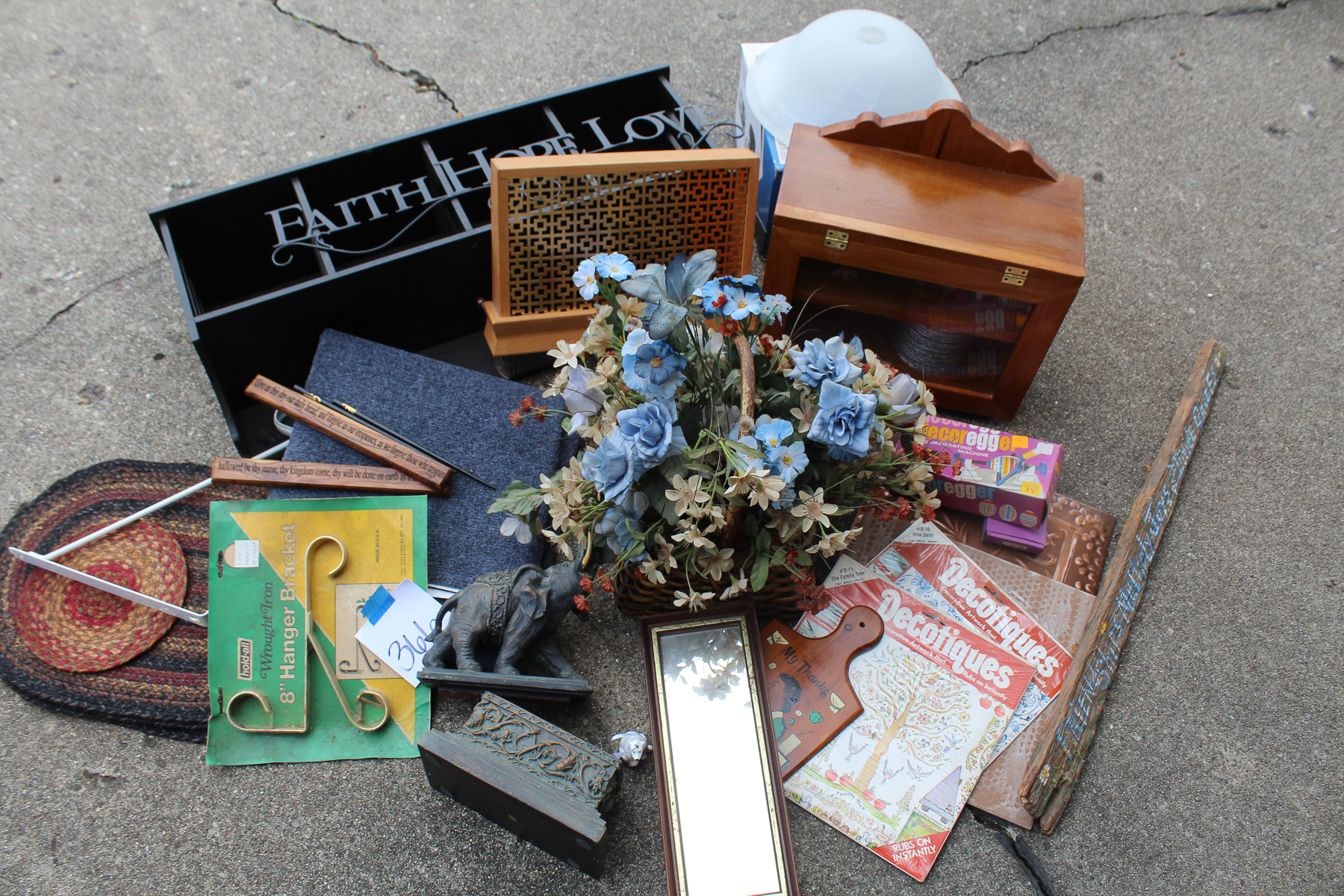
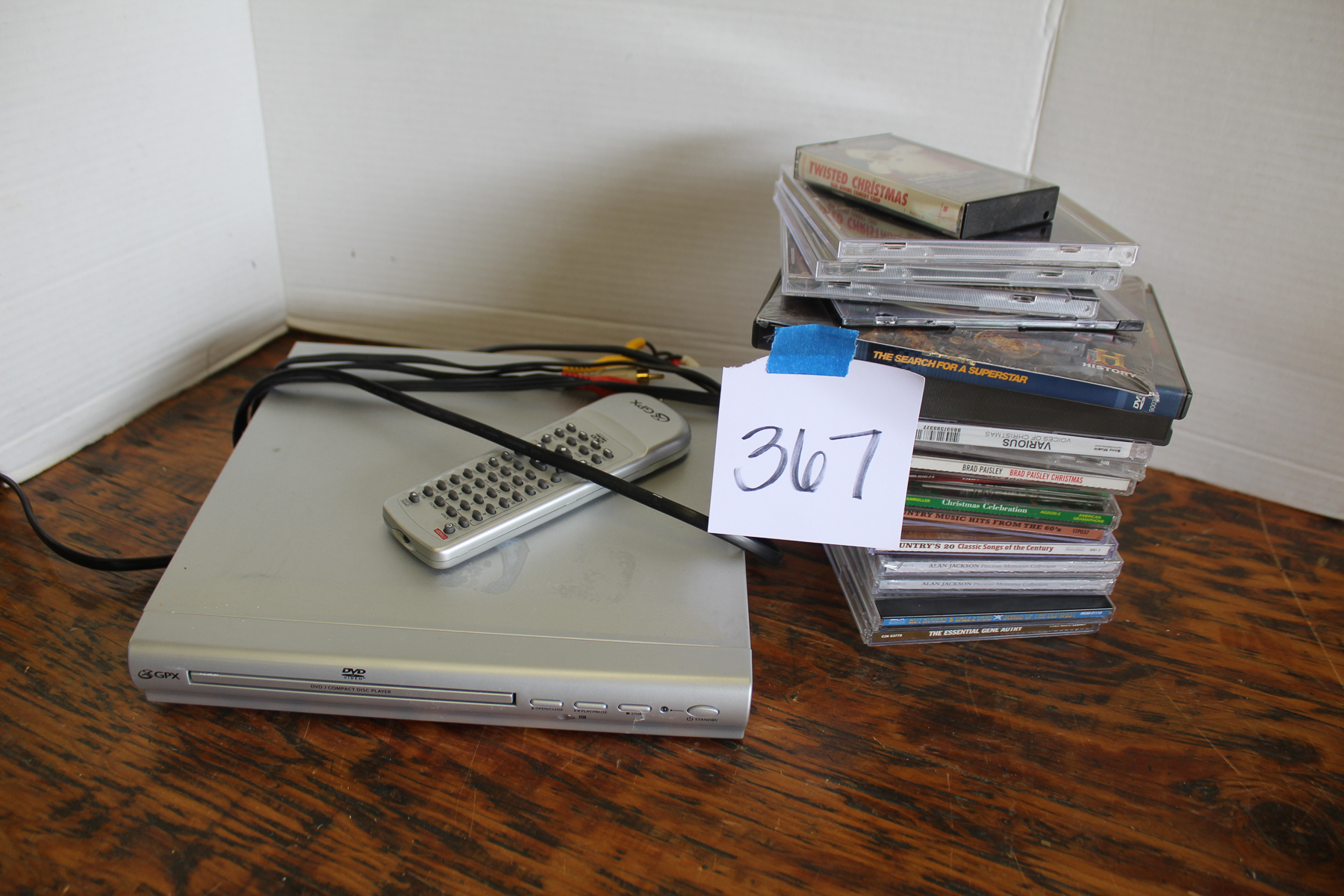
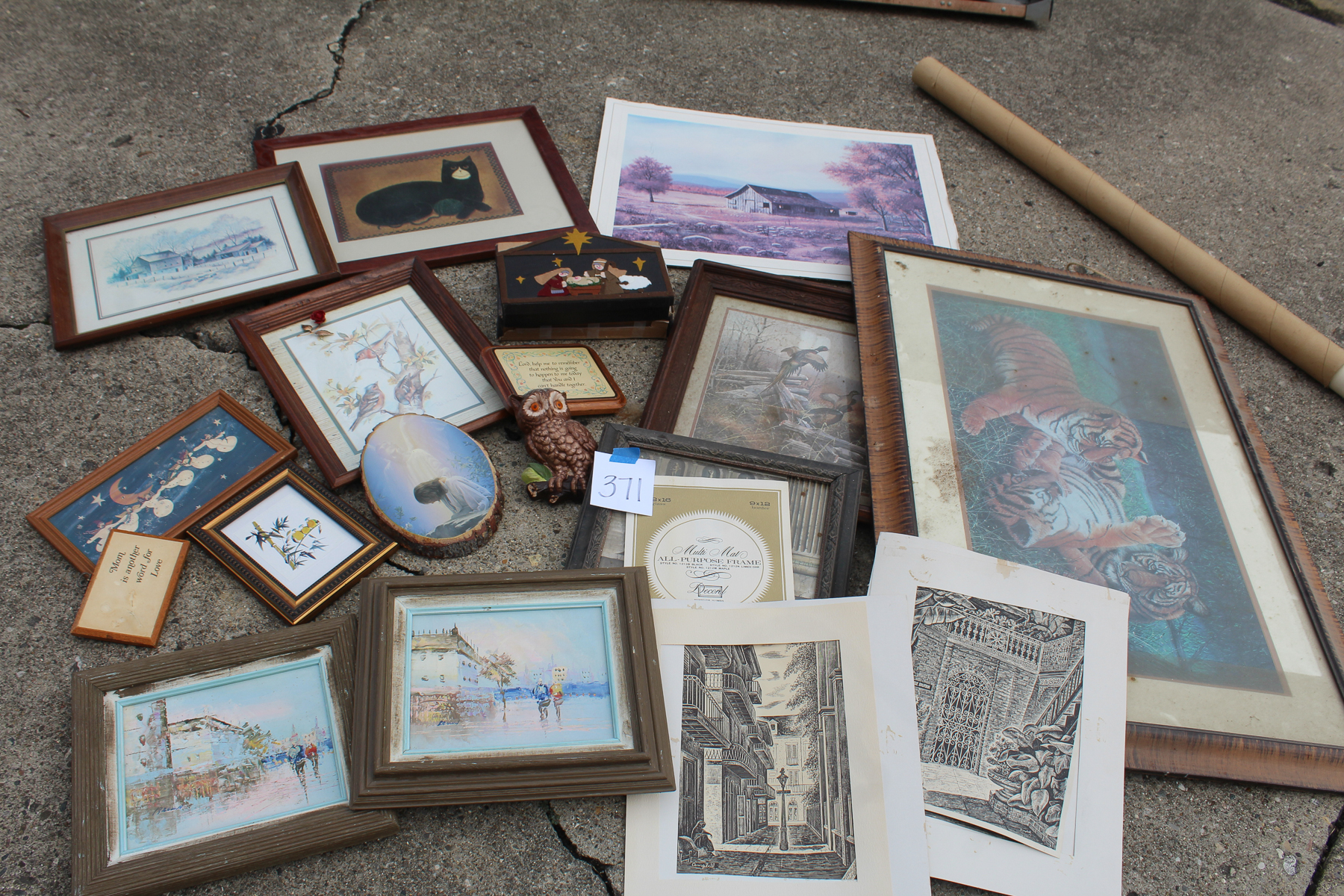
McDaniels Family Estate
126 N Walnut St., Mt. Carmel, IL
Sunday November 1, 2026 7:00 pm
Description:
ONLINE AUCTION – McDANIELS FAMILY ESTATE
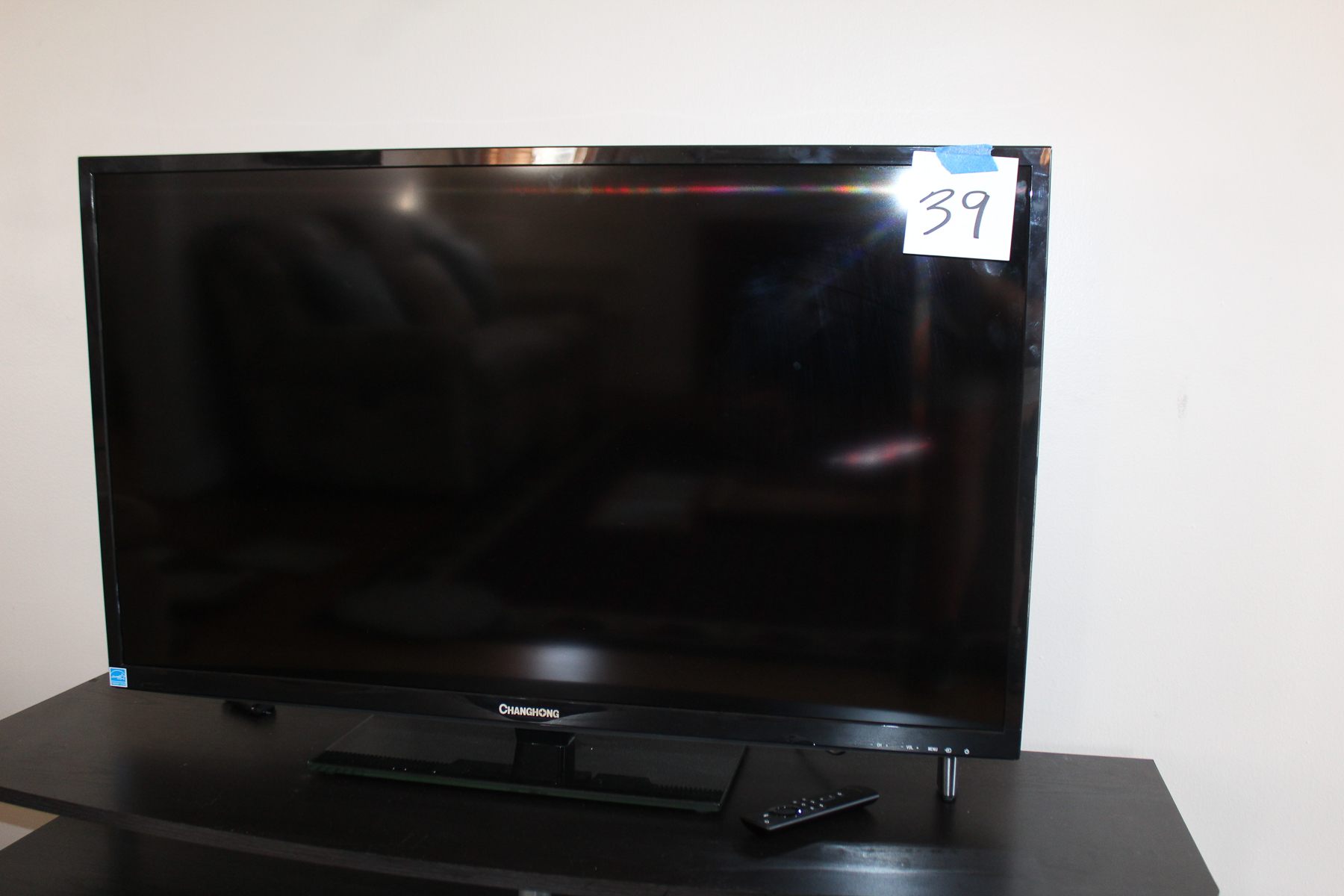
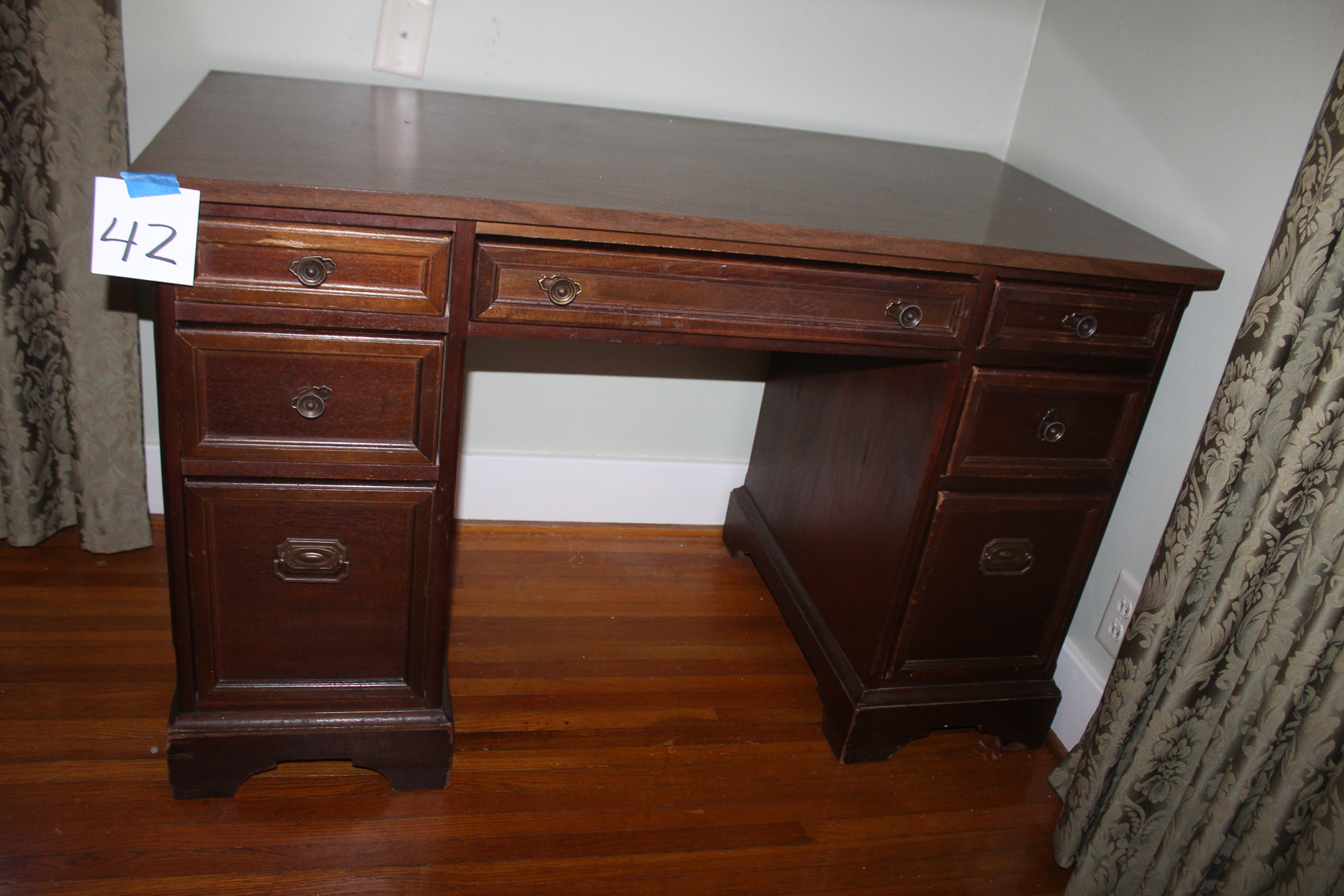
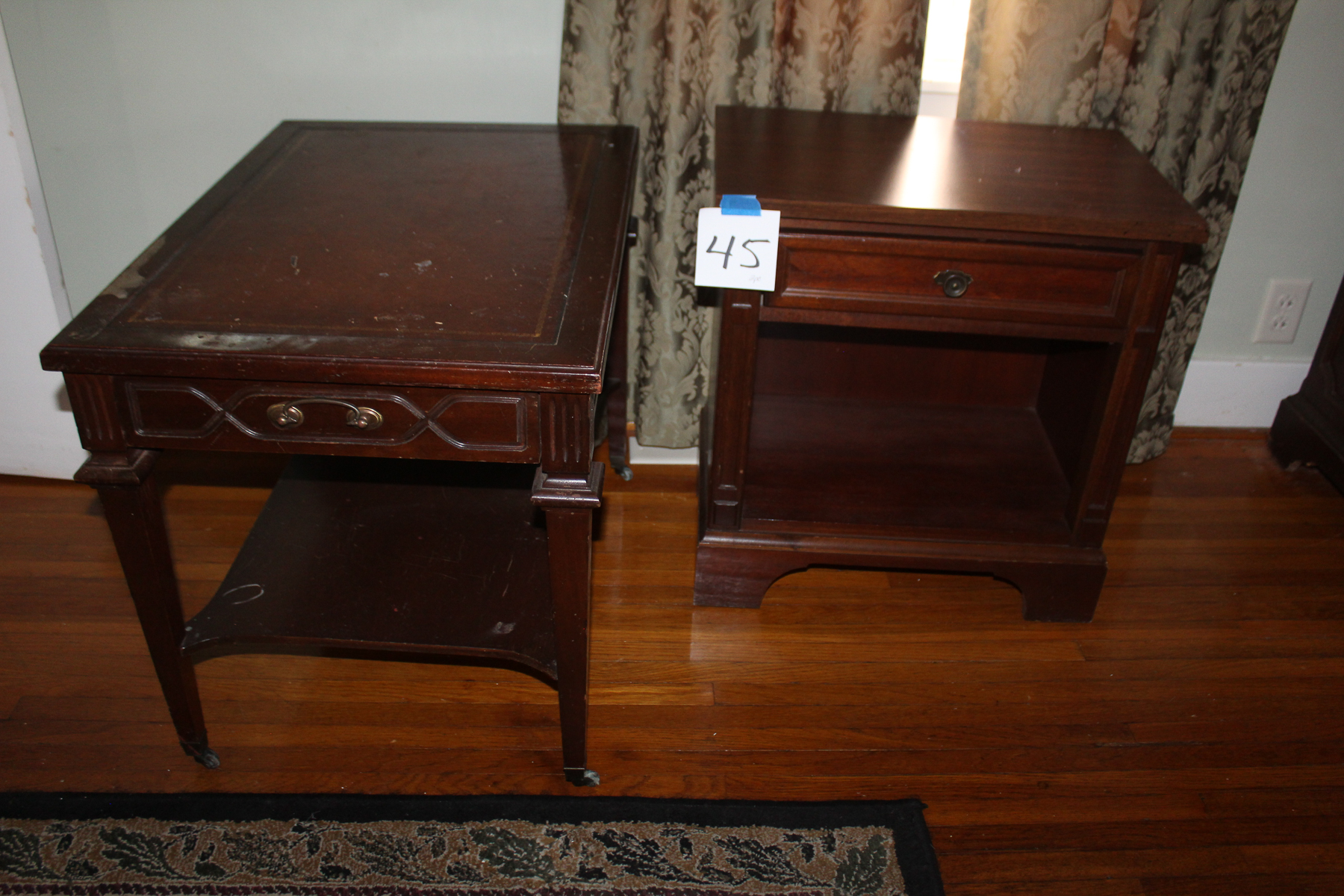
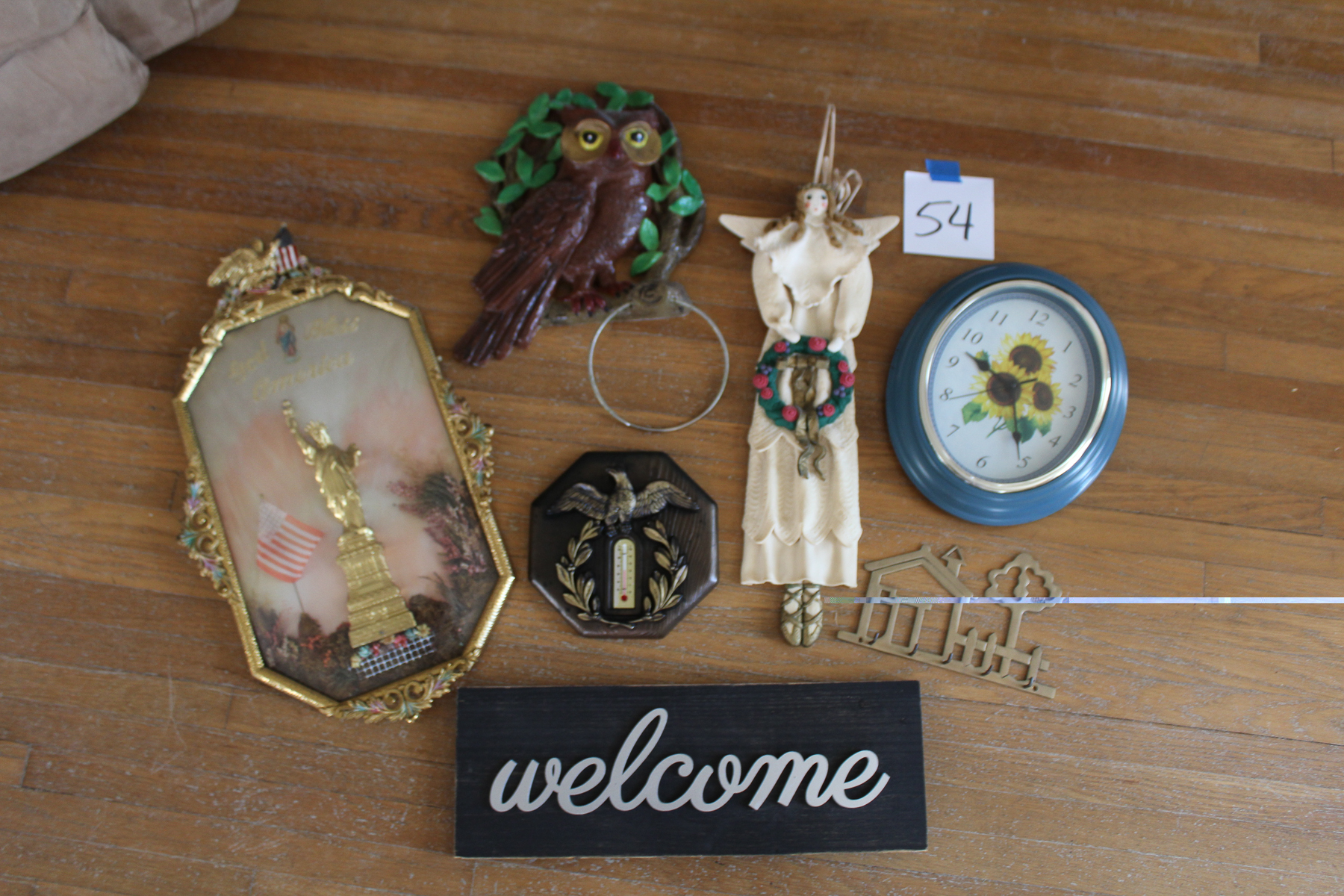
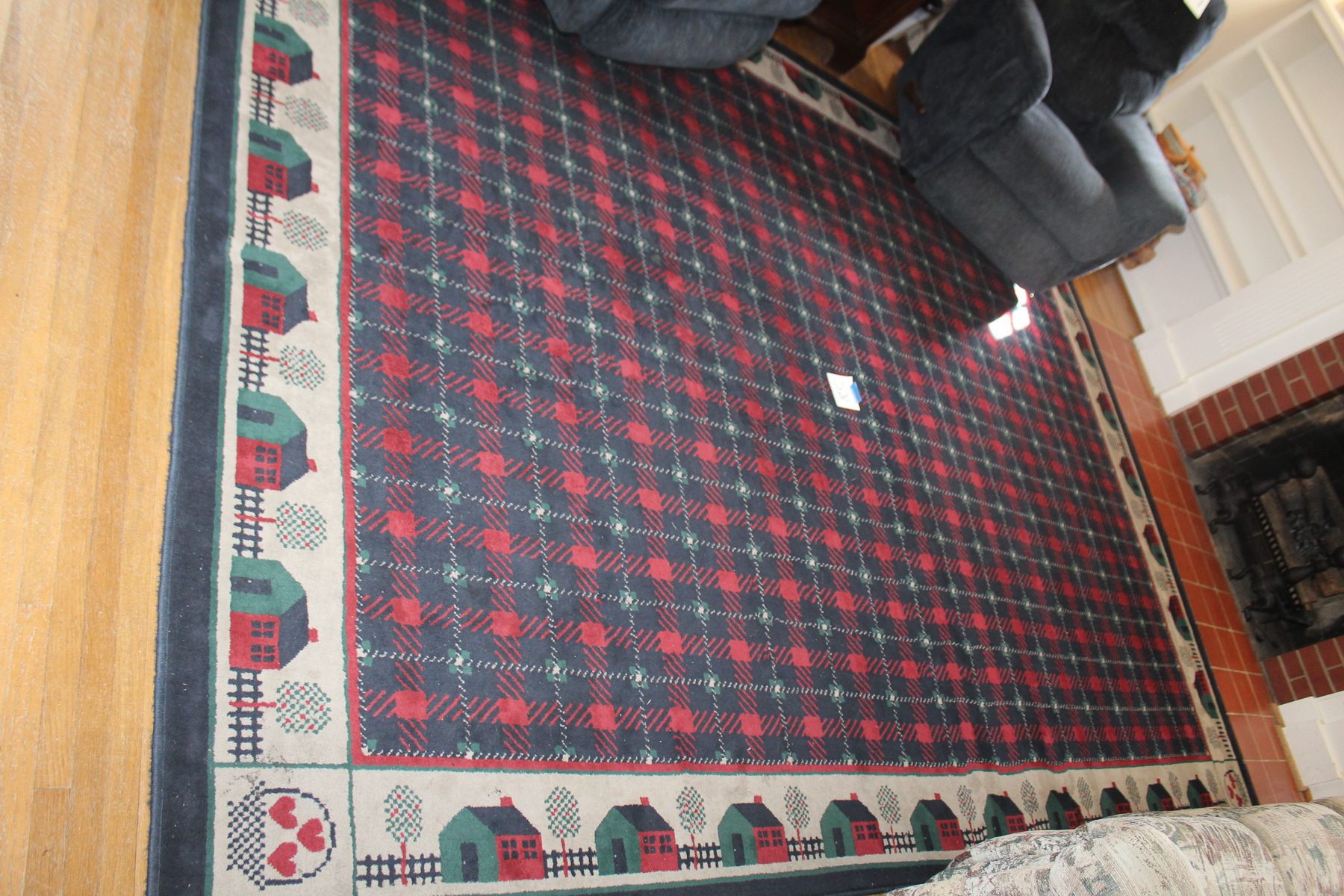
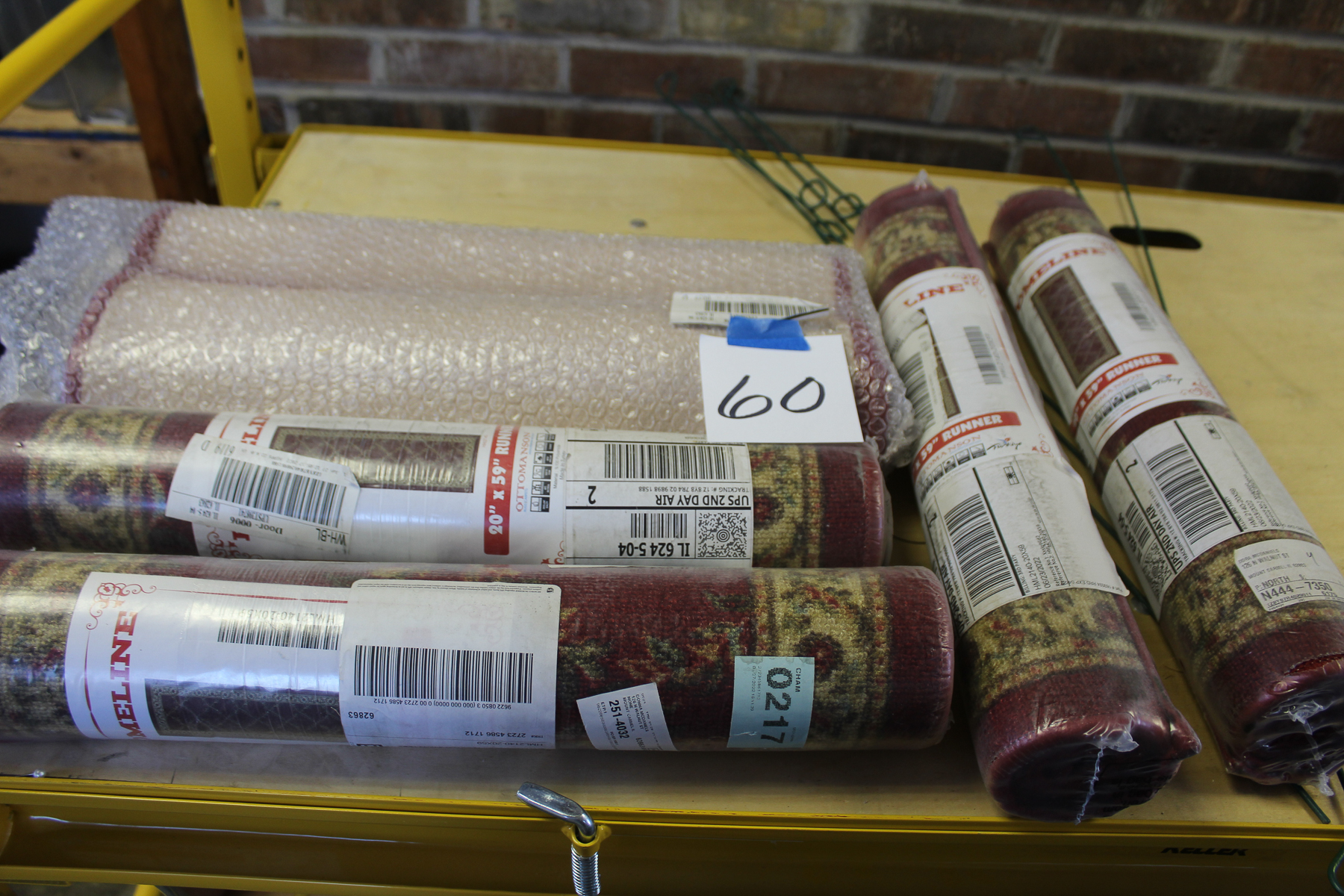
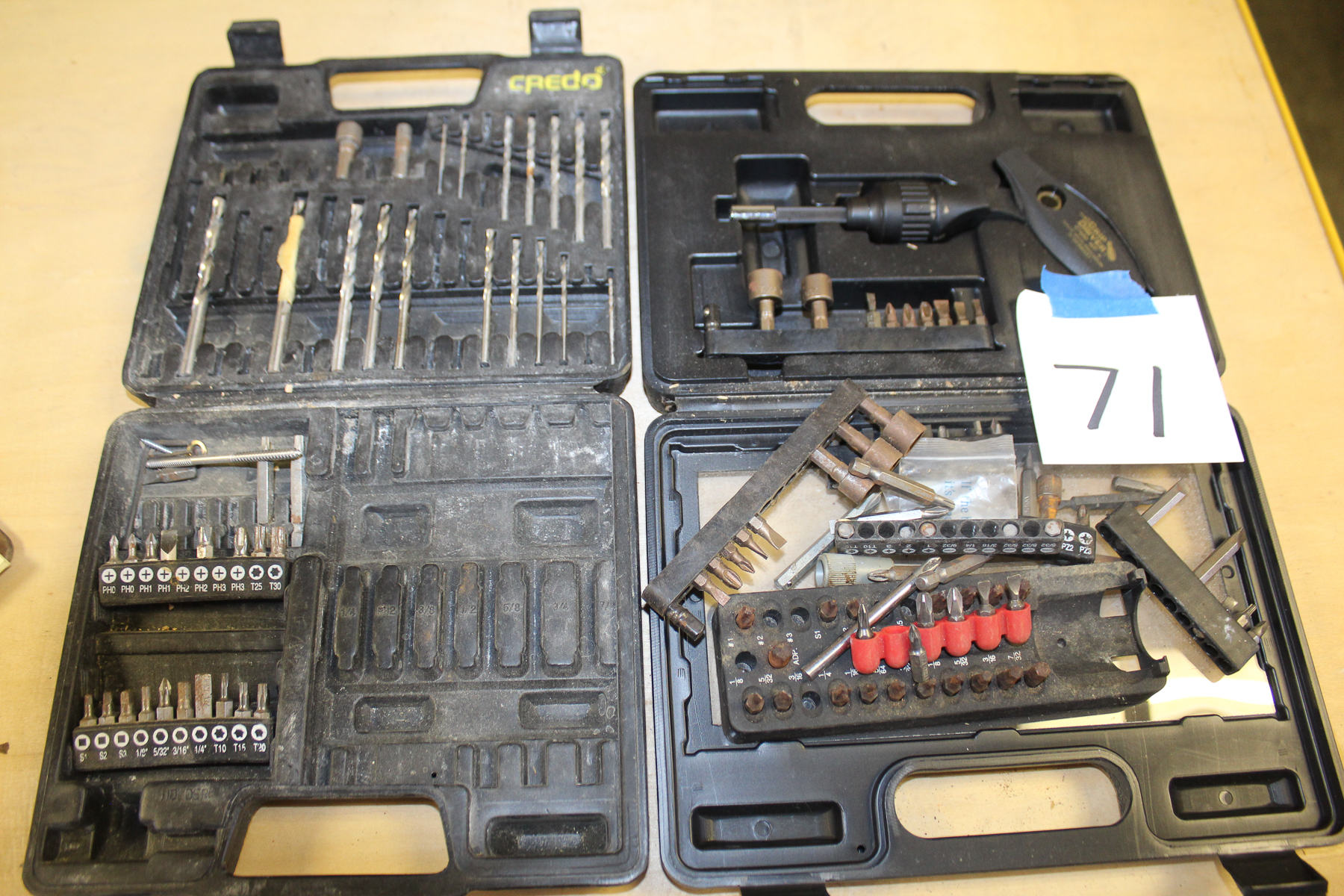
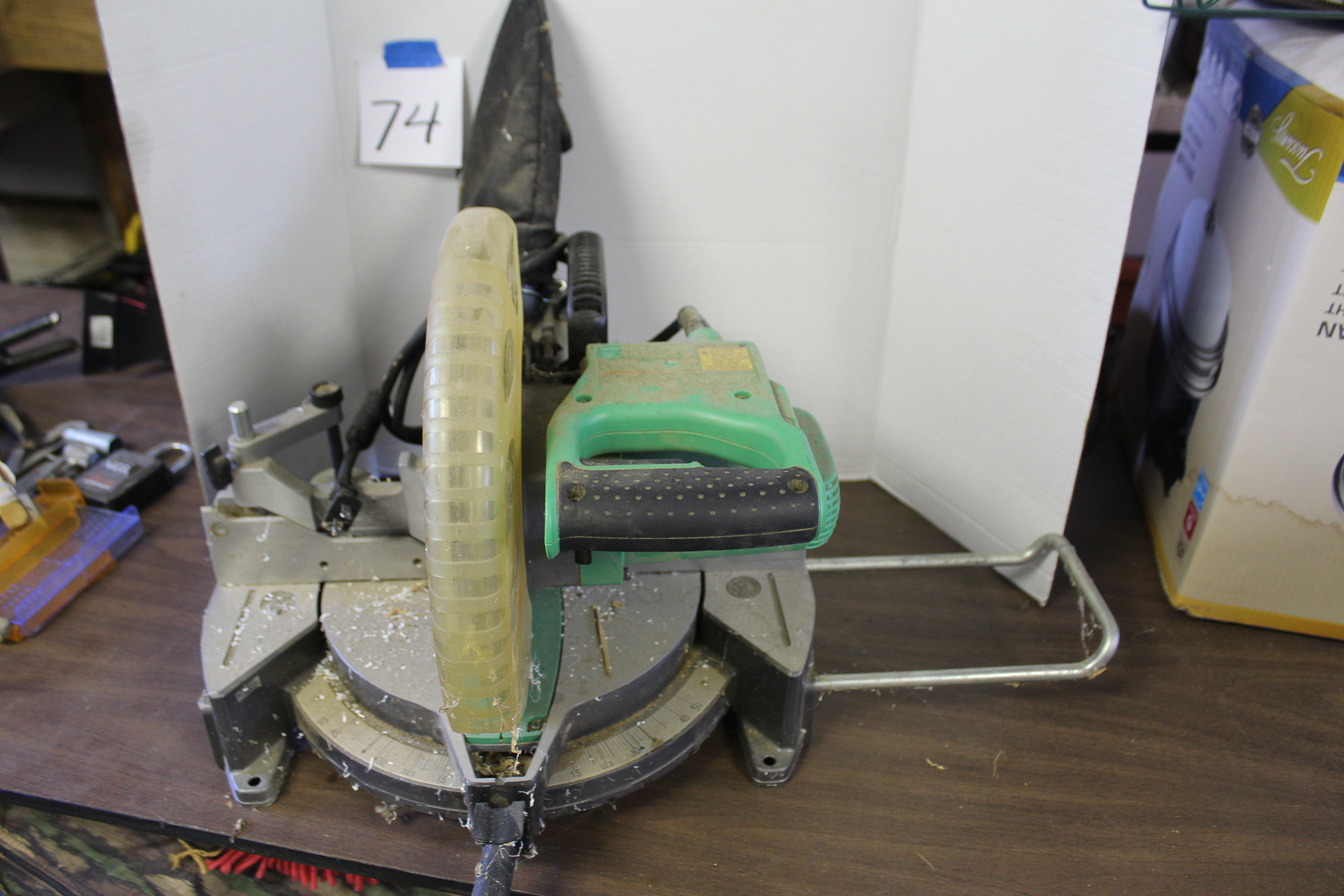
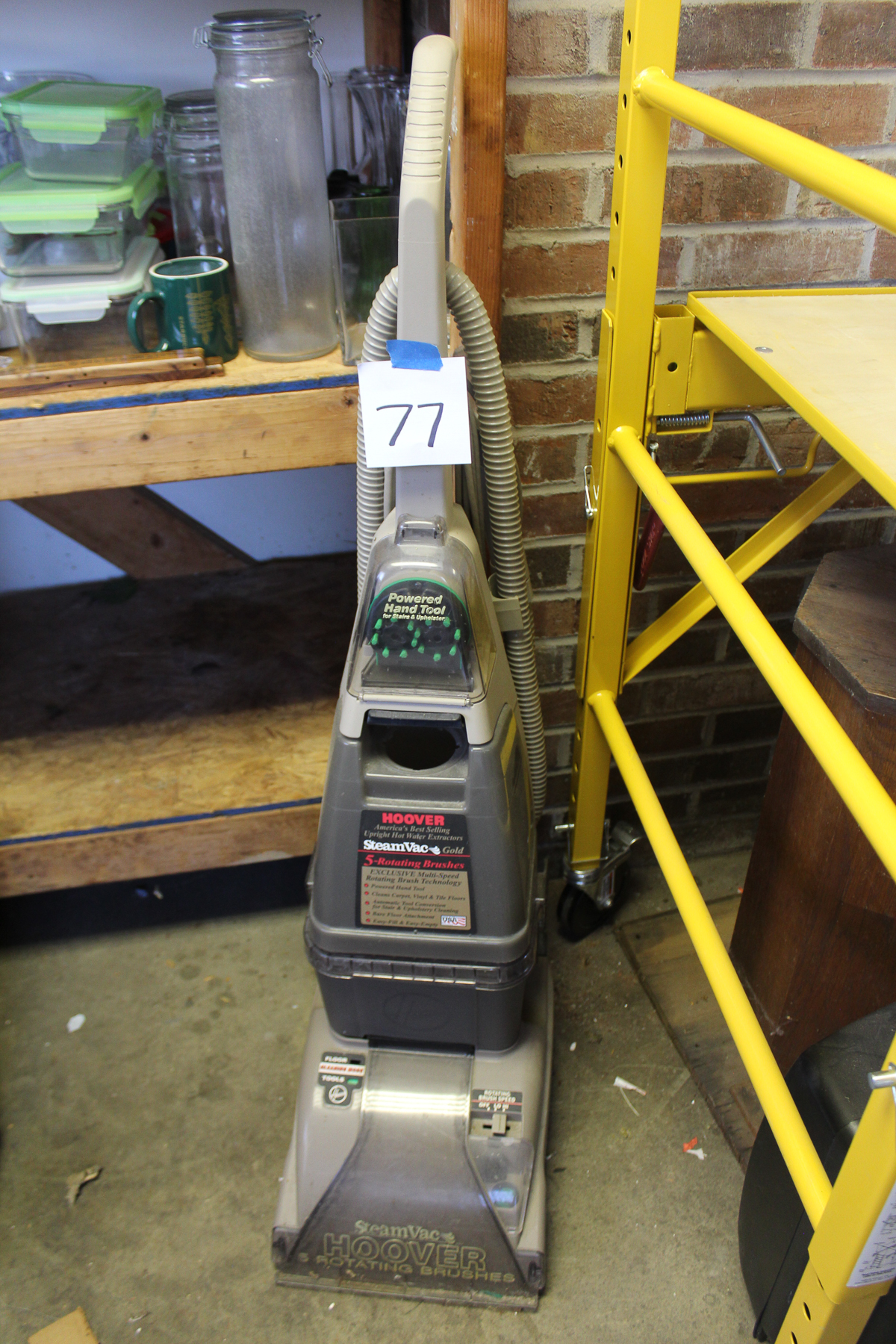
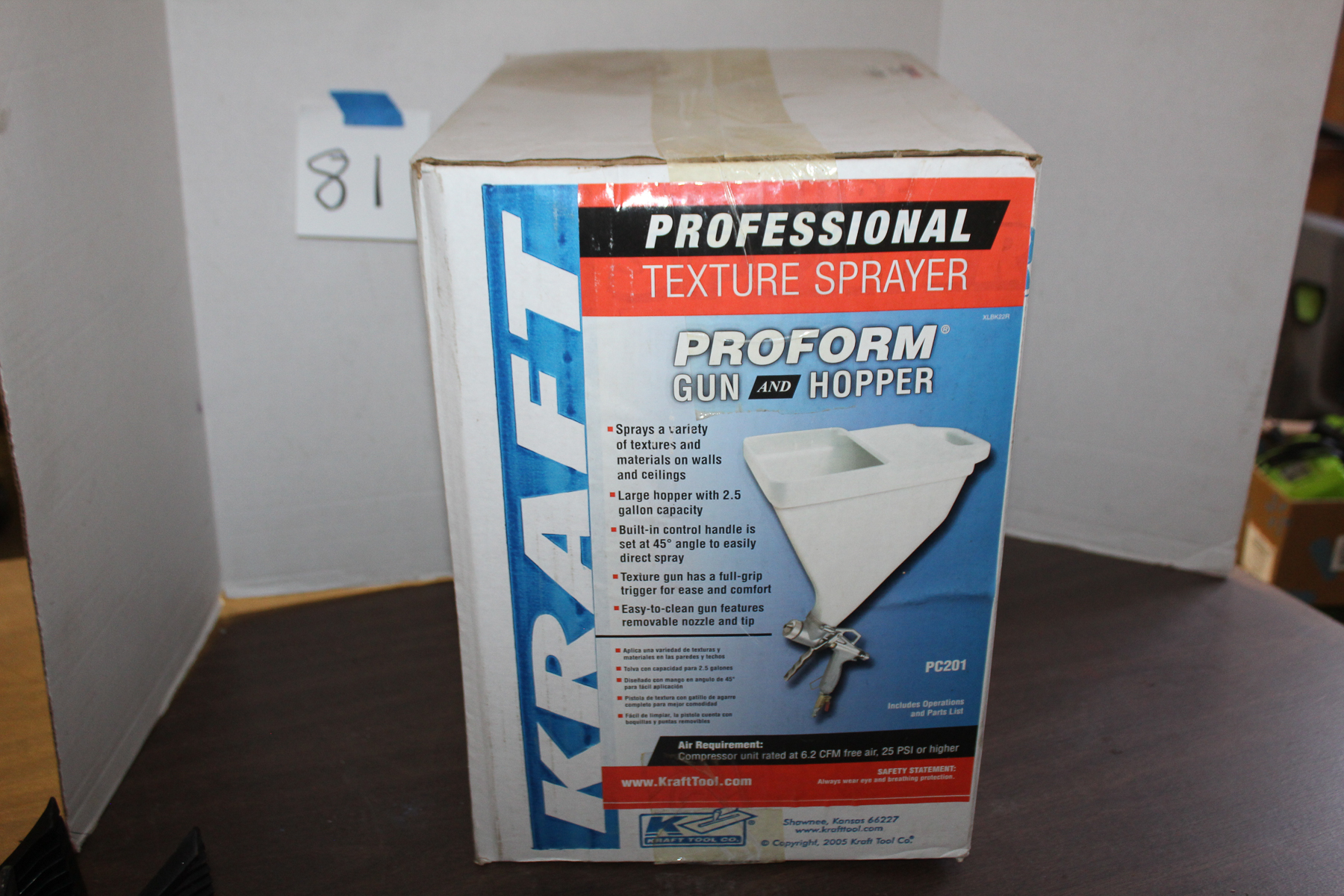
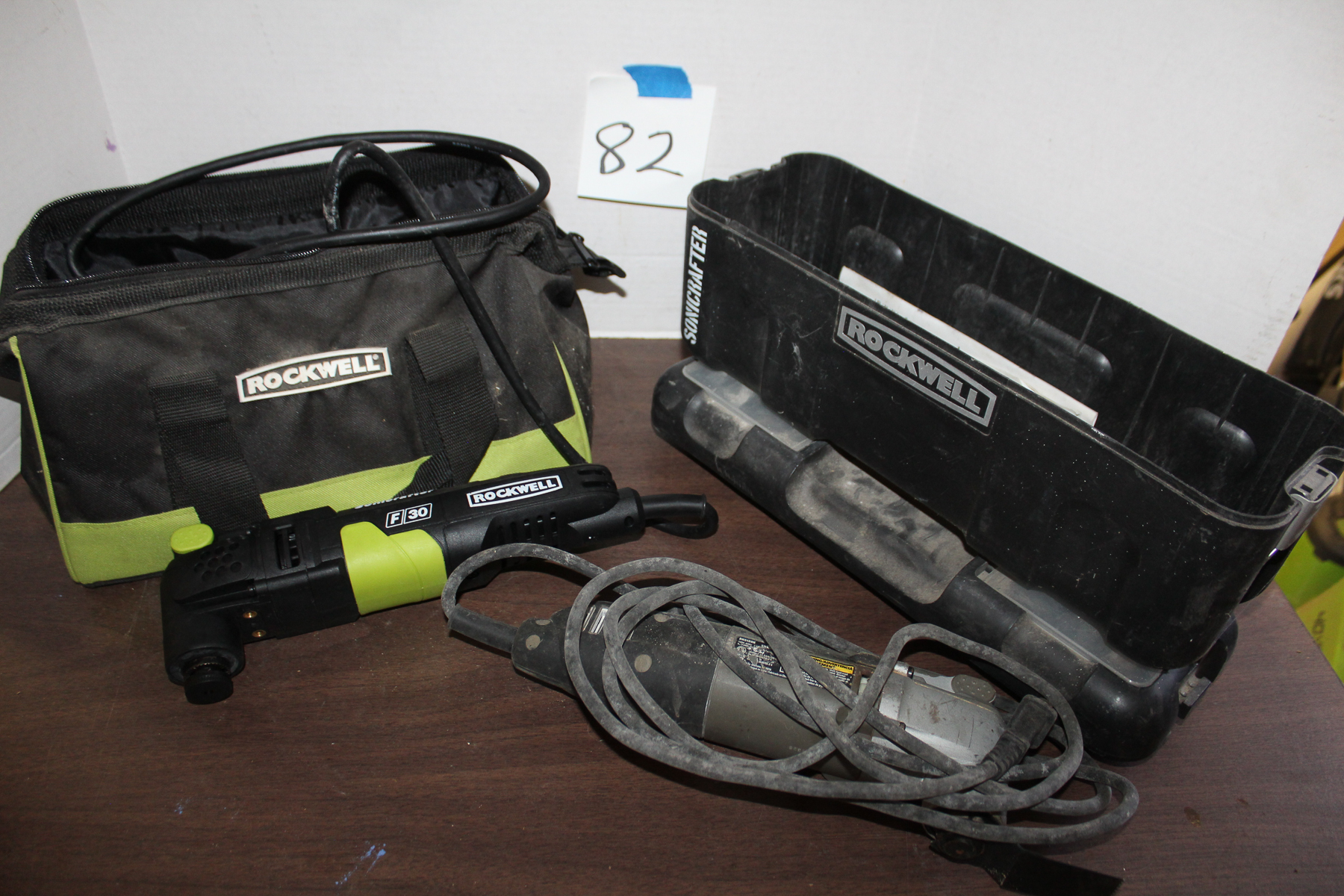
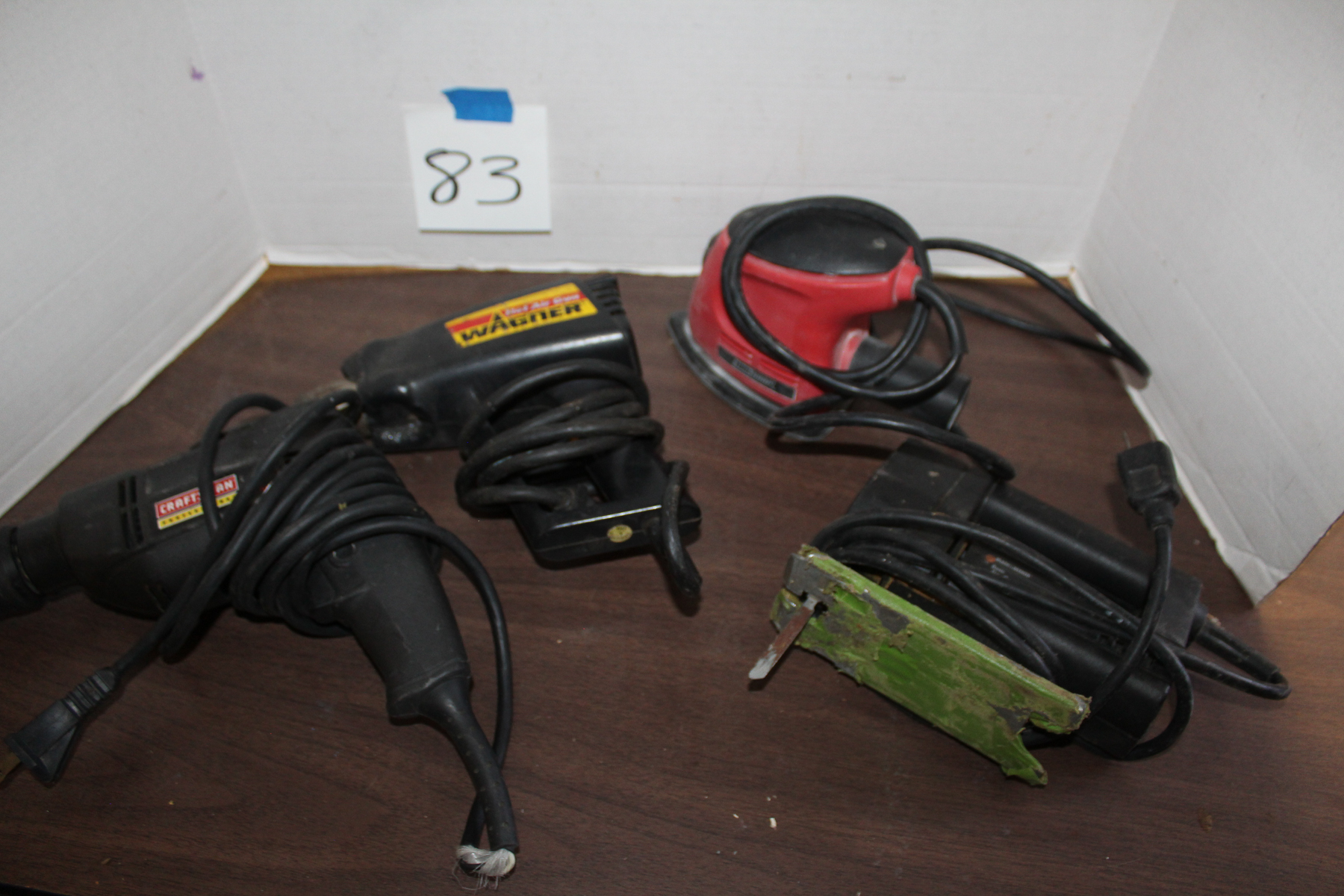
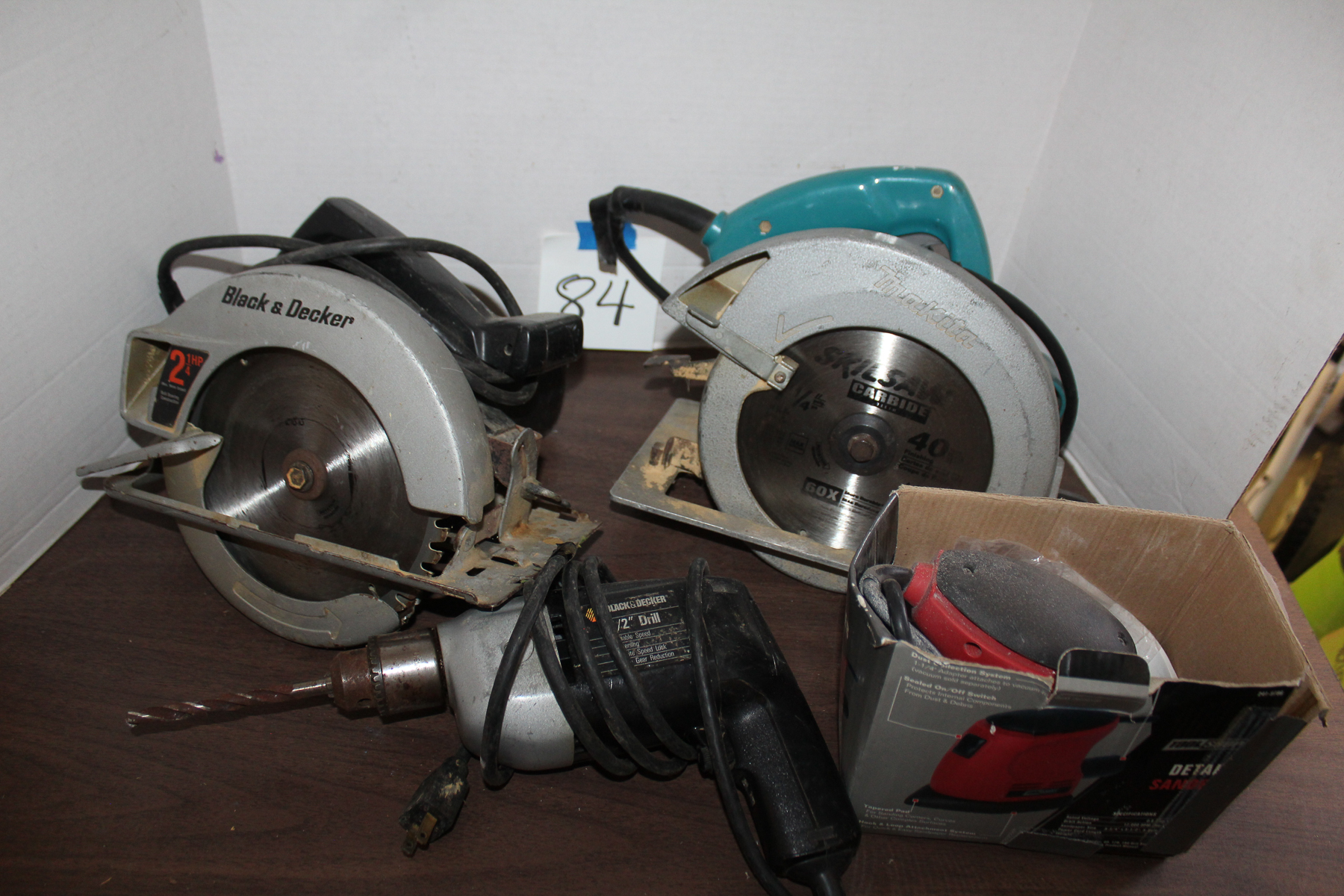
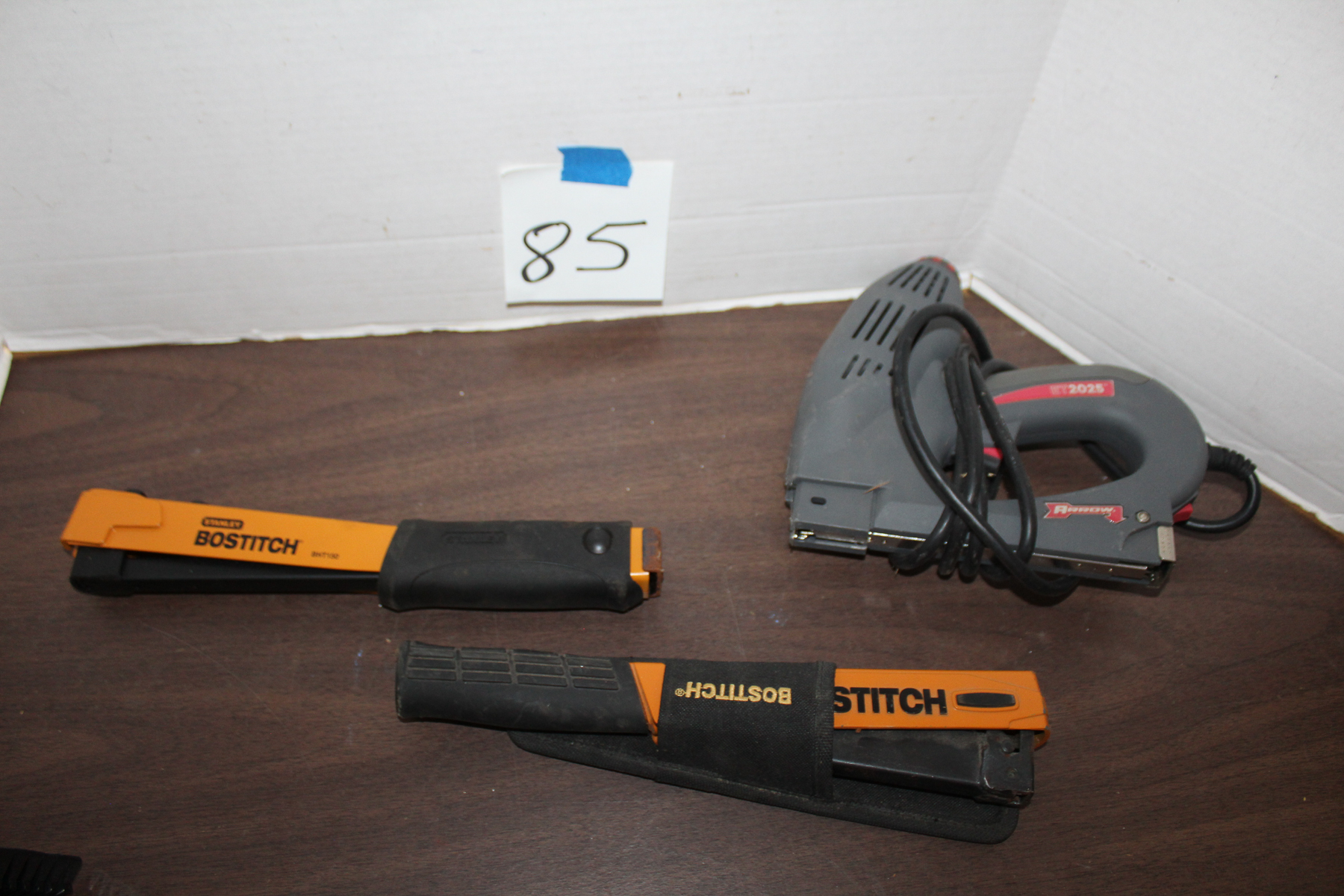
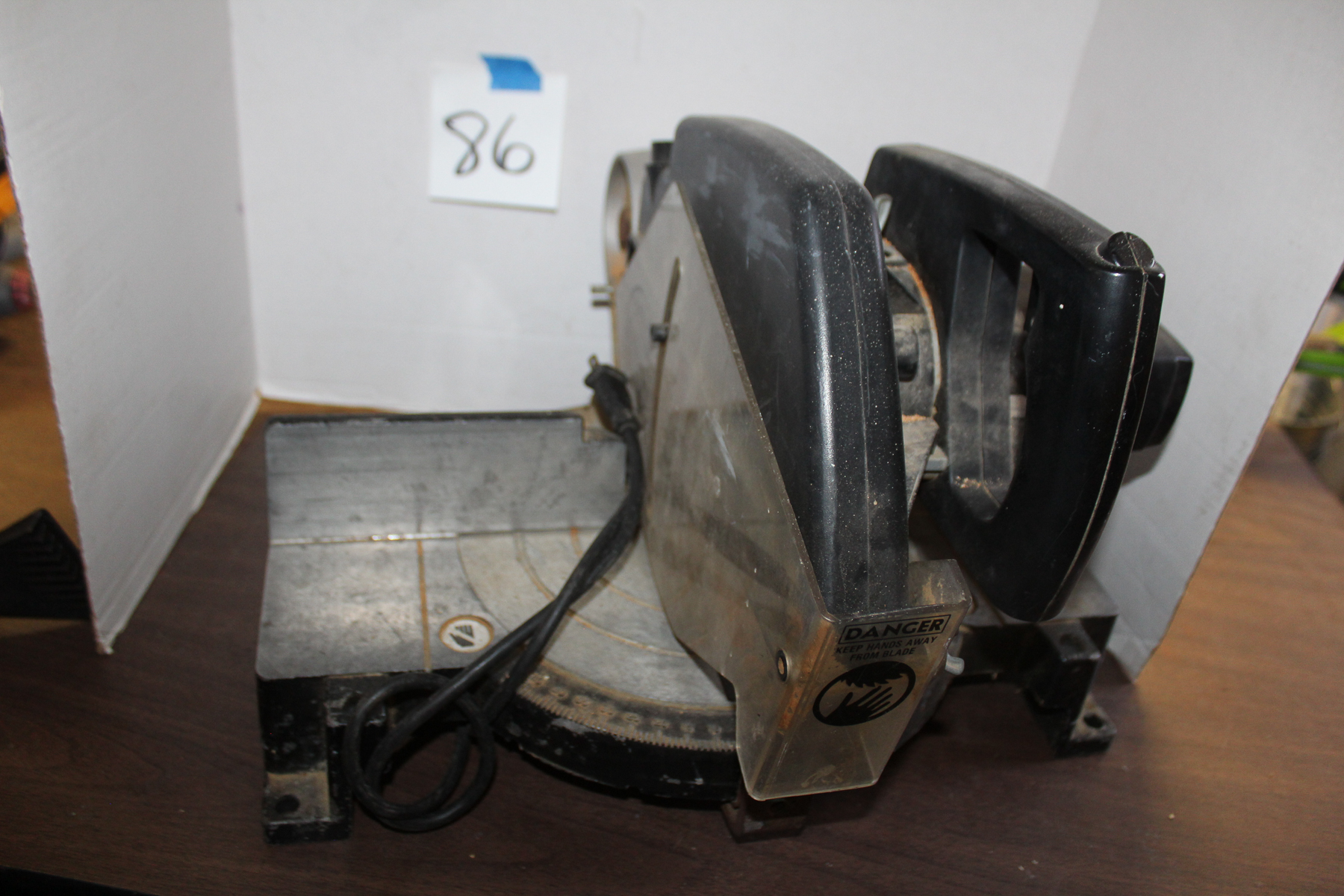
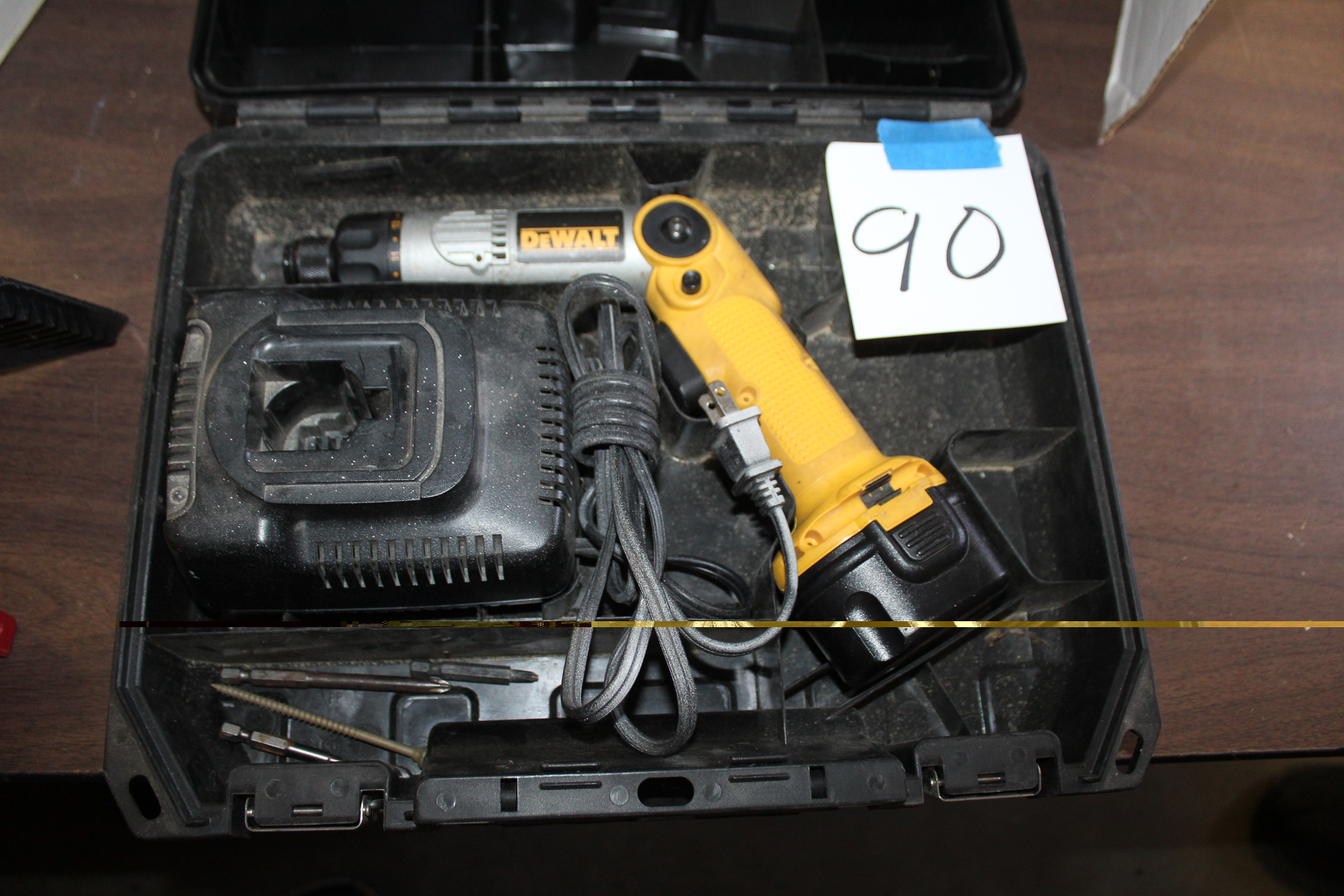
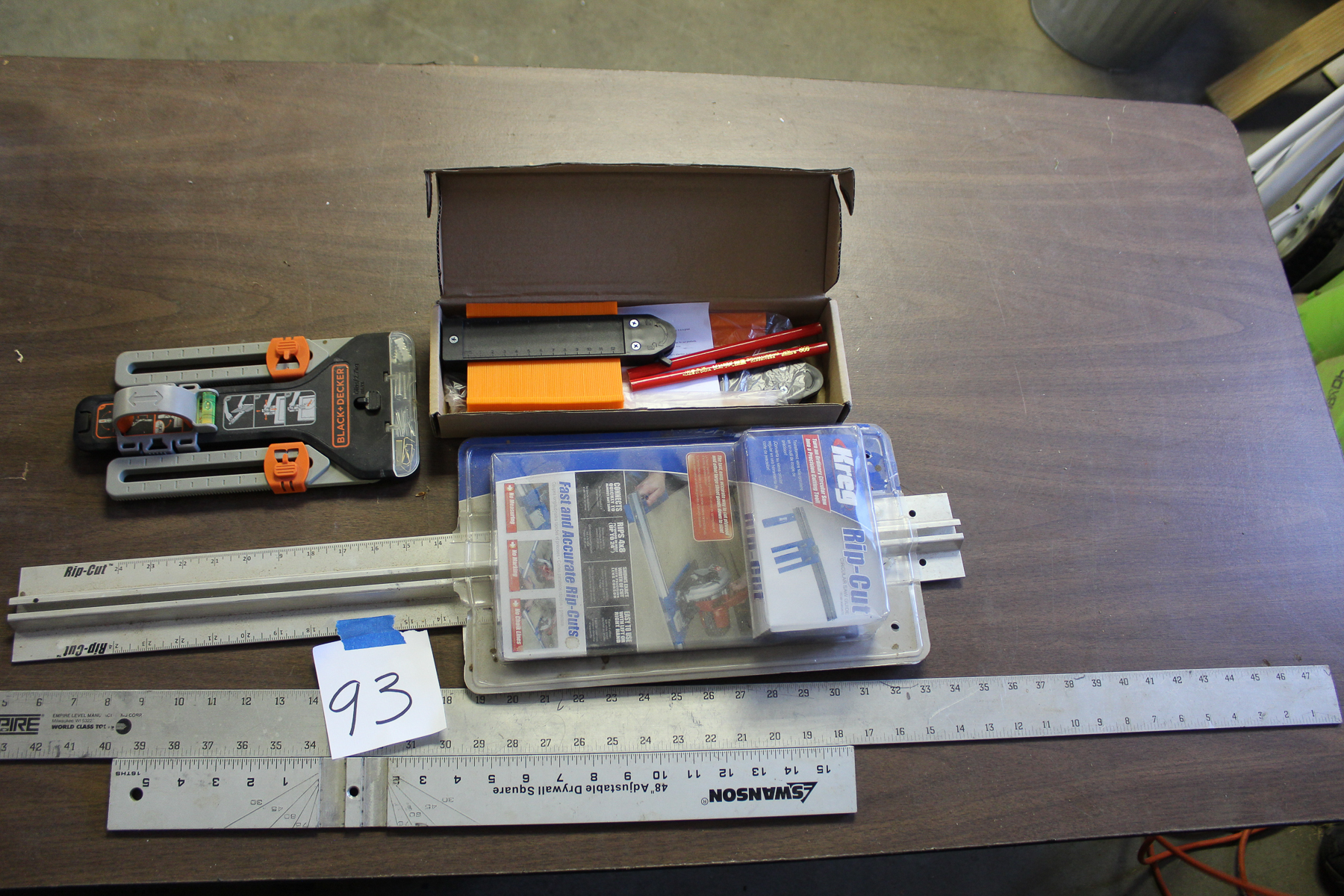
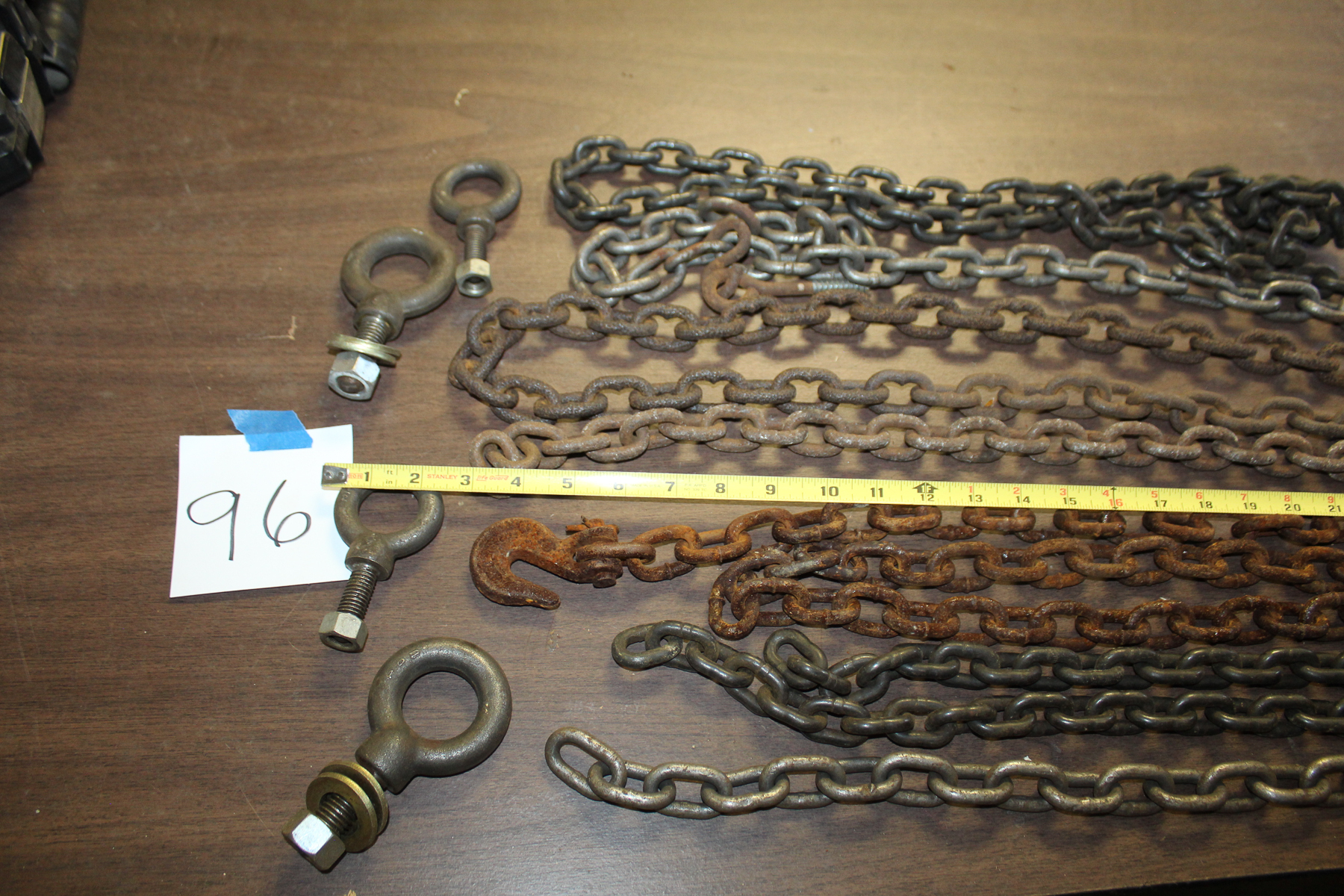
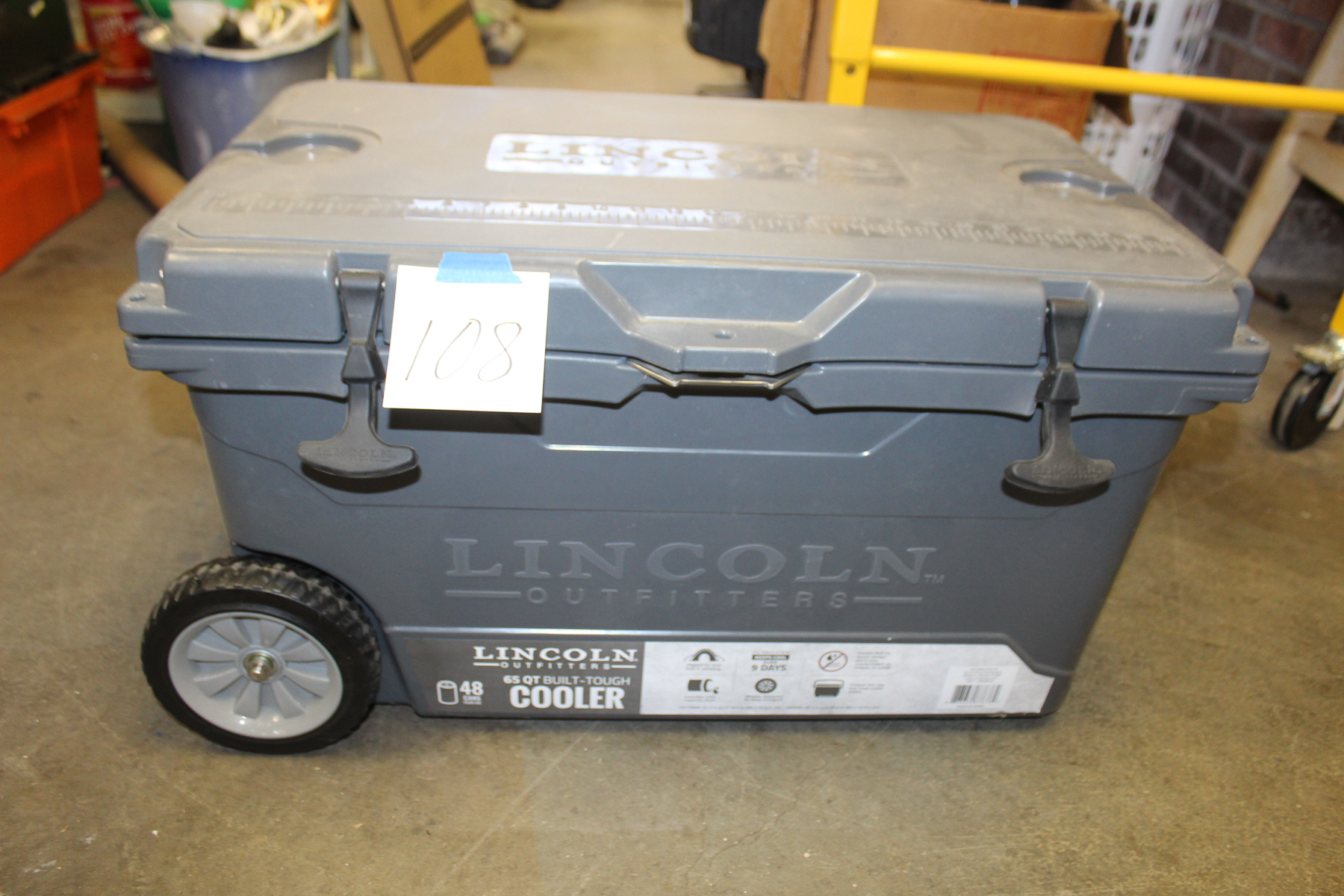
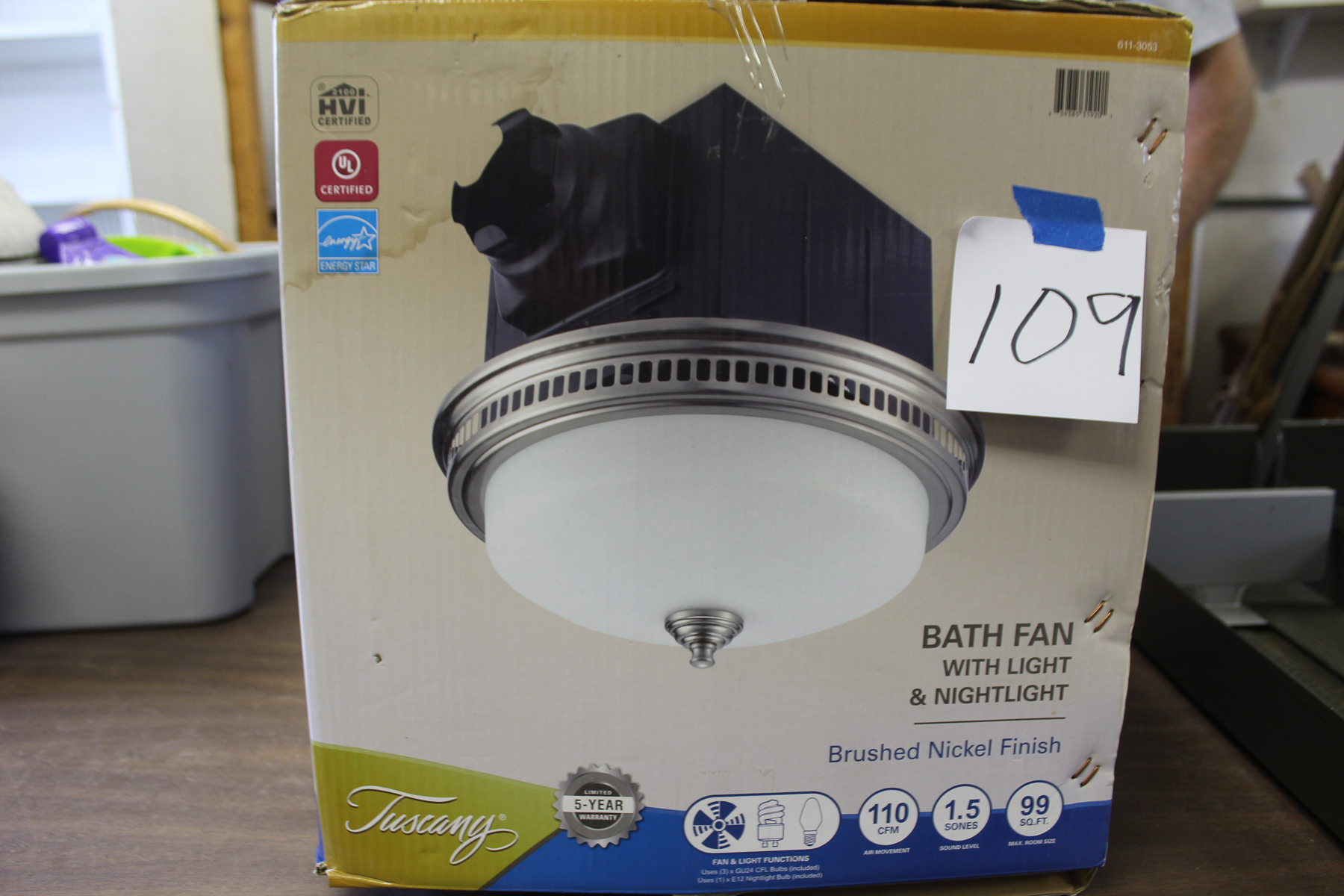
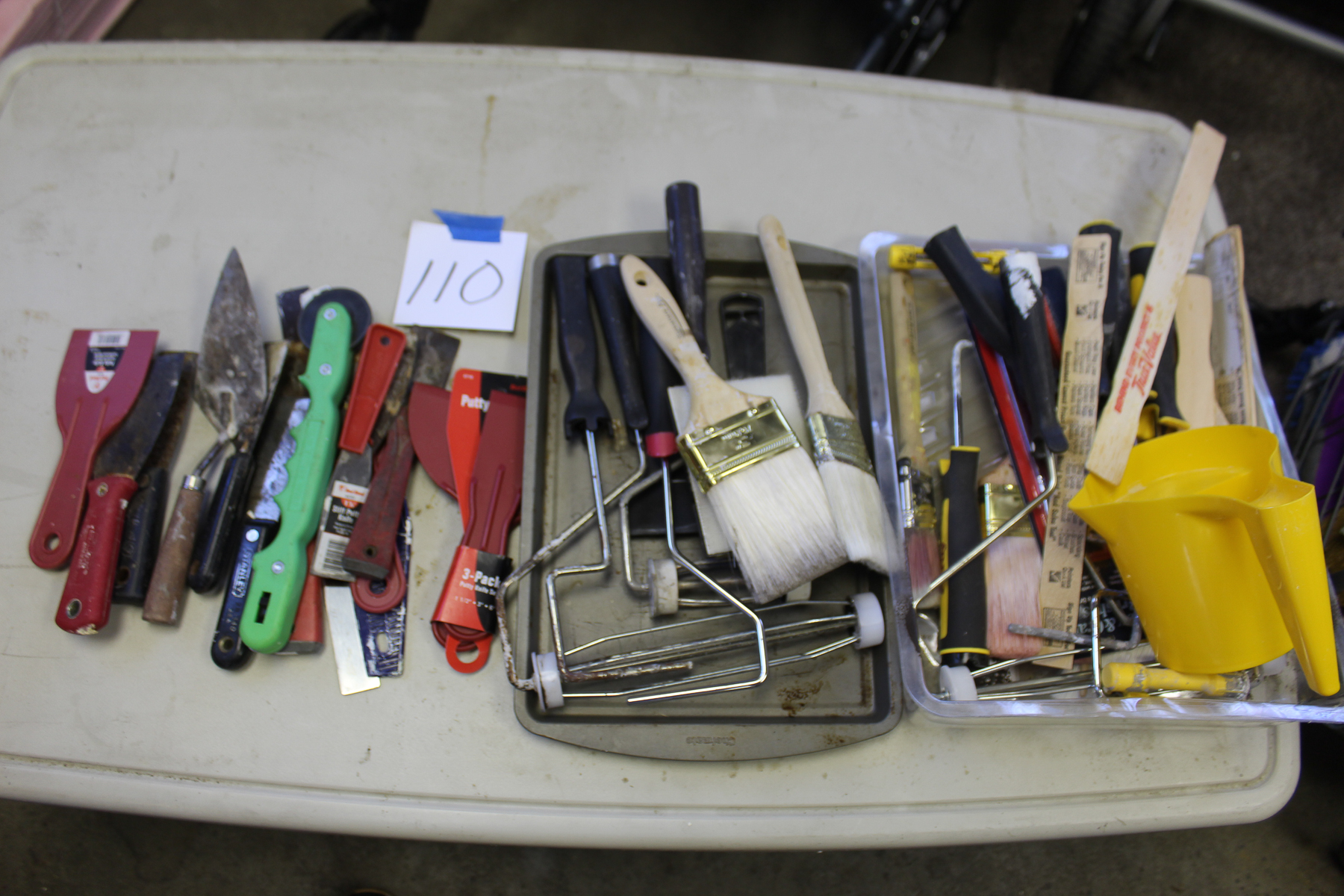
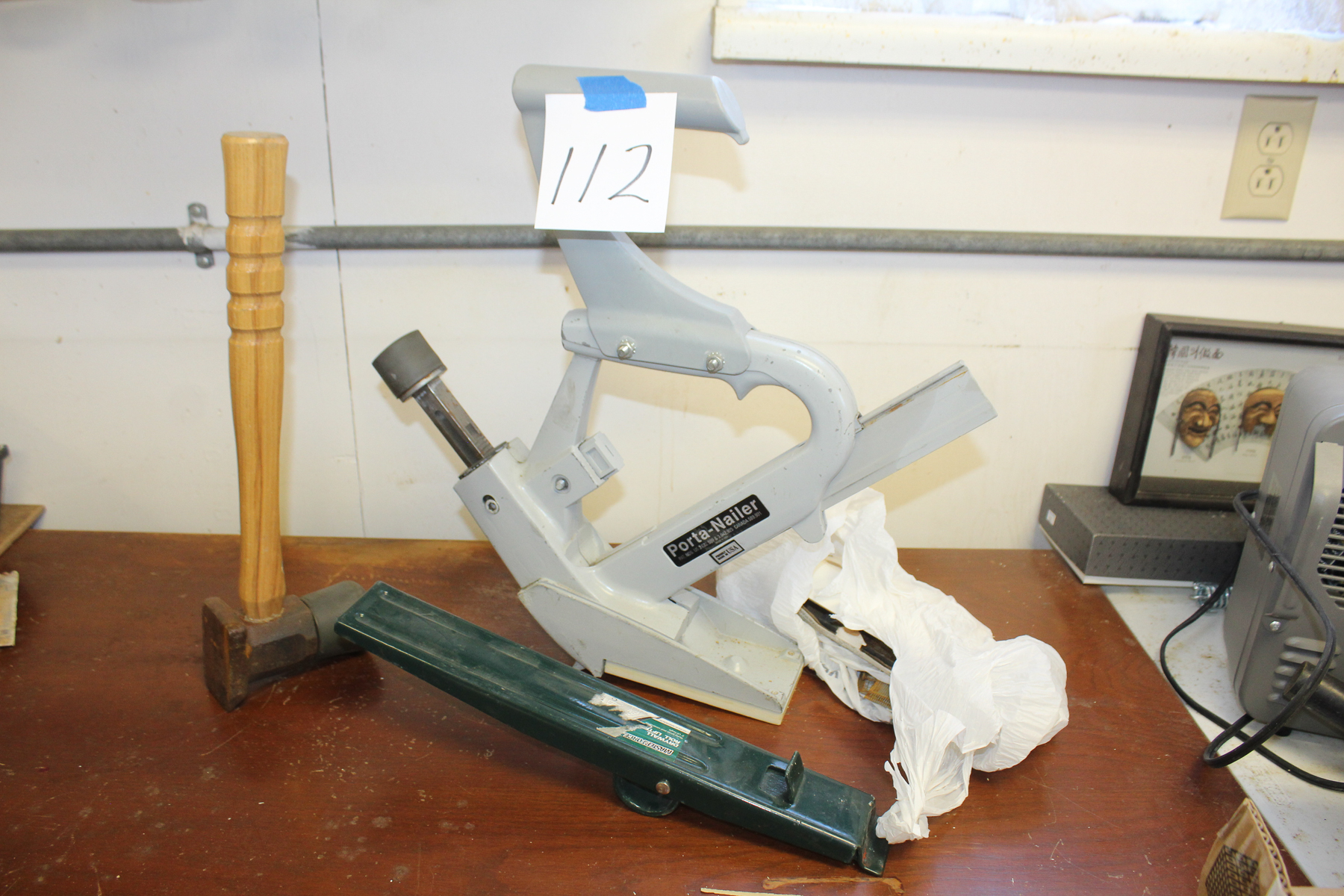
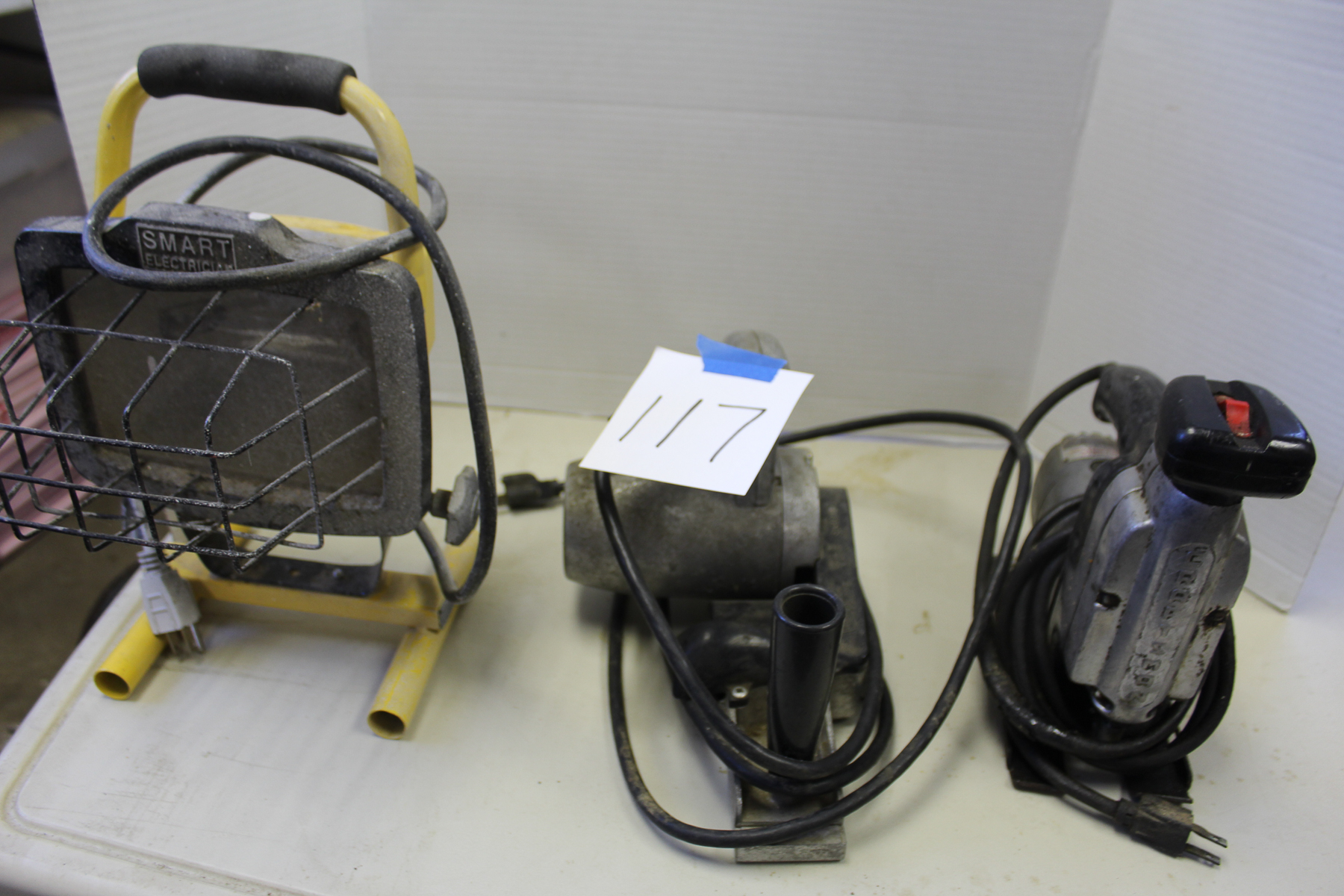
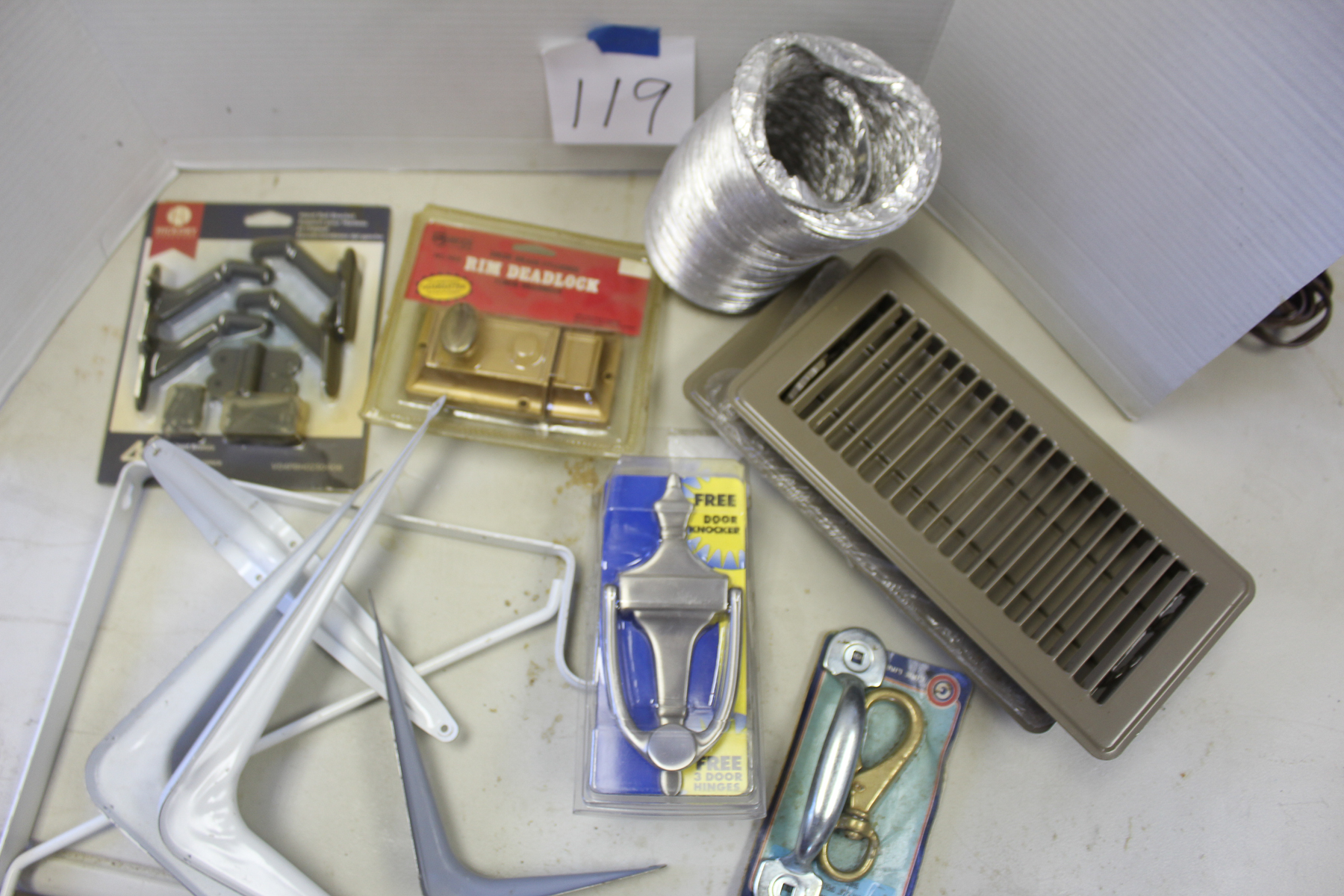
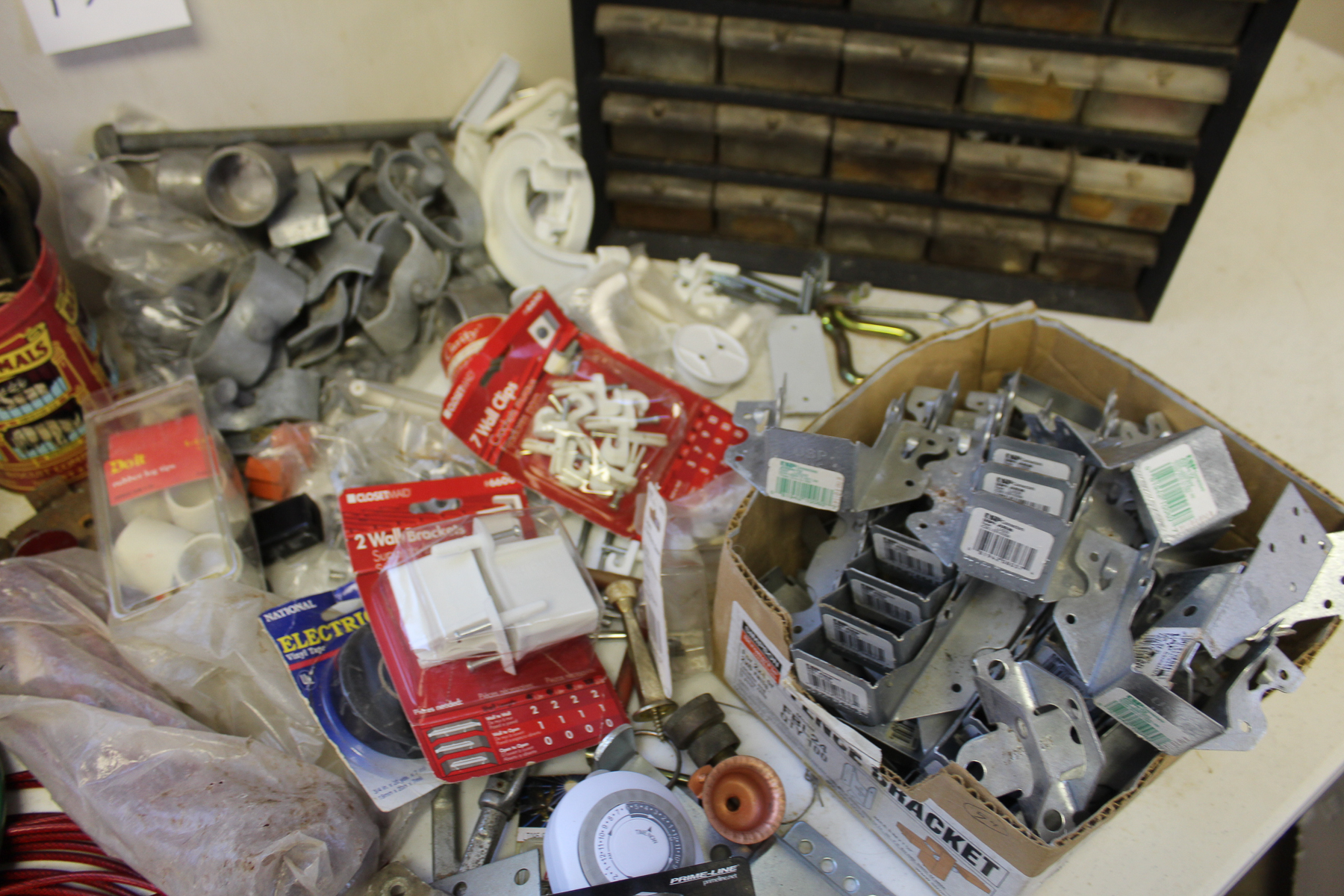
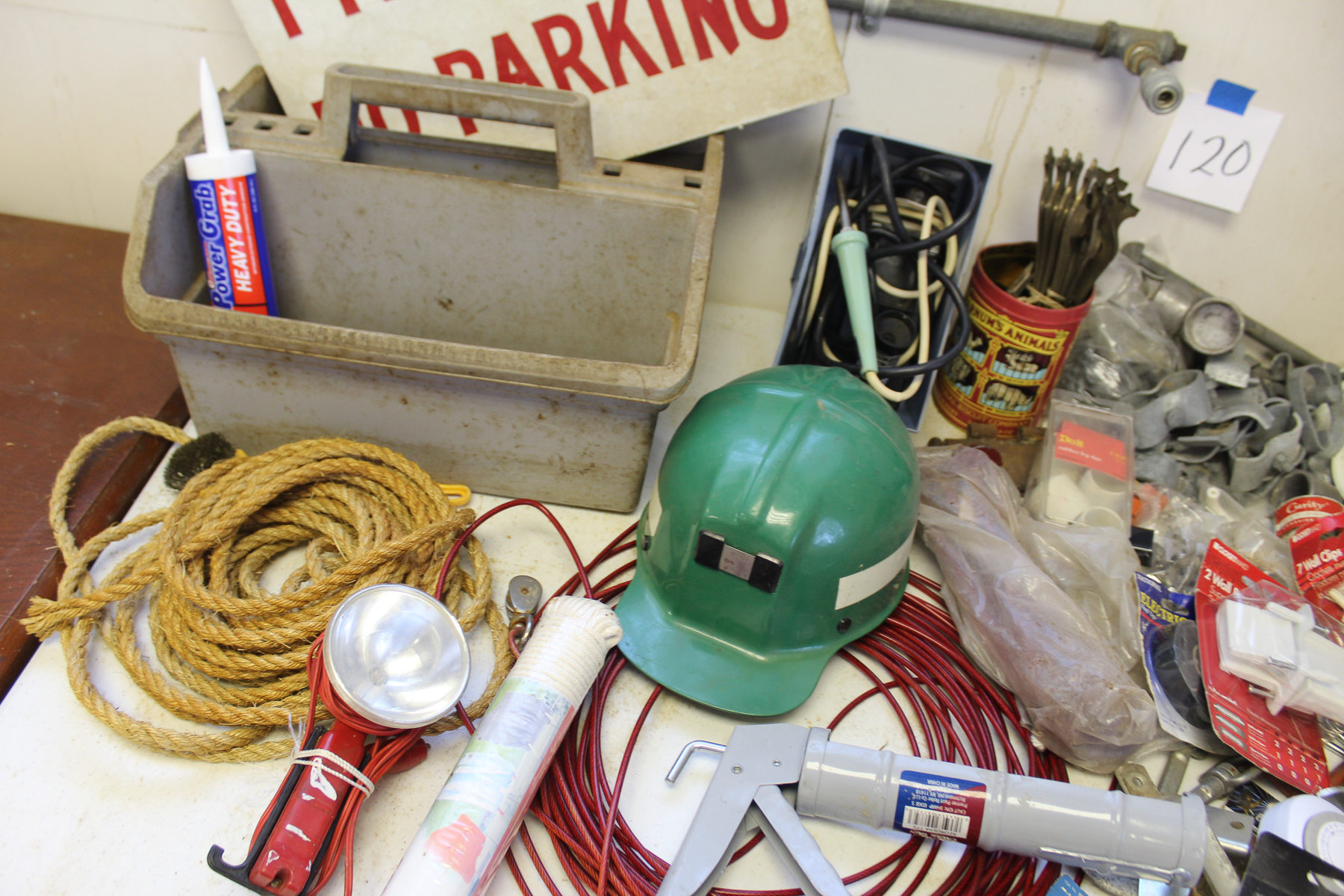
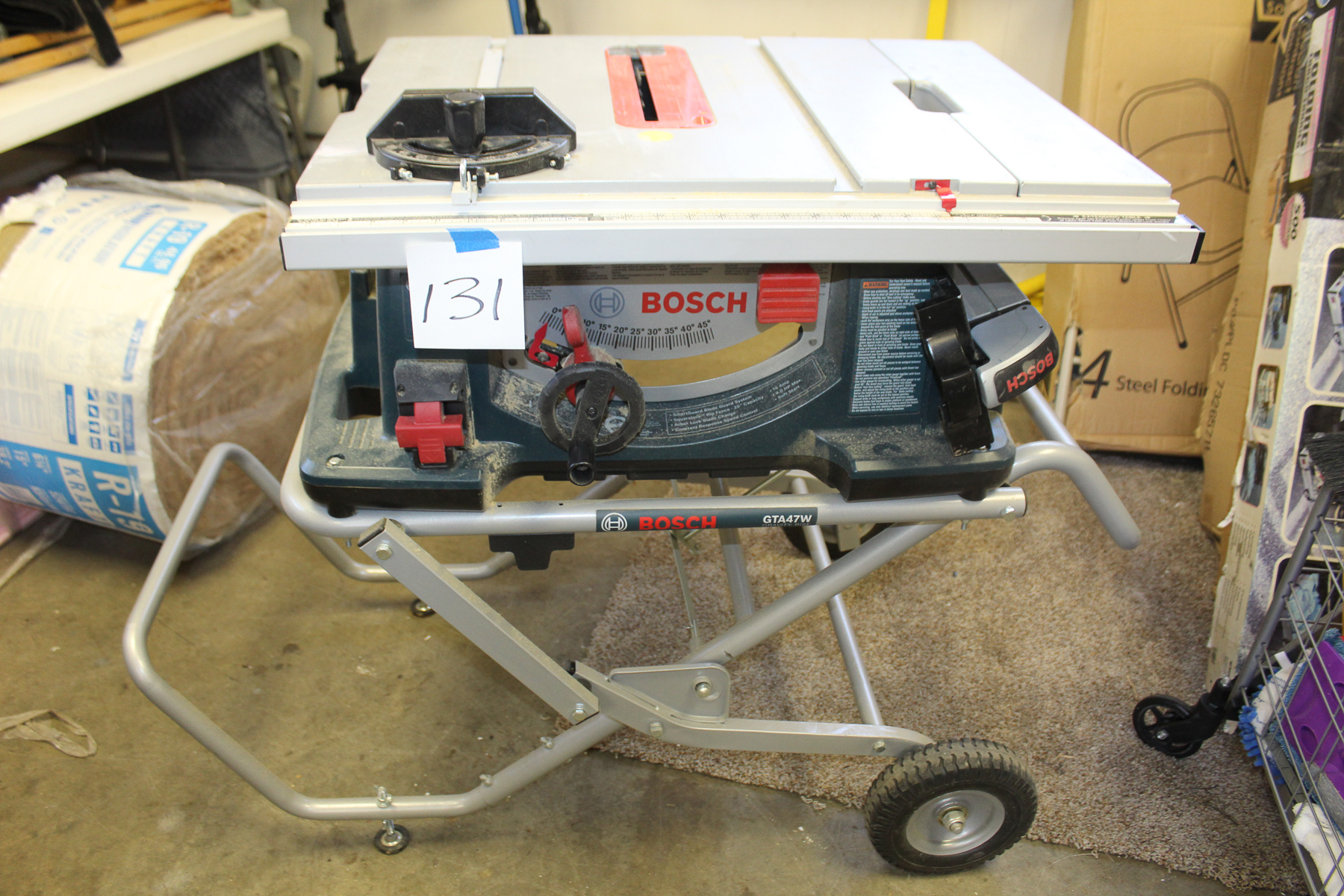
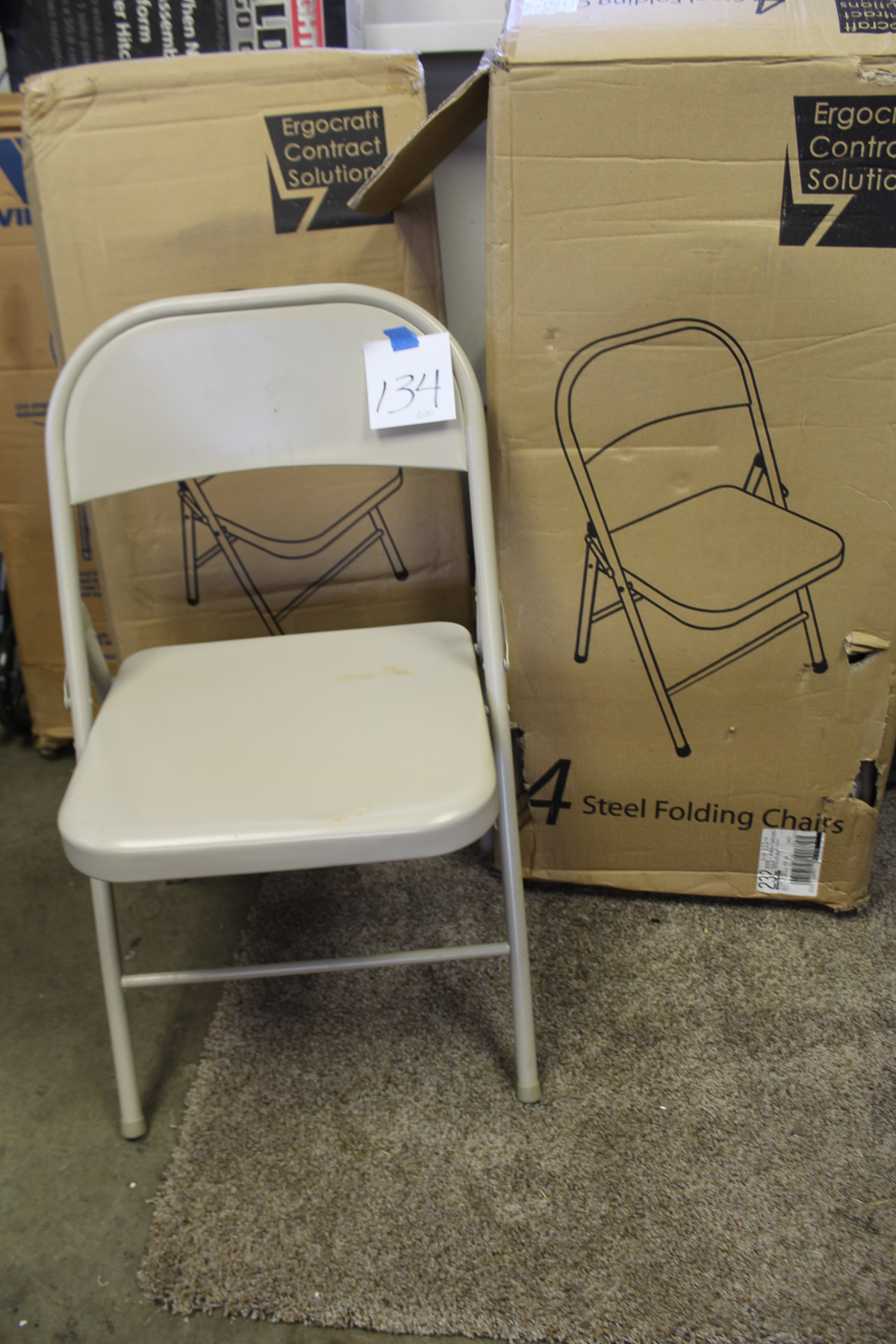
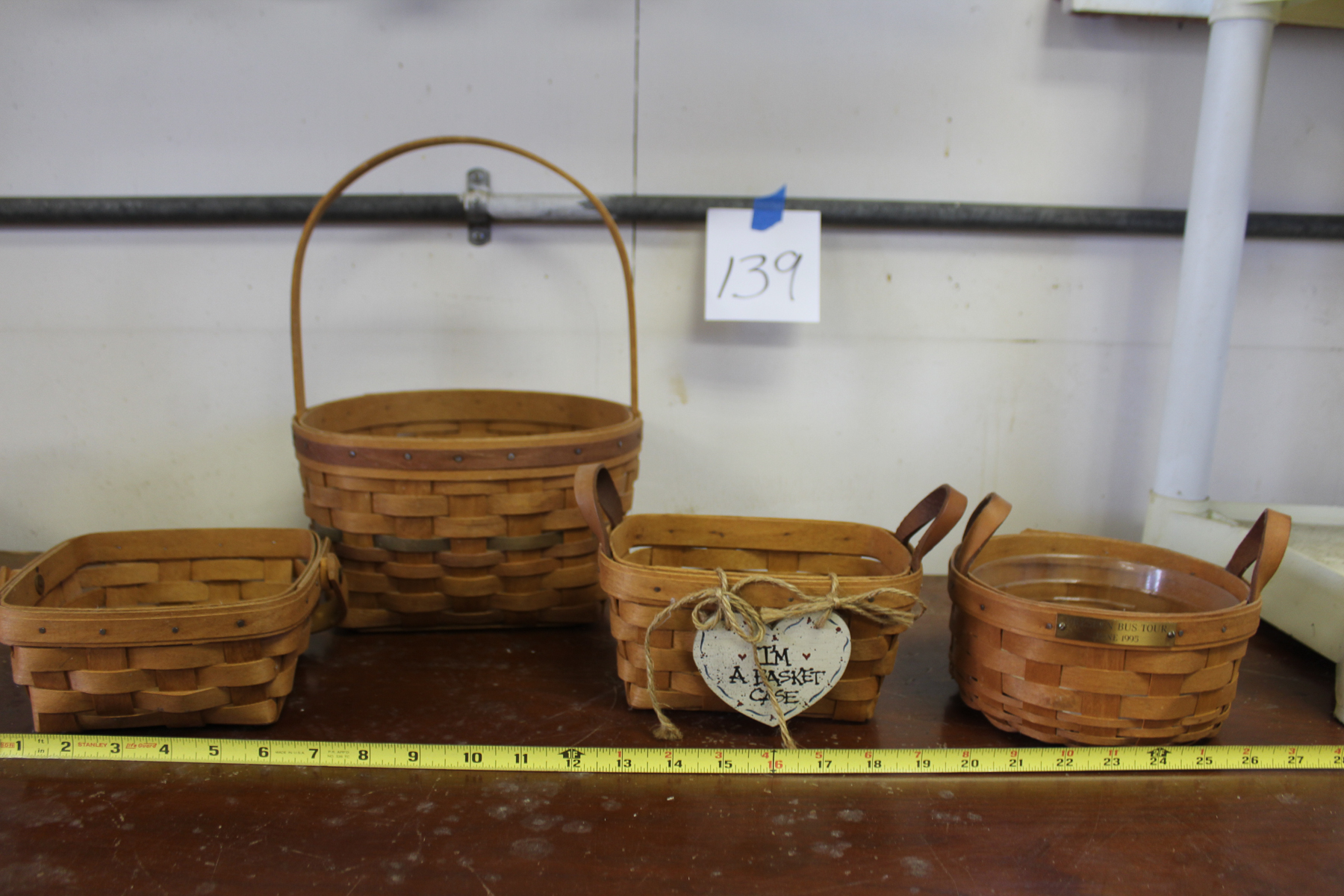
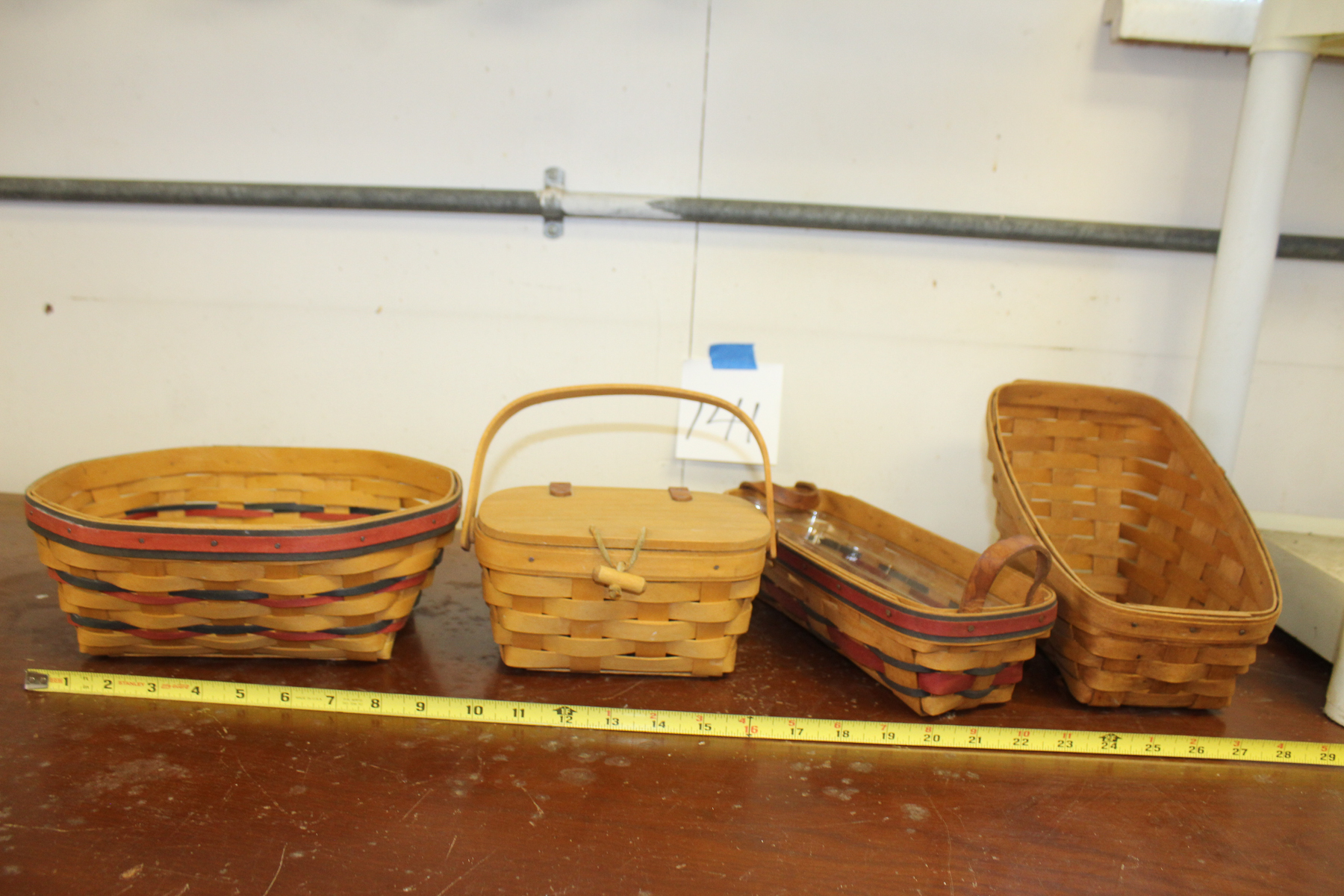
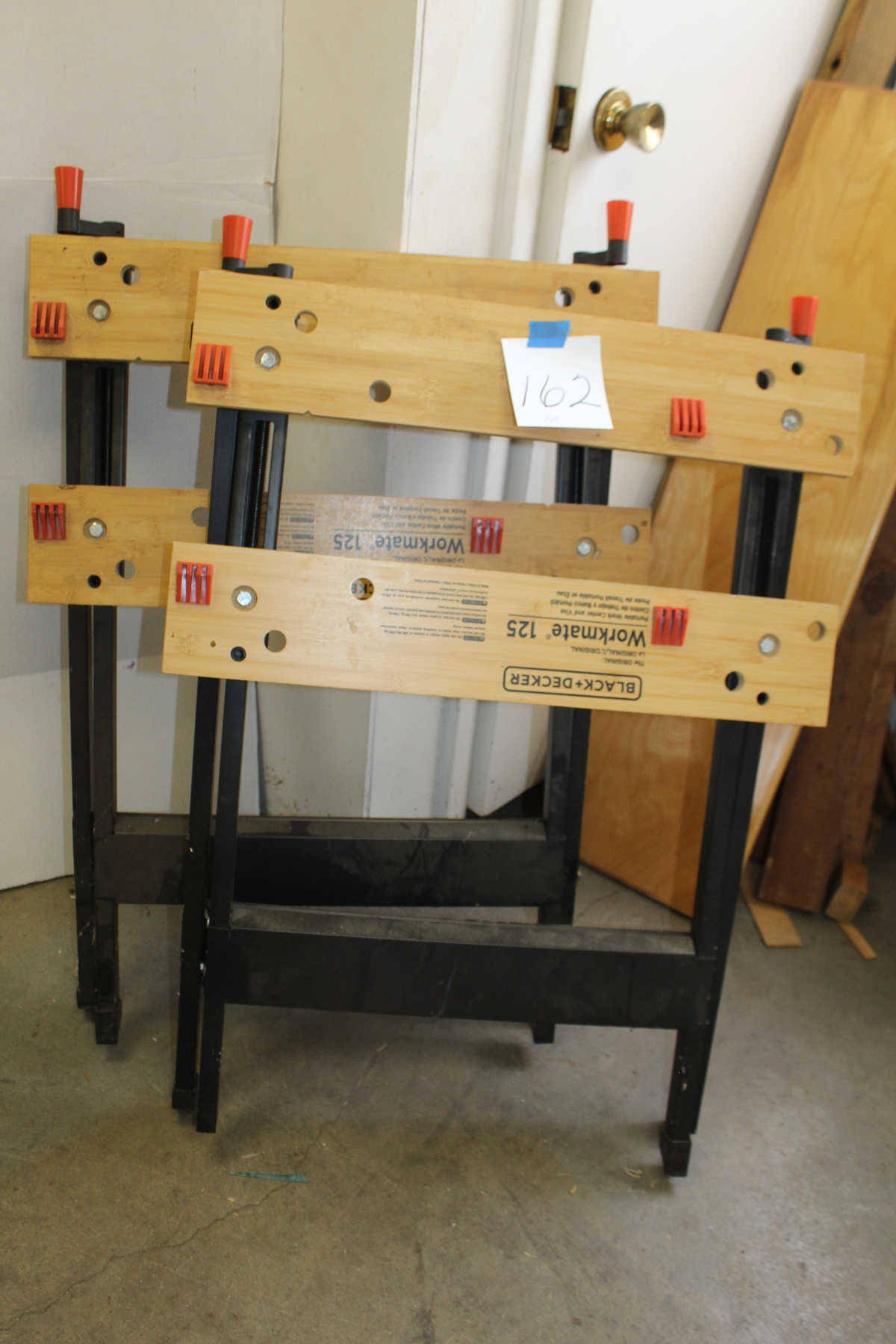
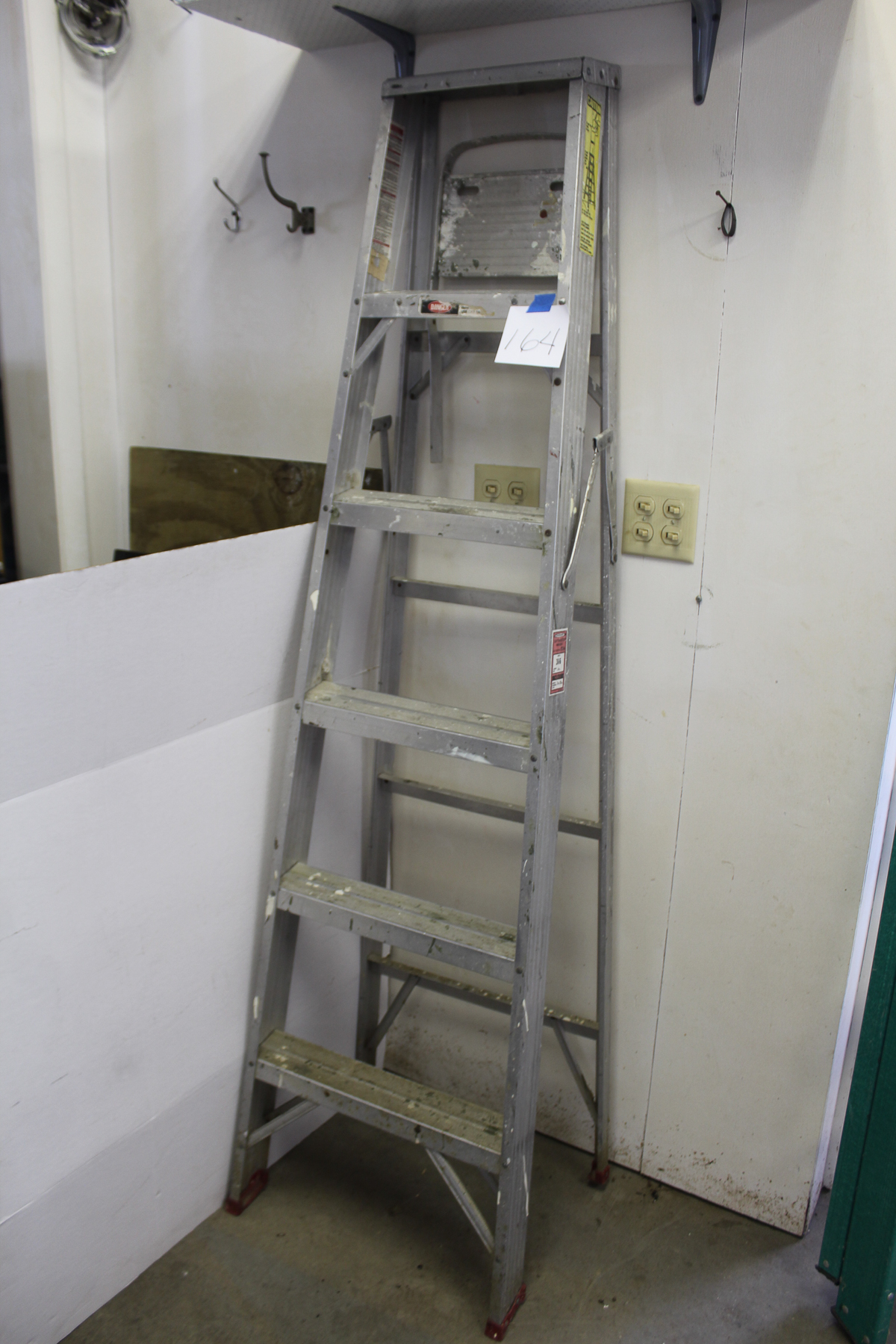
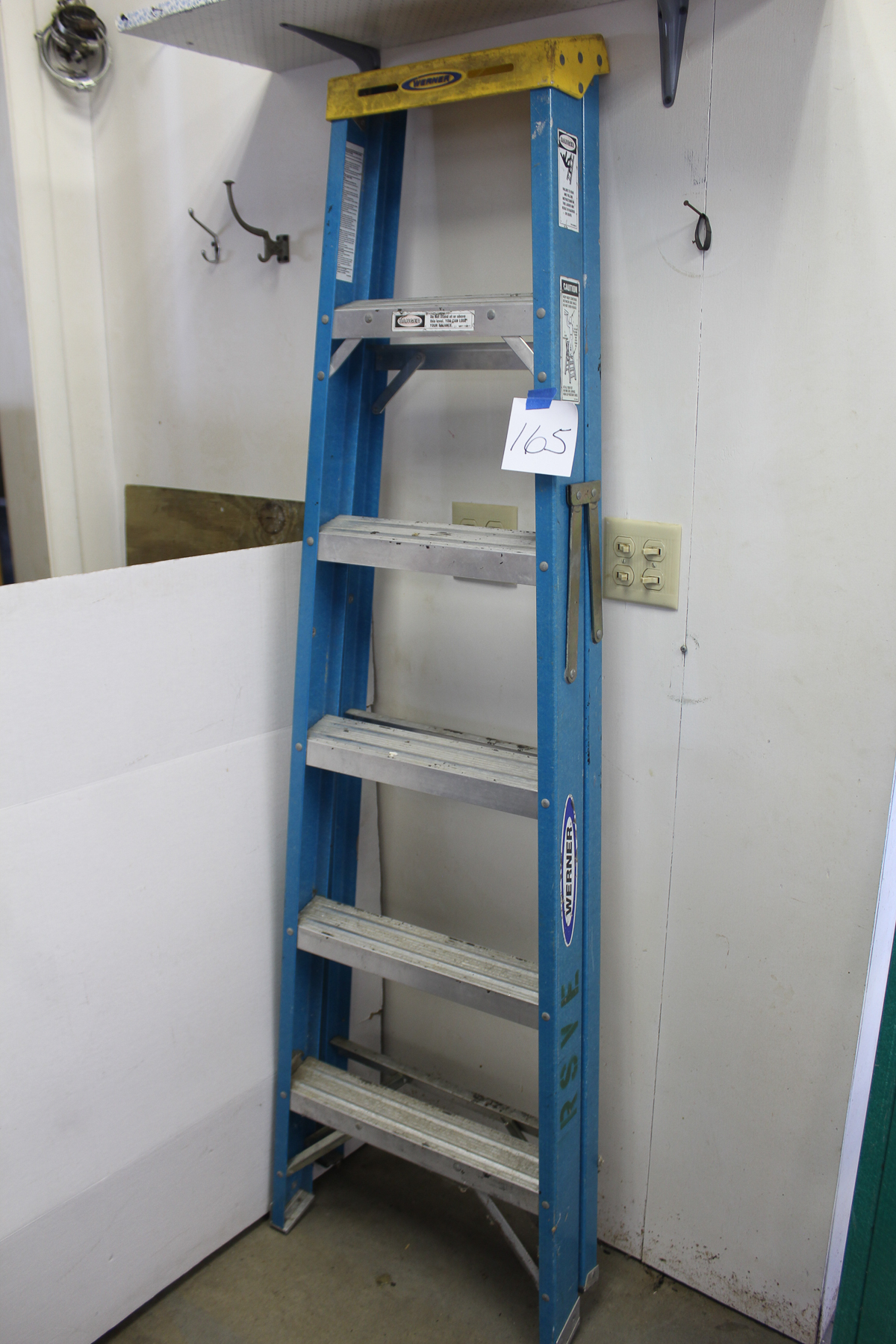
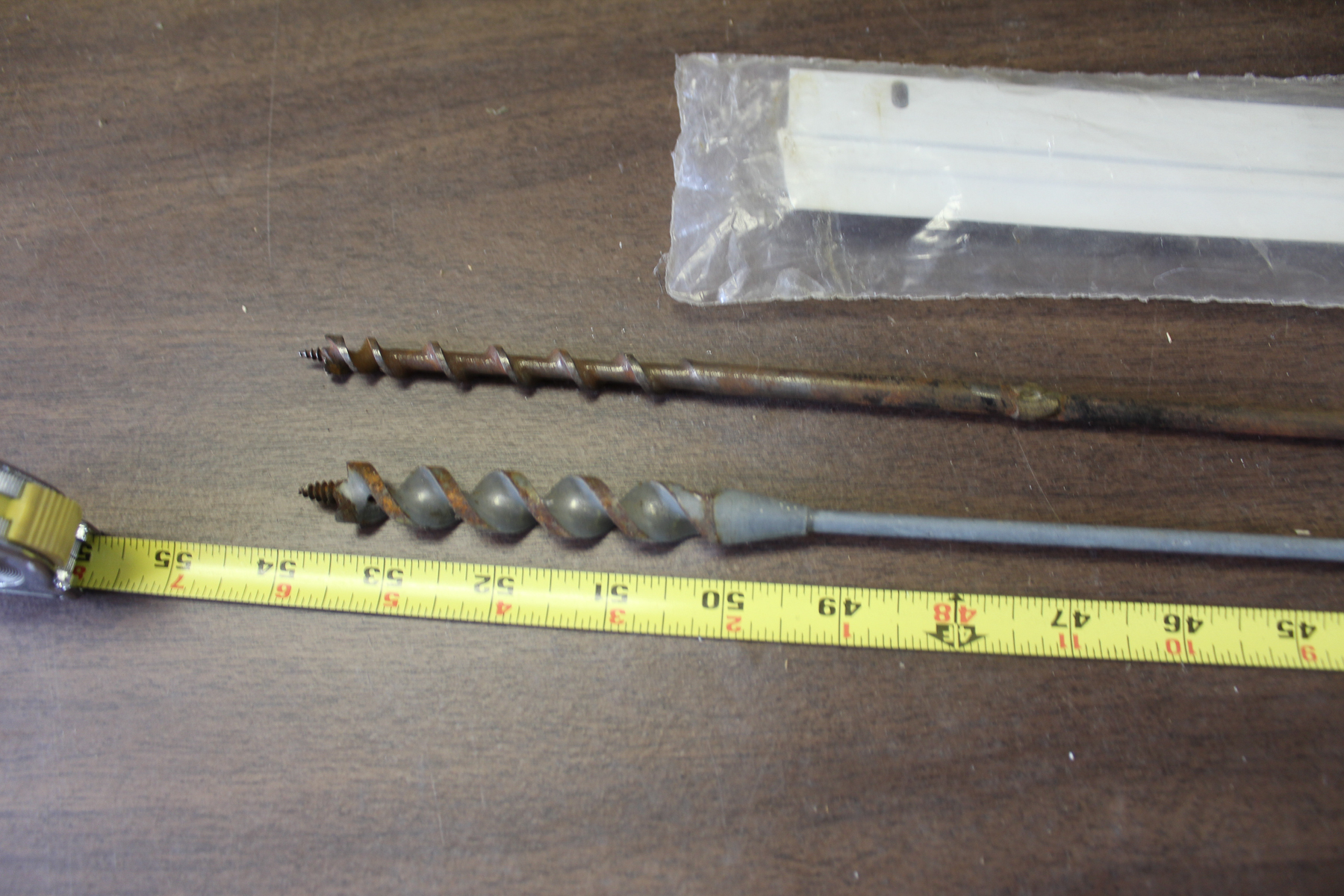
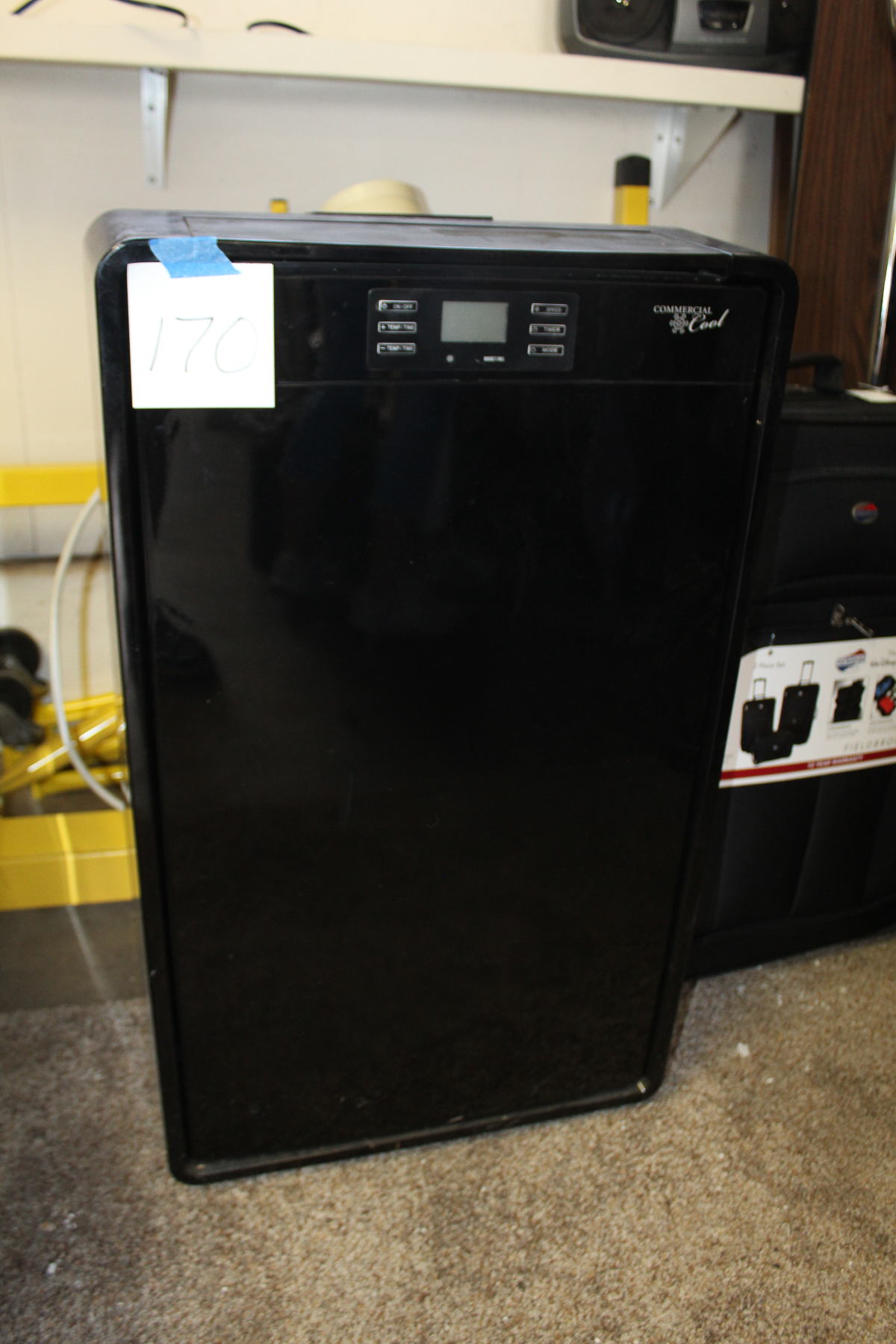
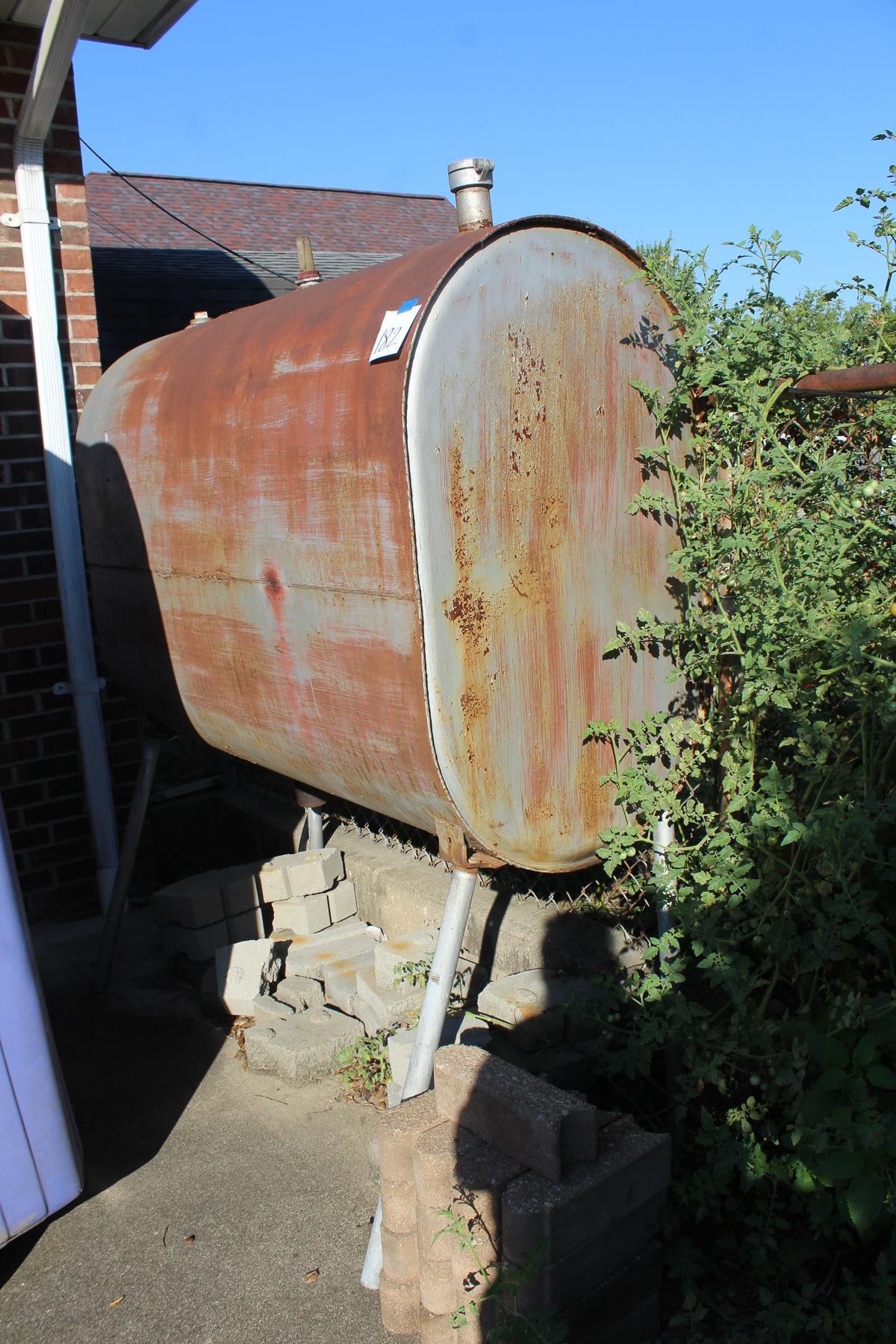
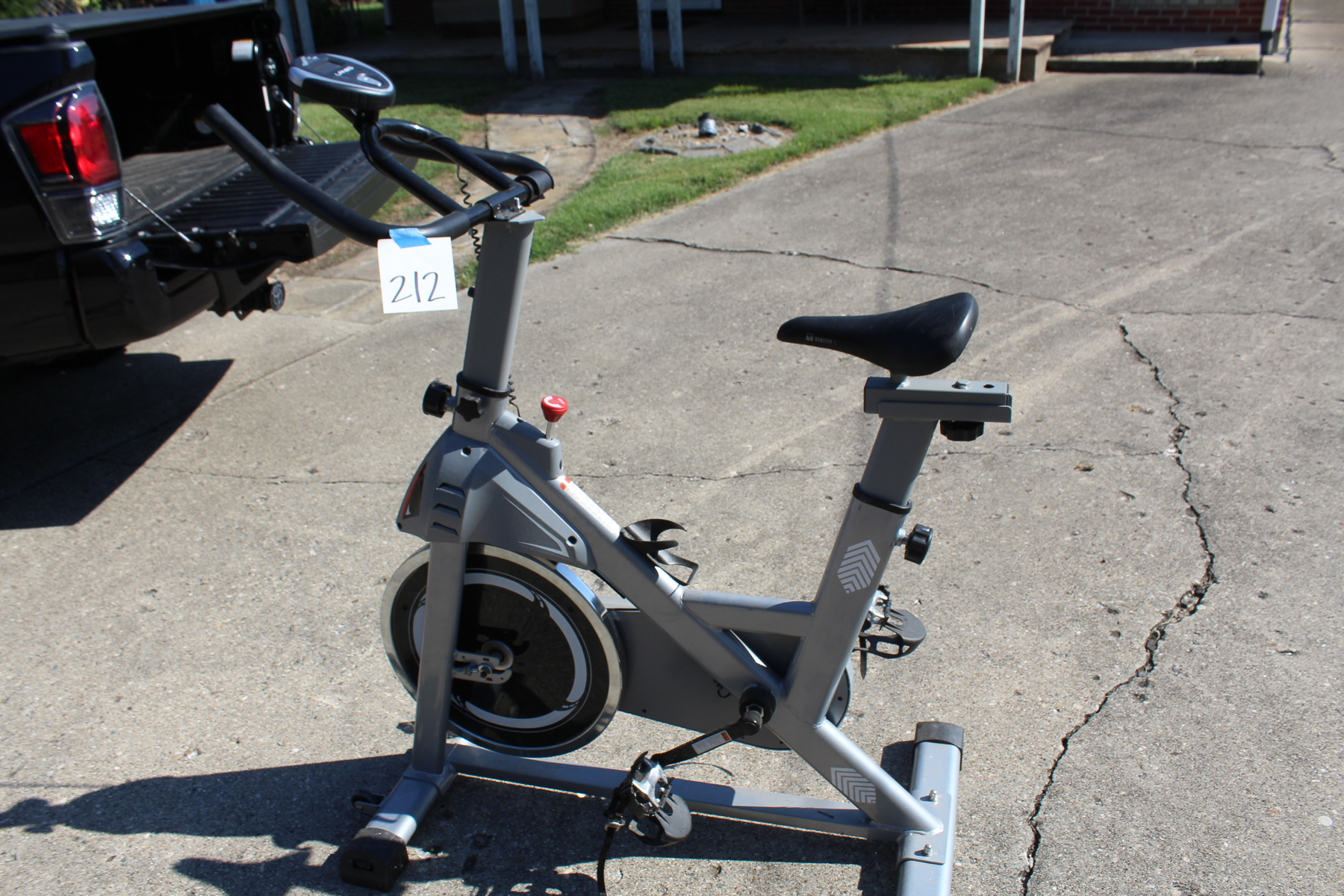
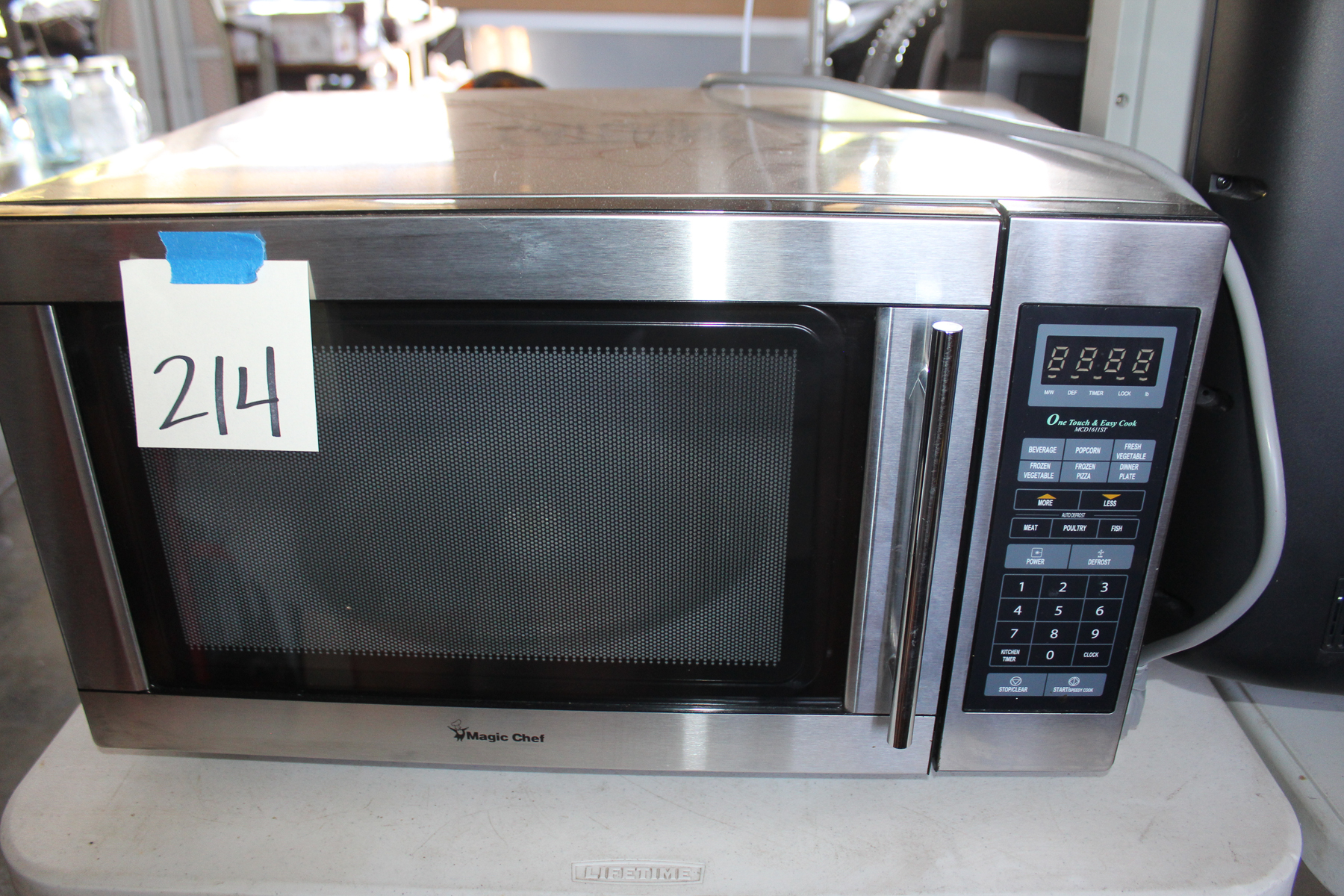
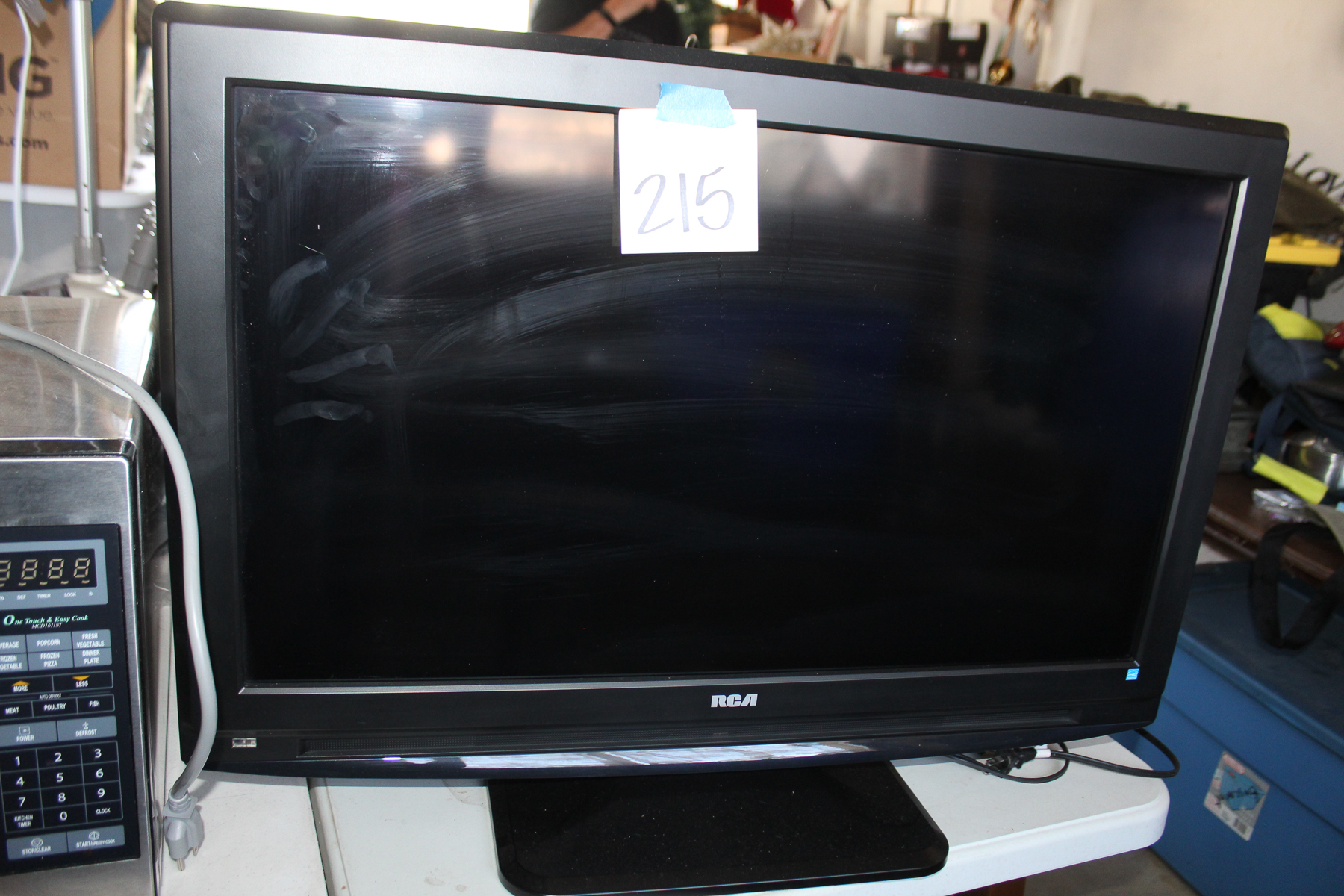
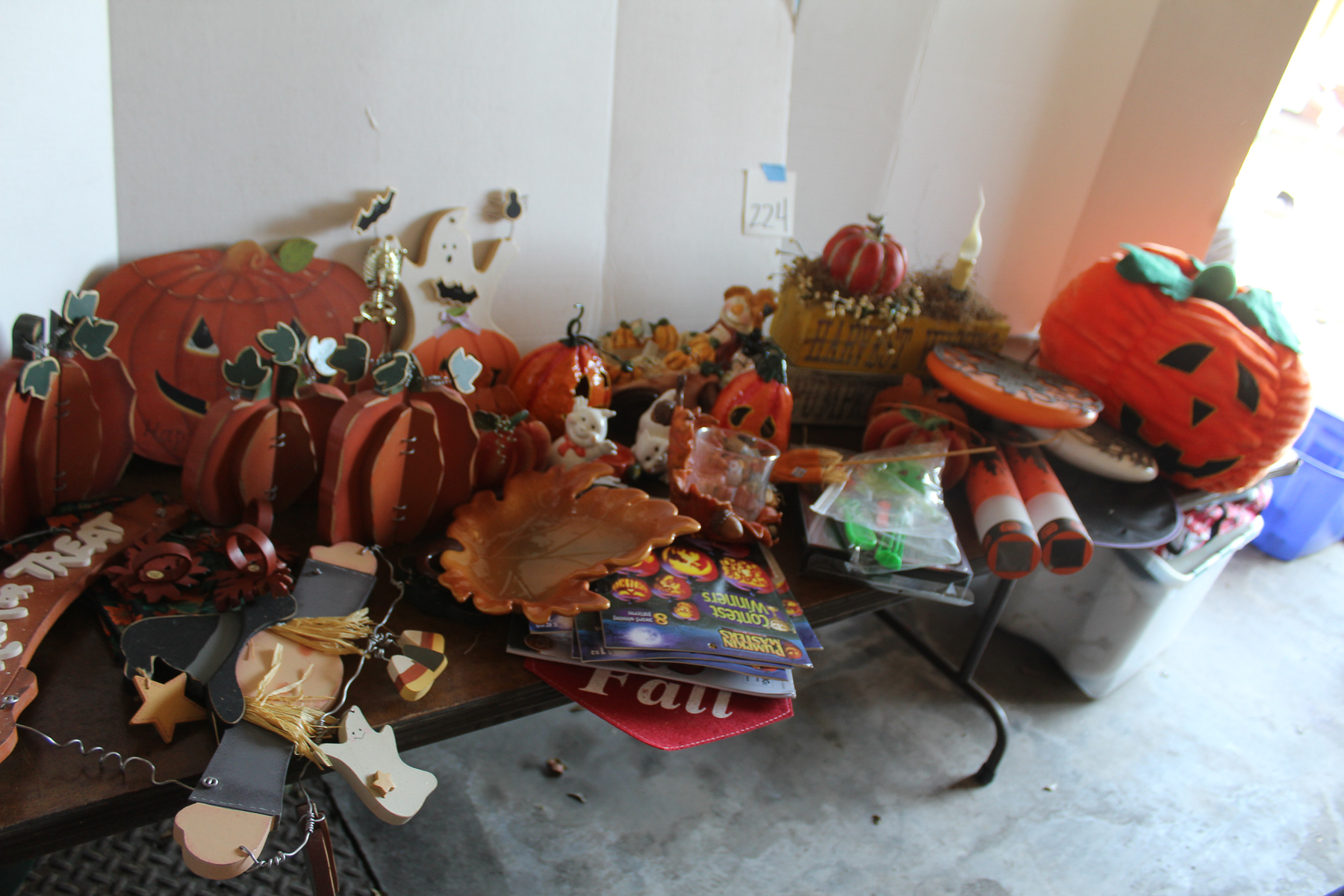
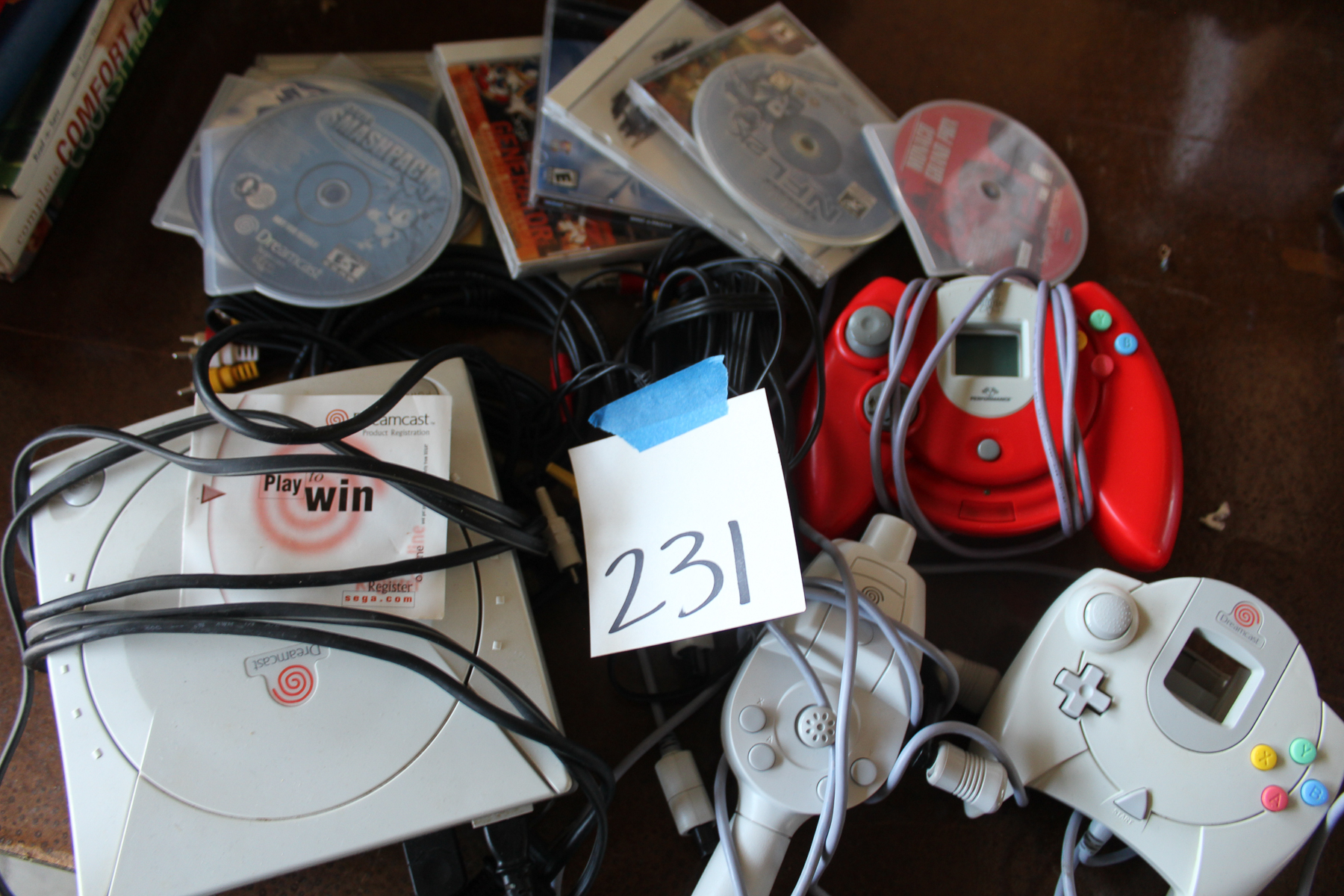
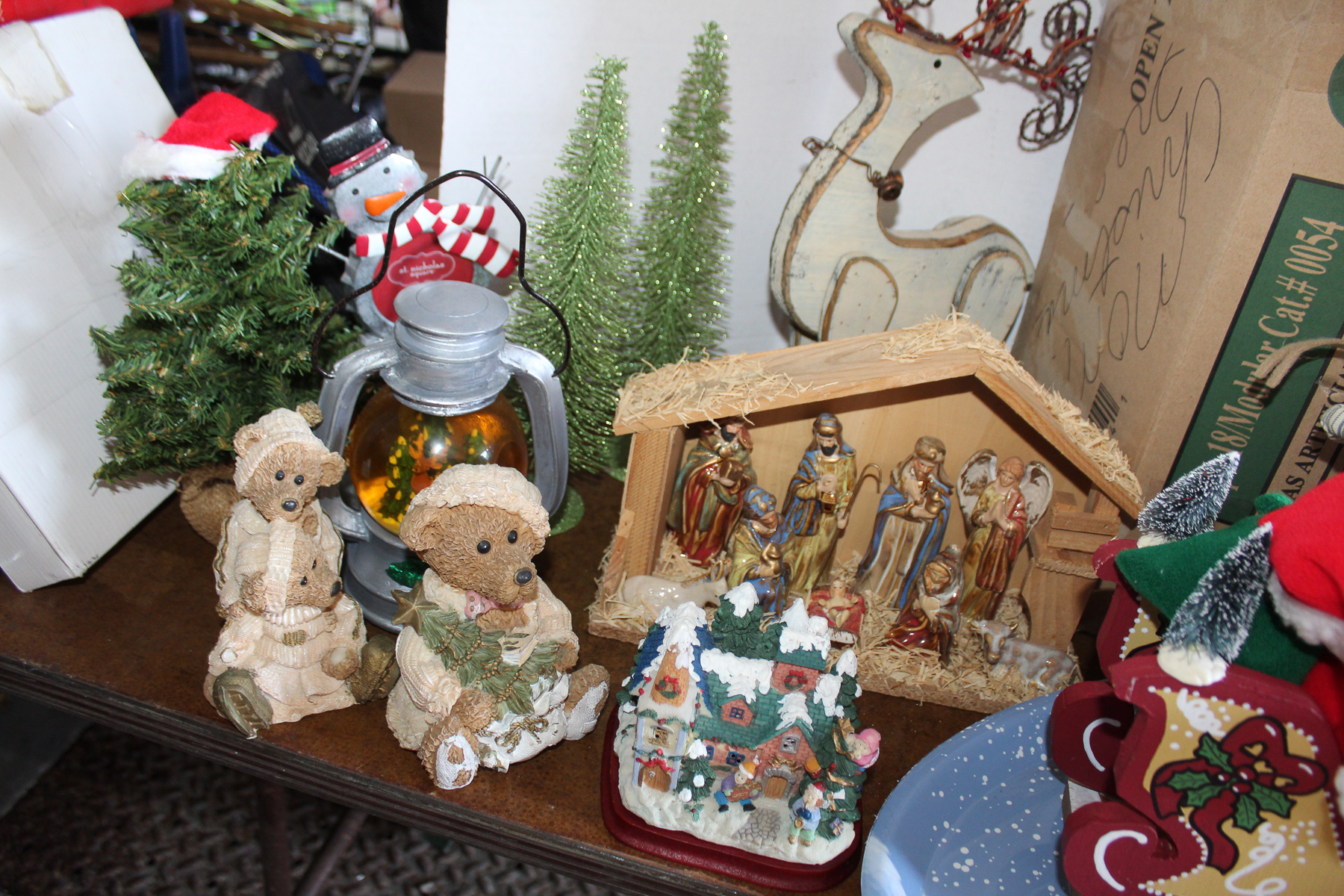
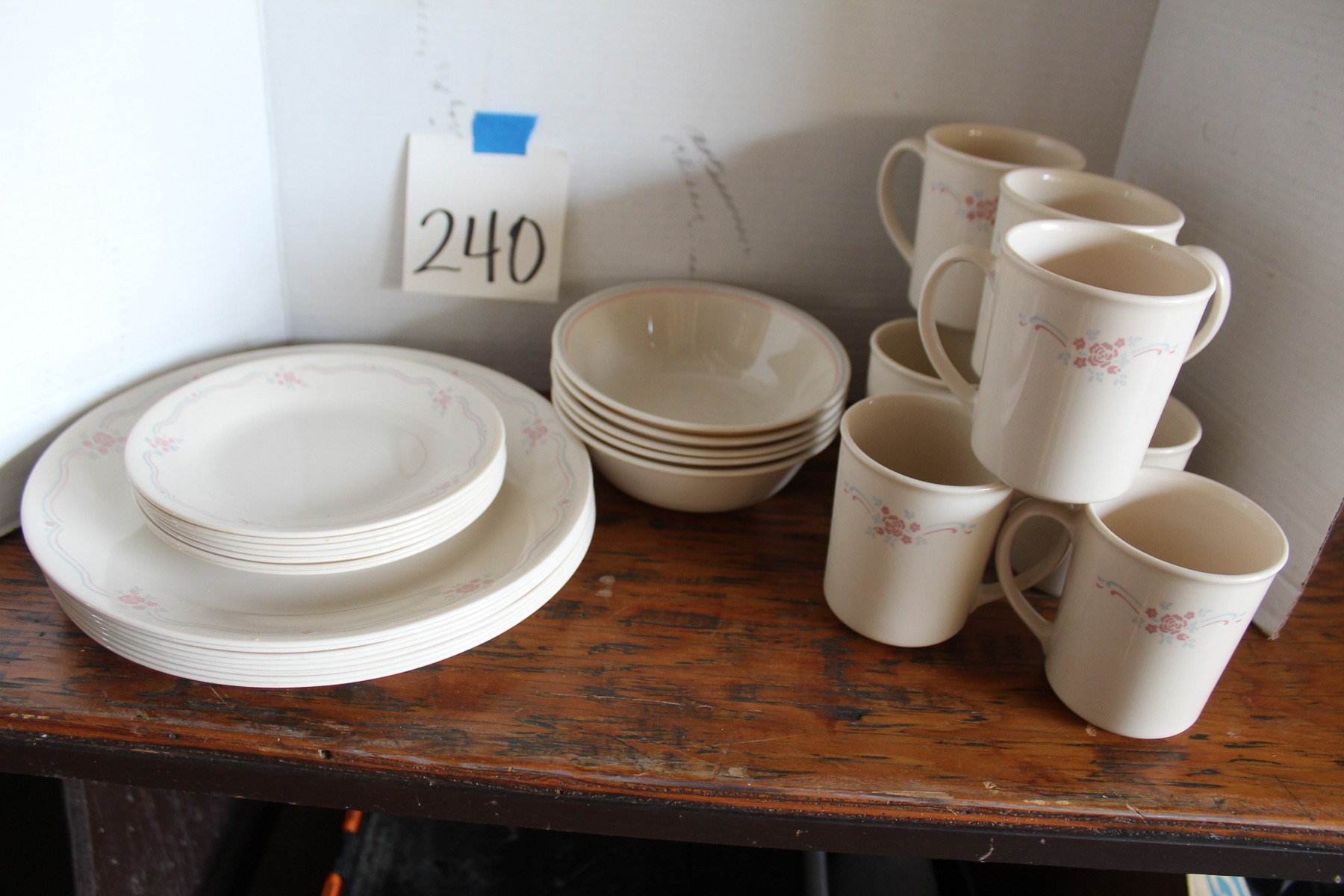
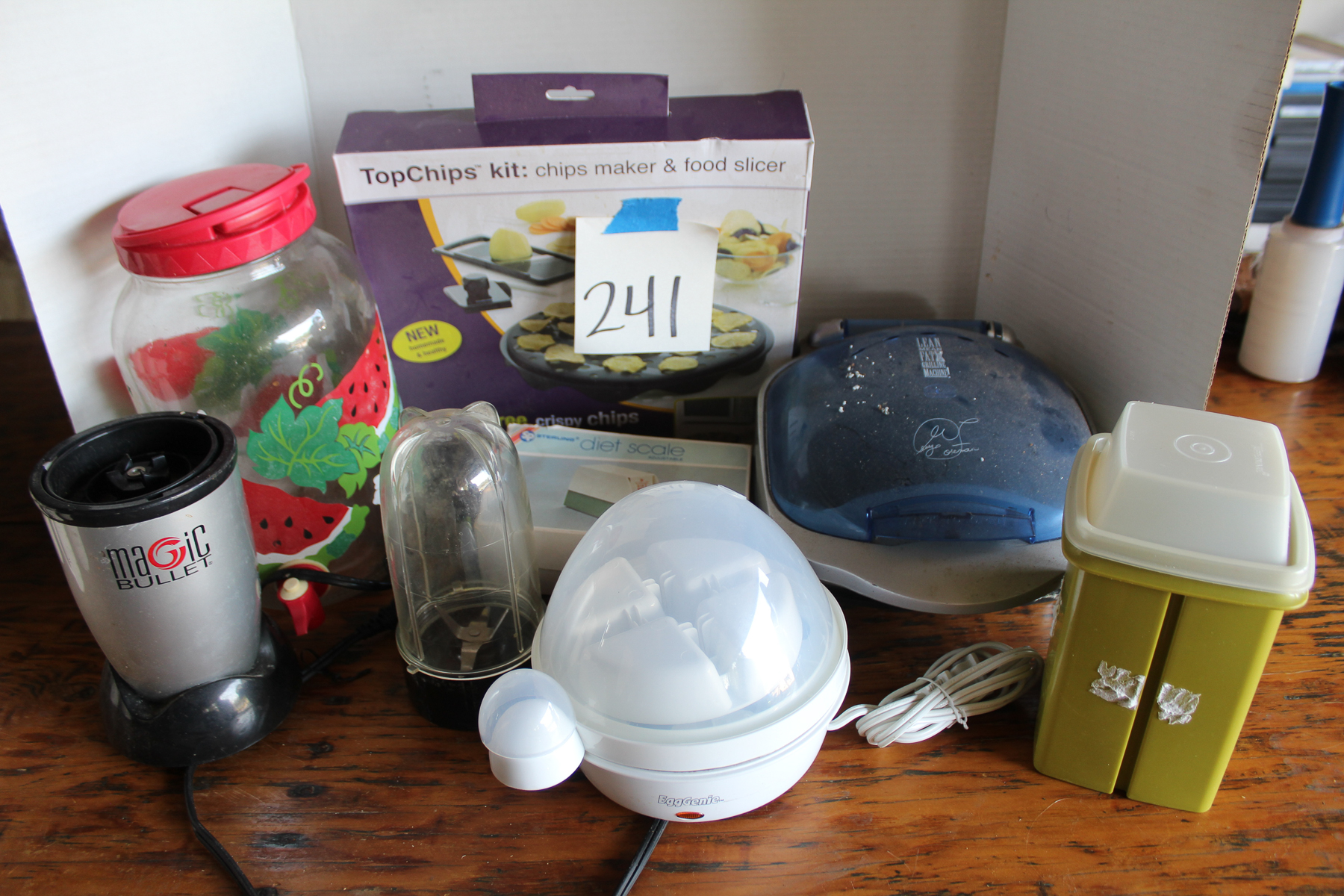
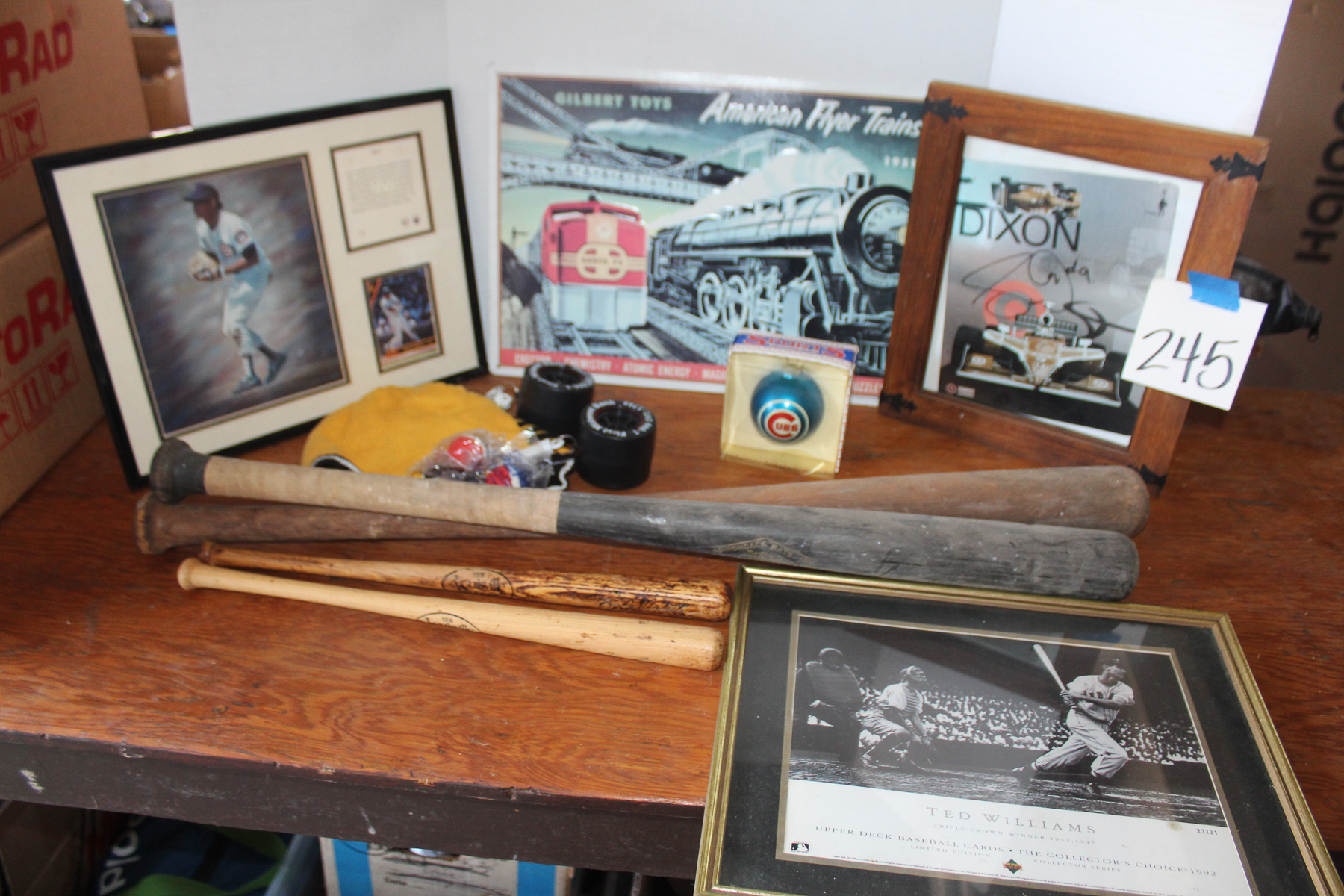
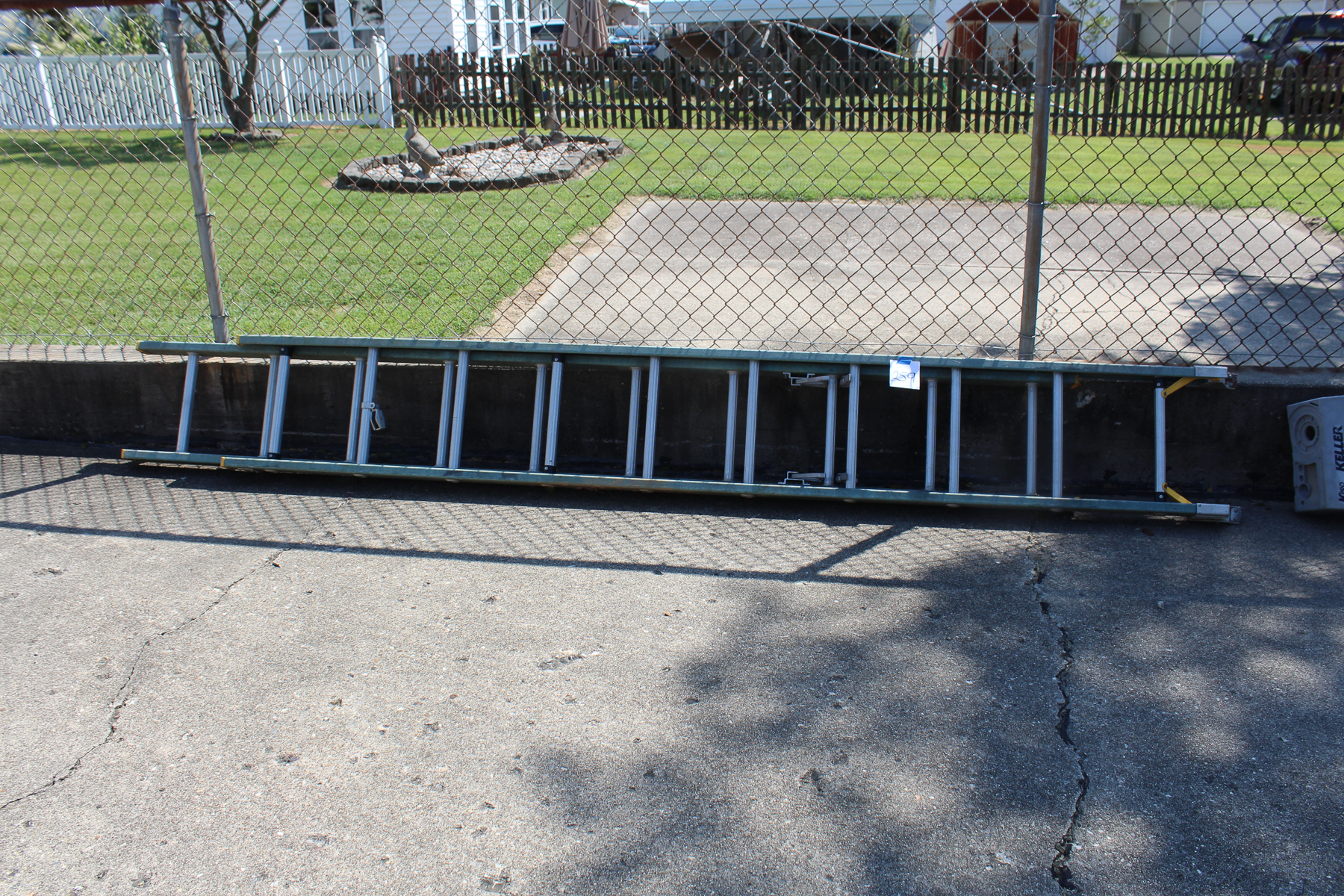
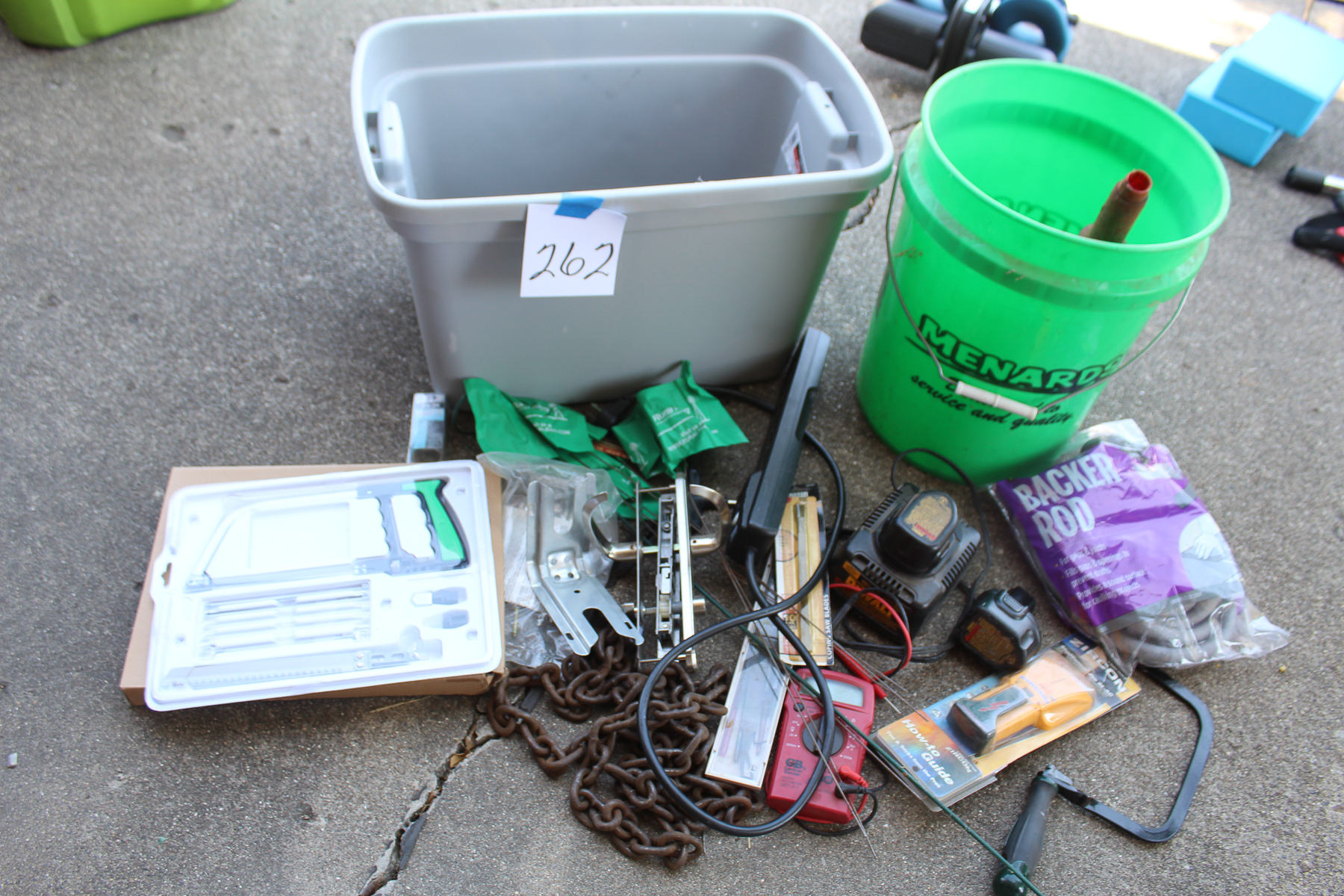
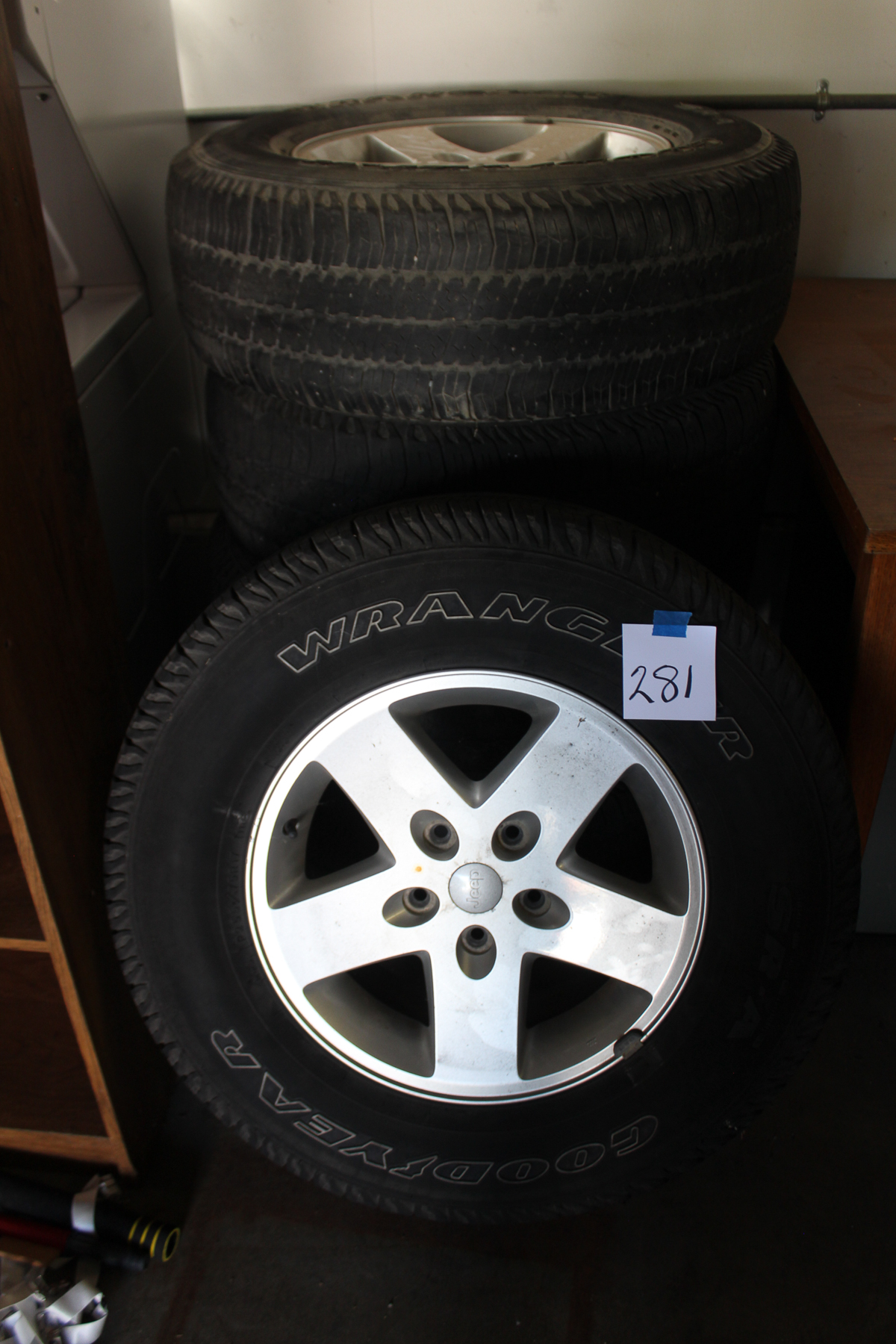
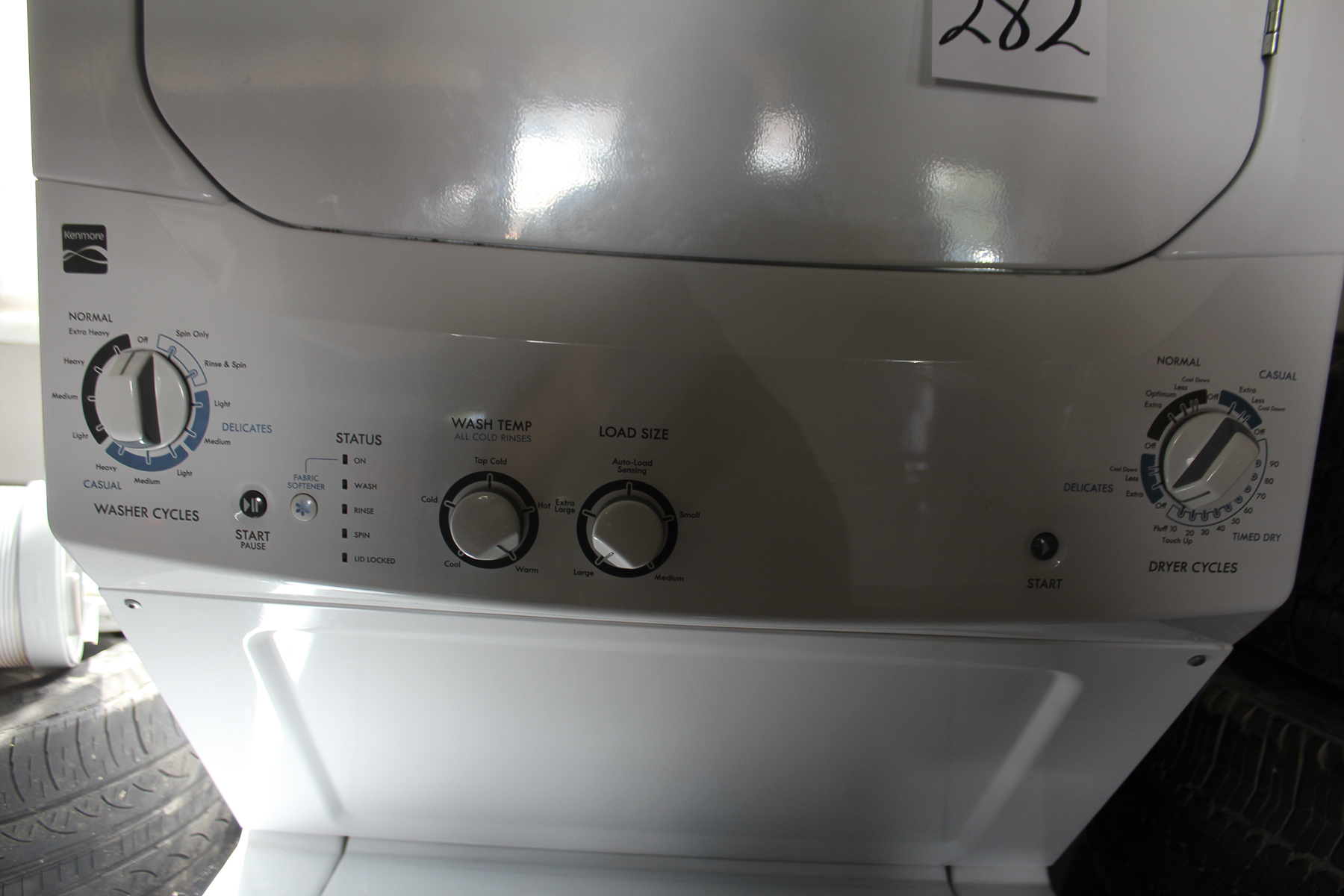
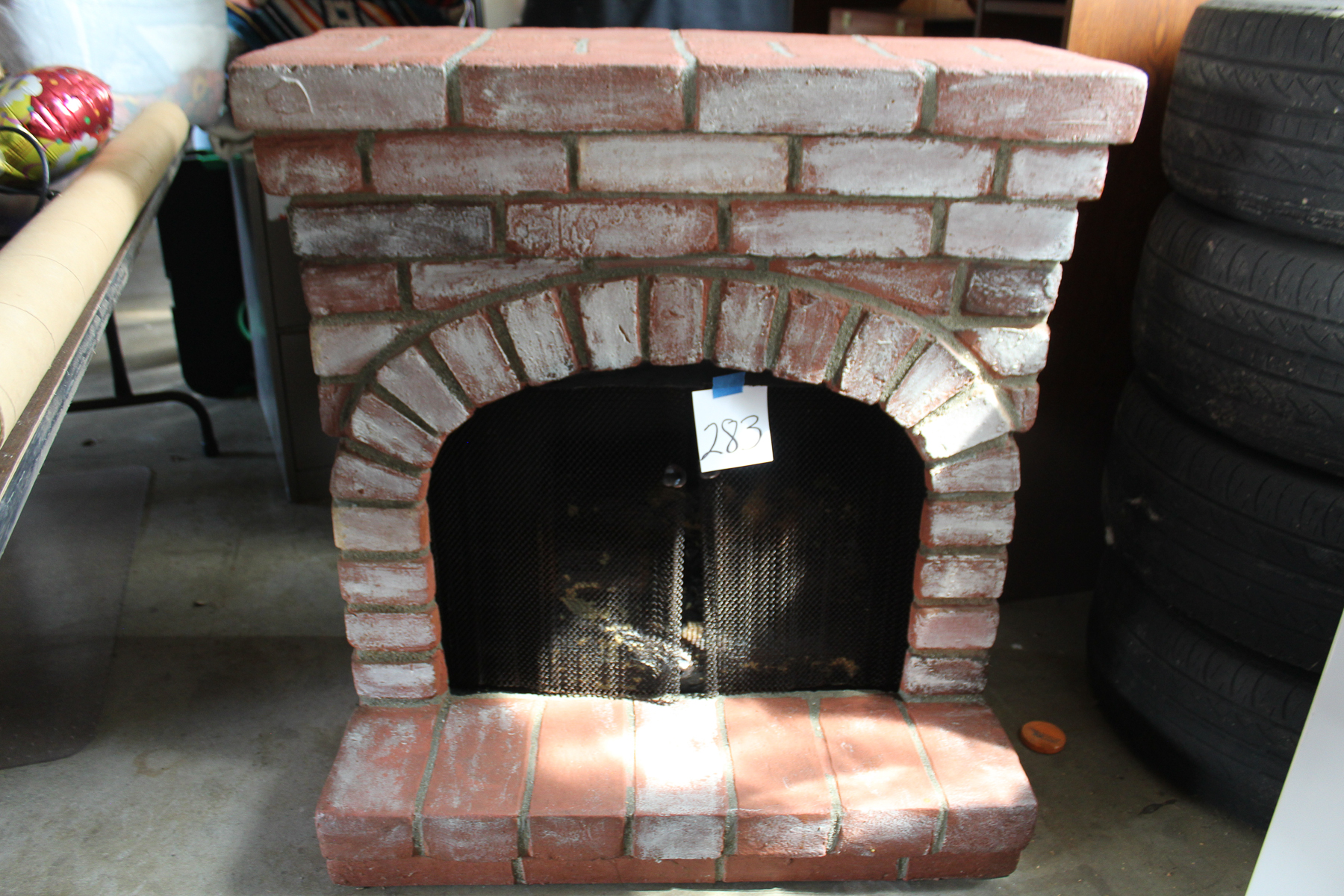
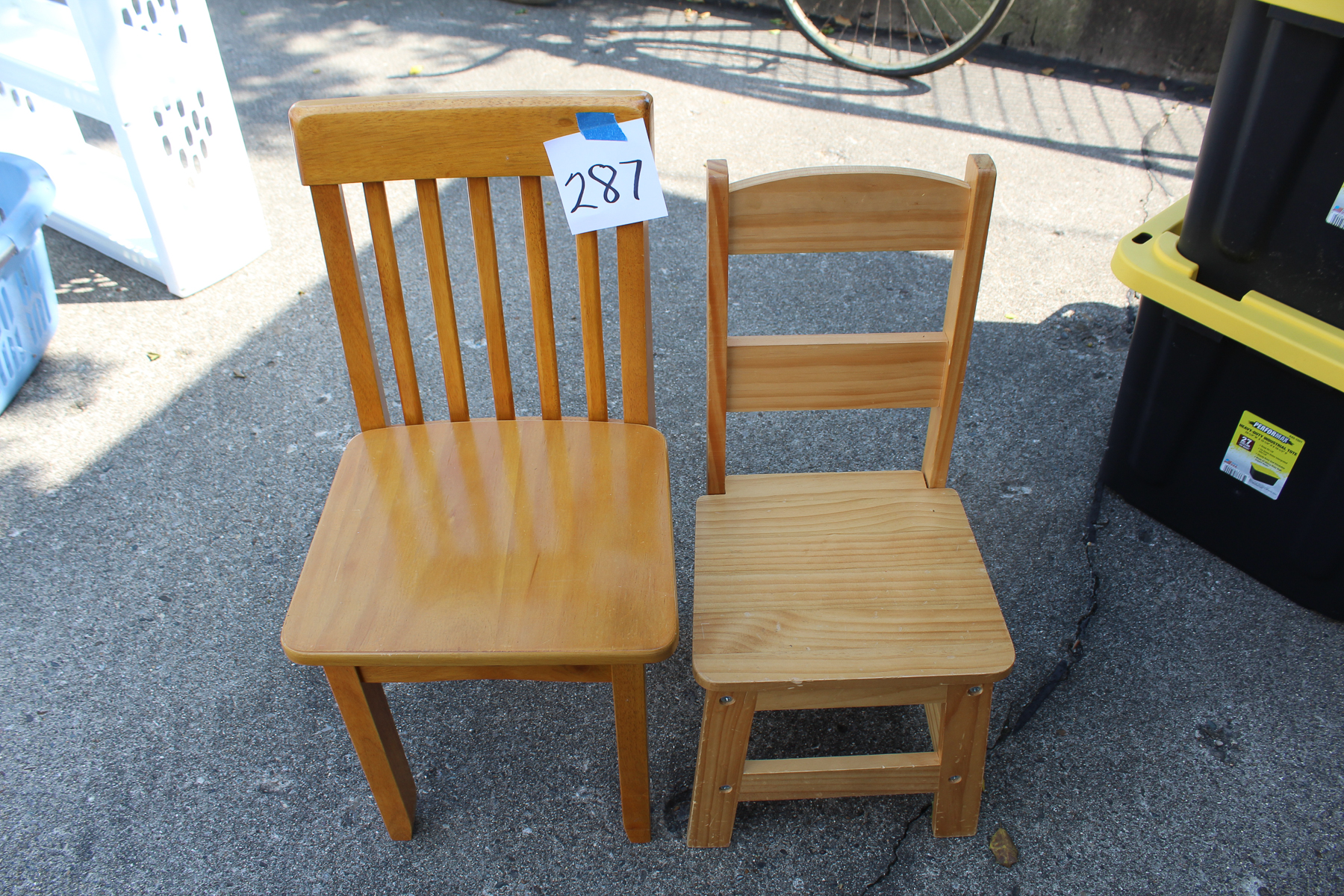
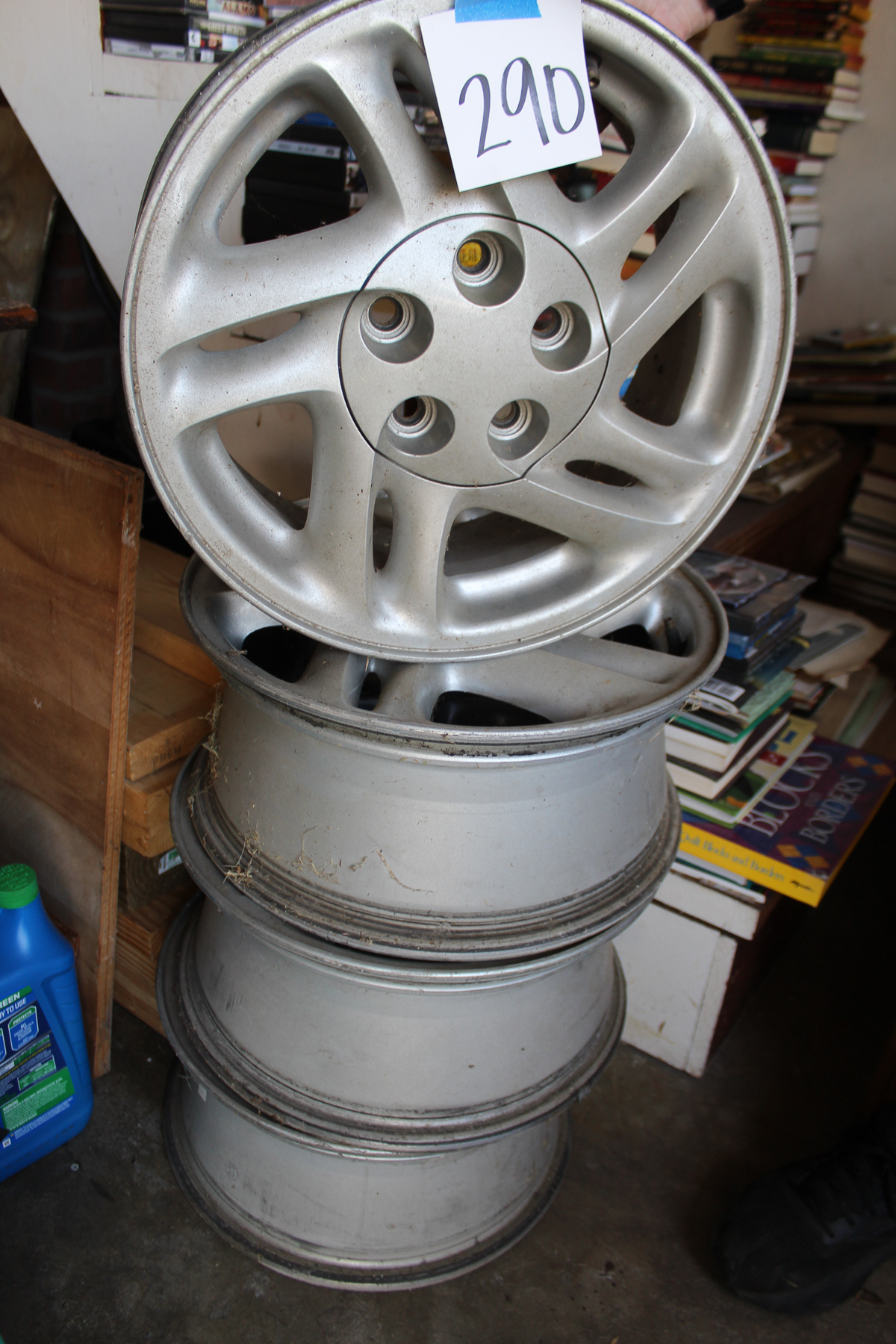
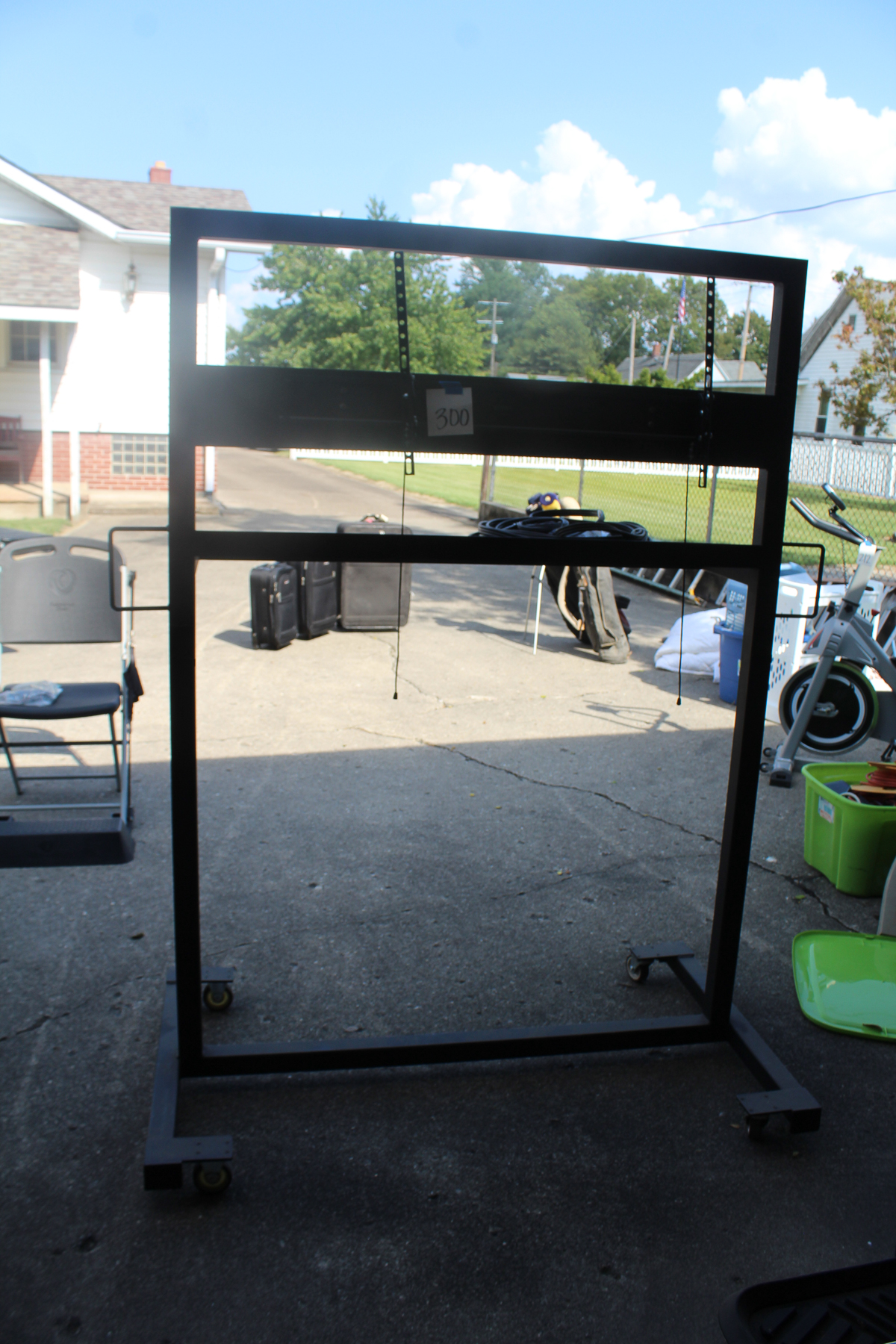
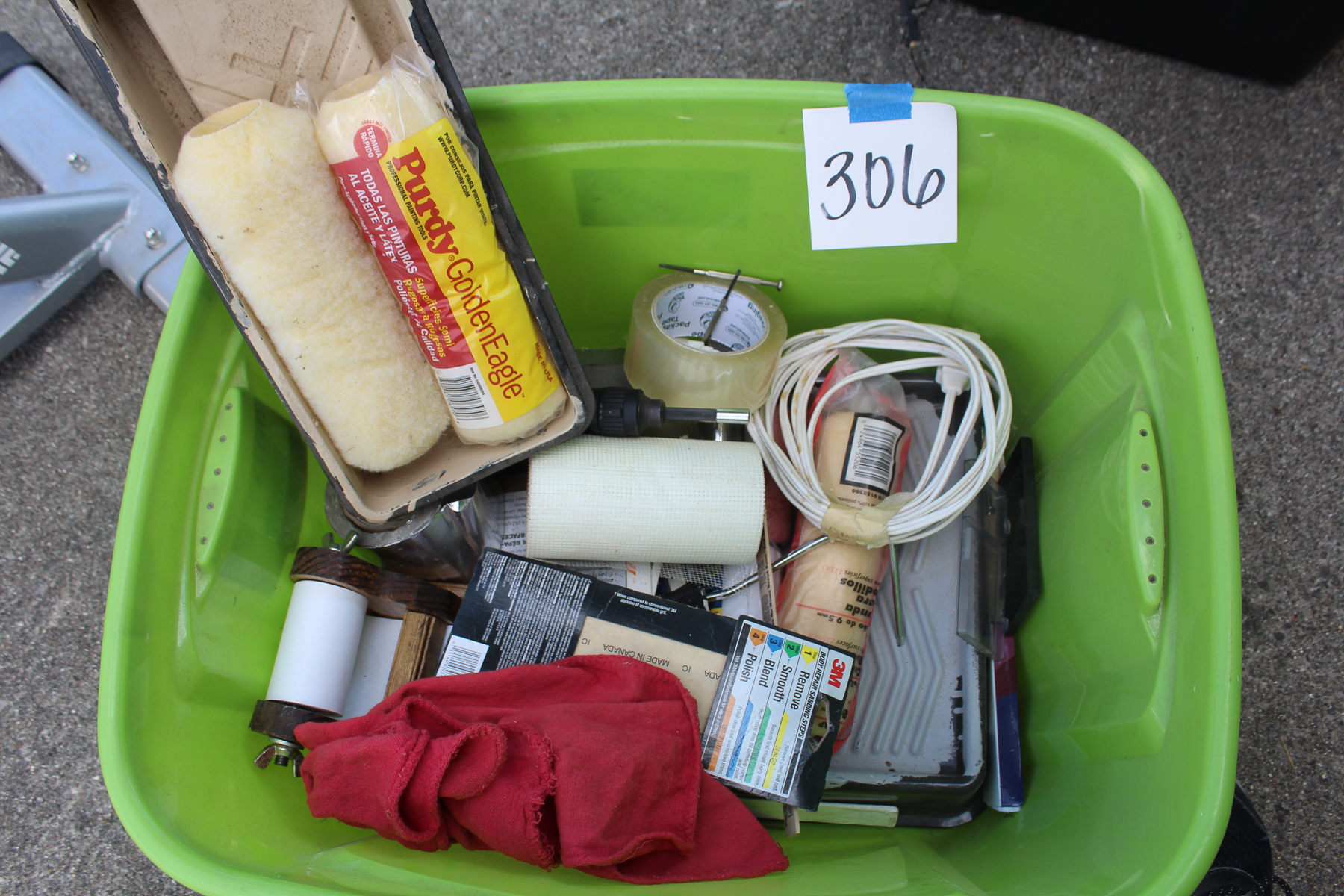
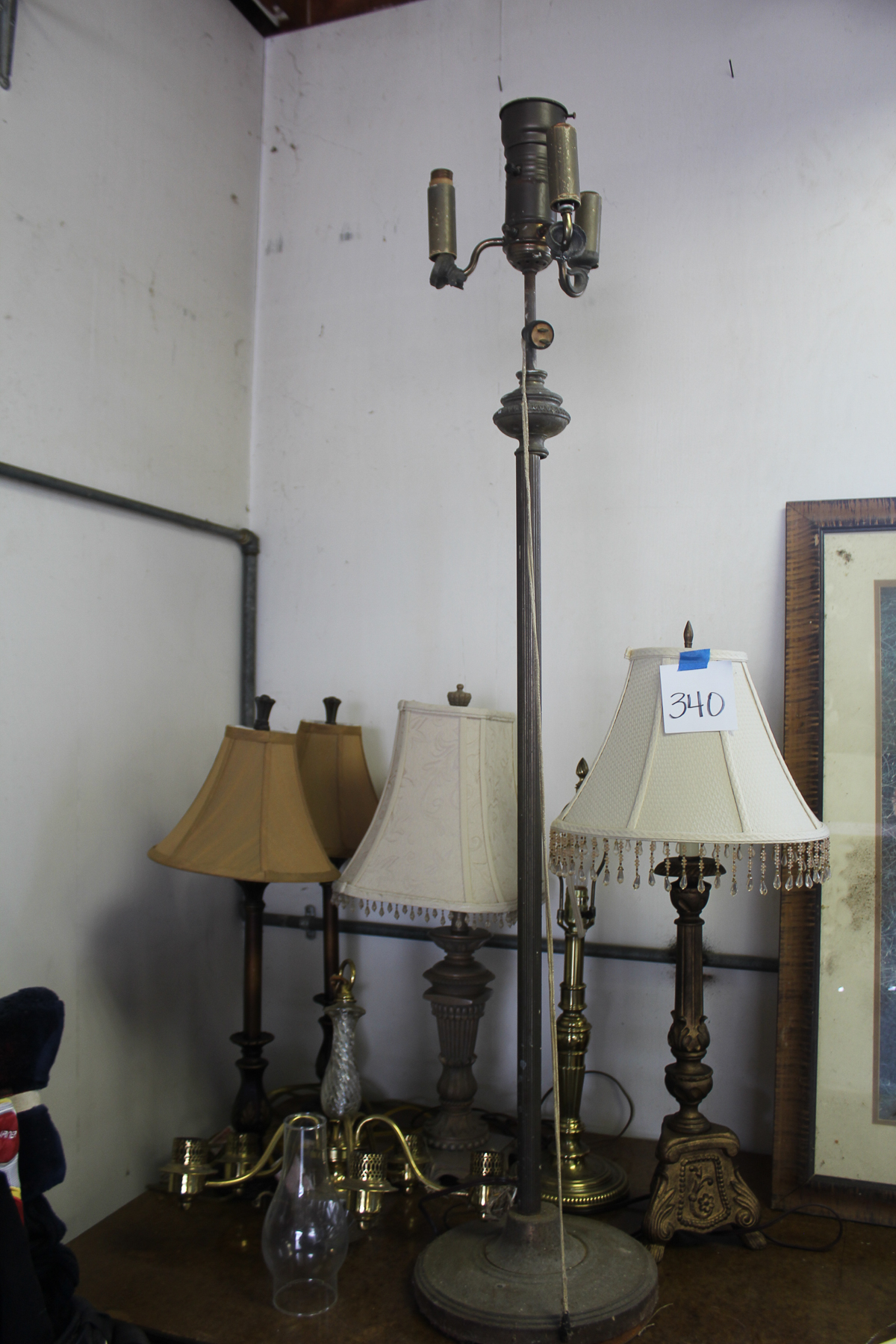
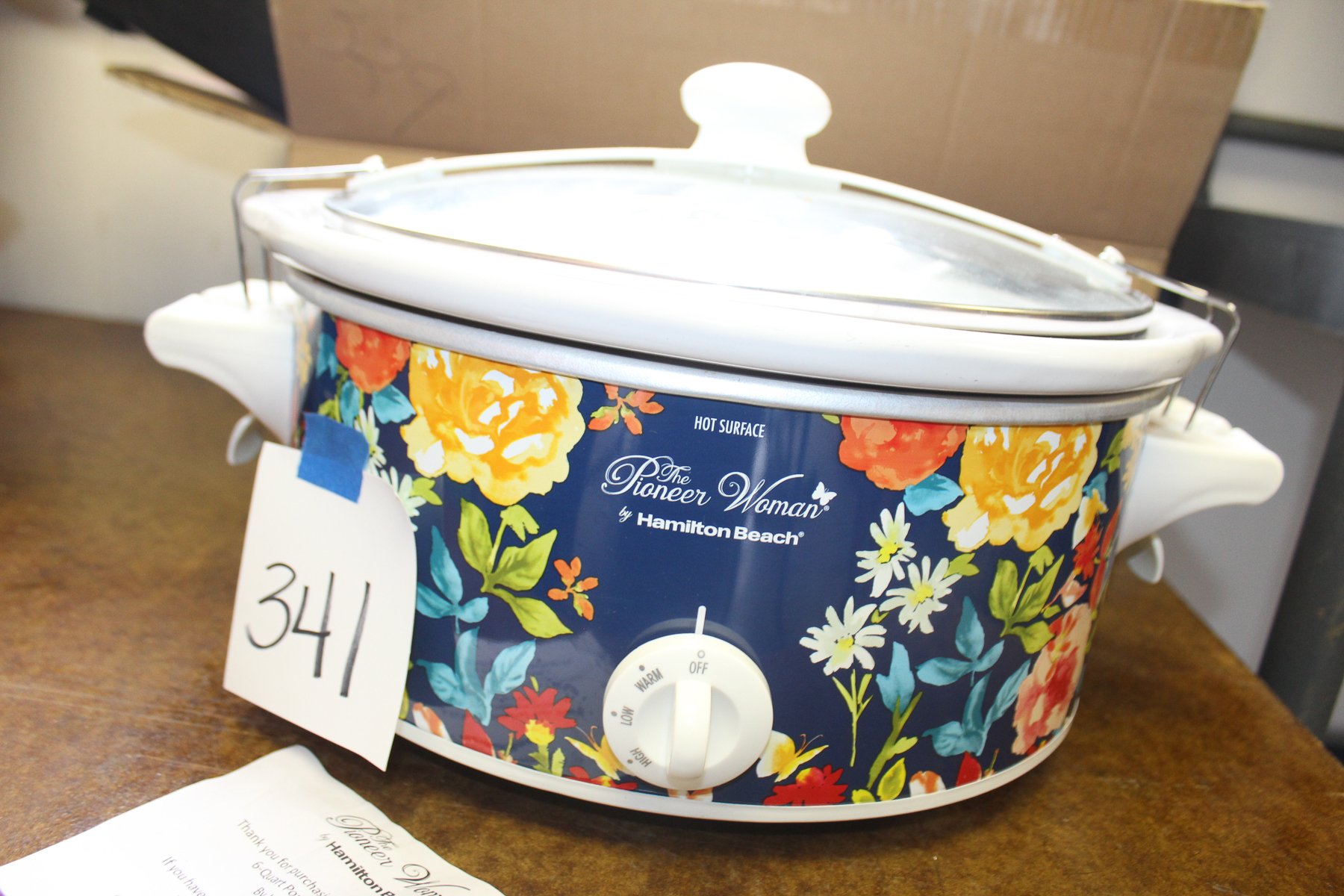
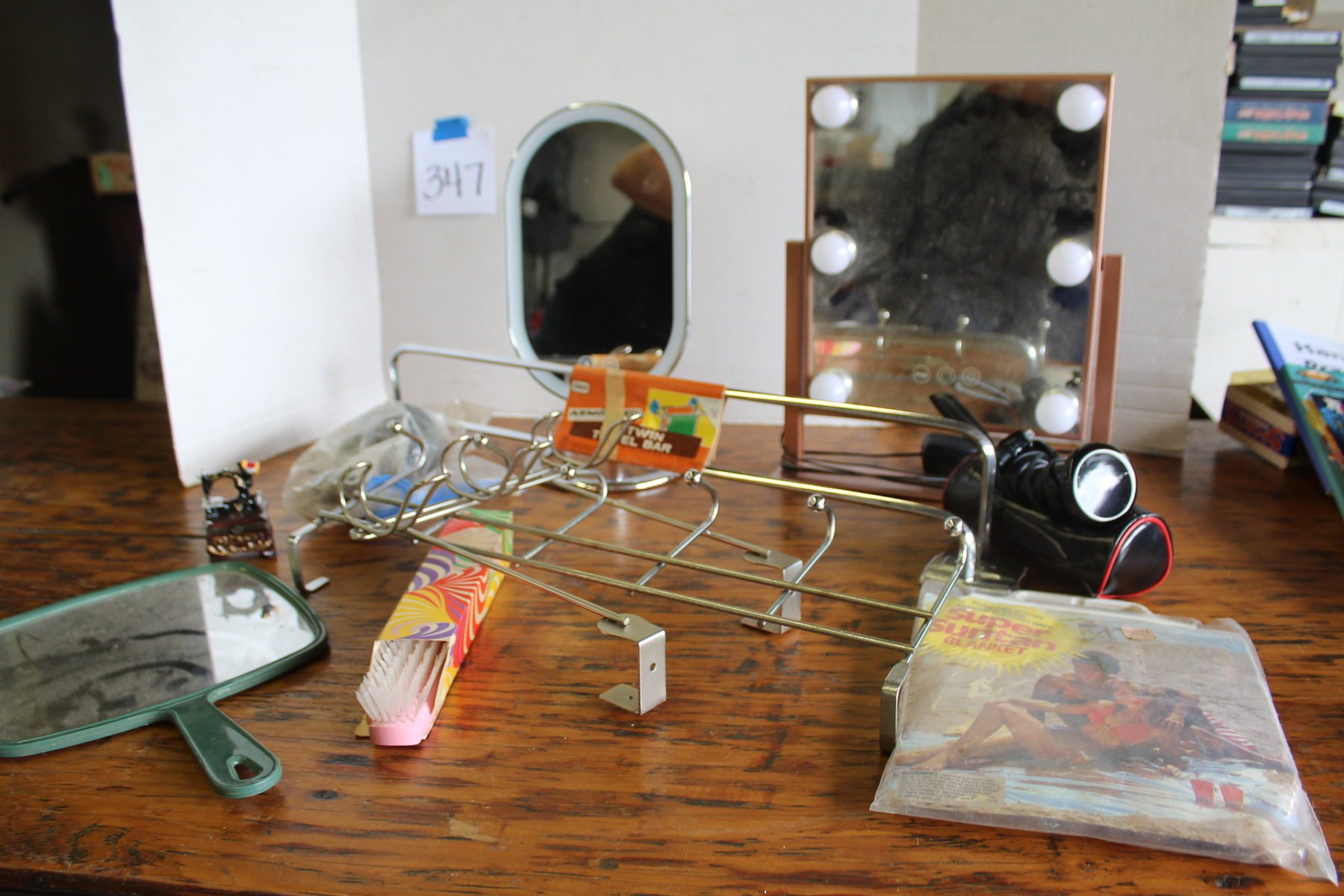
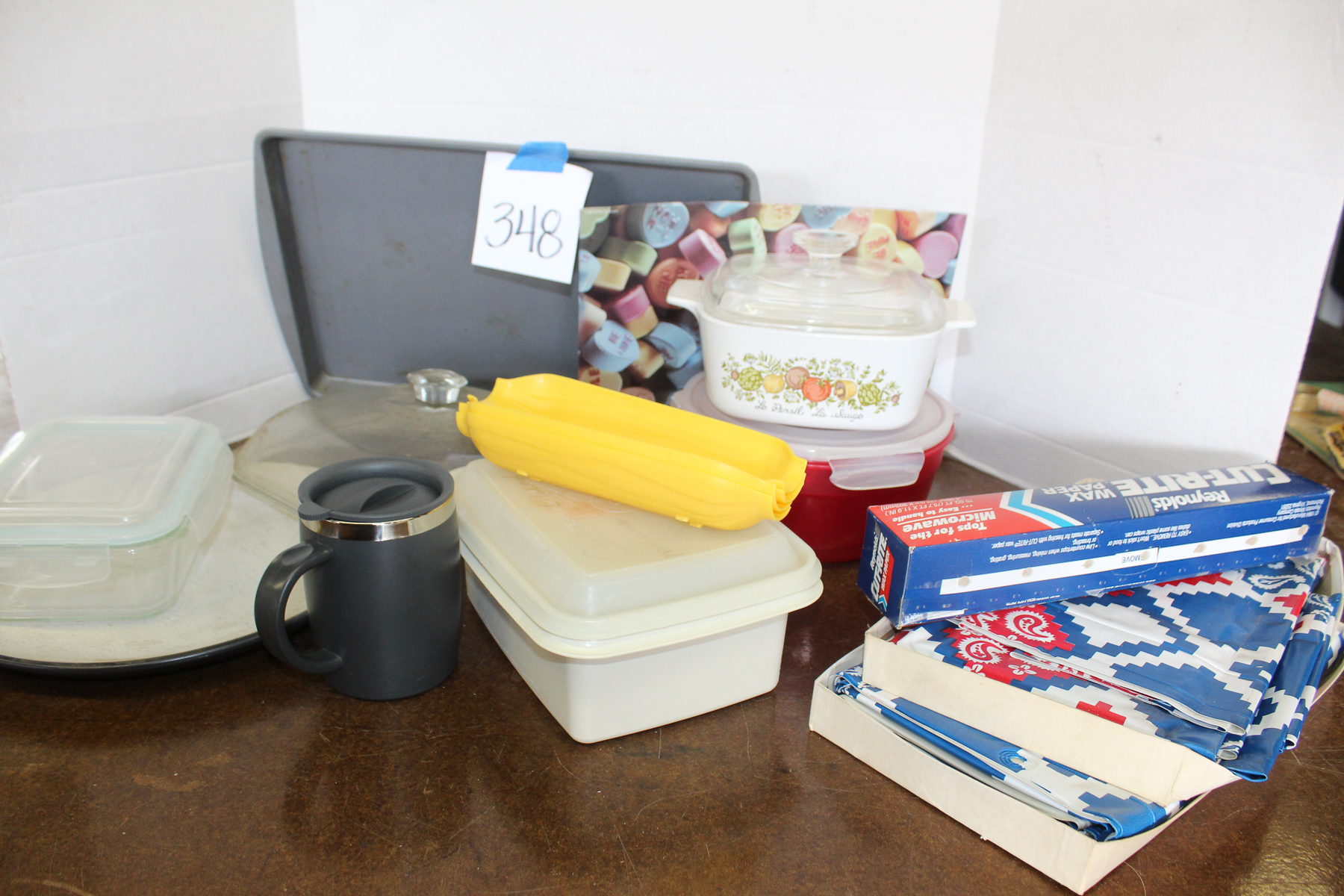
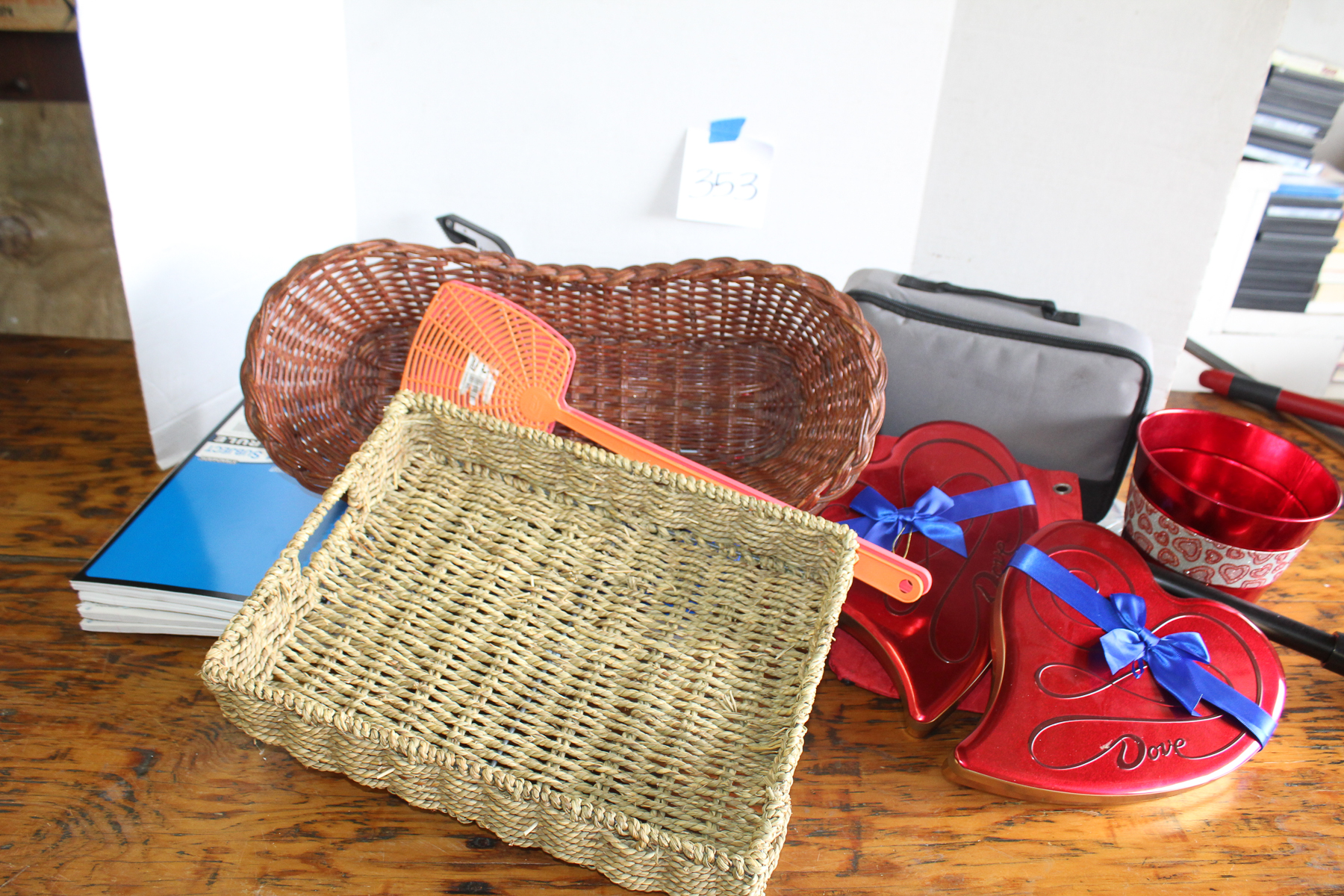
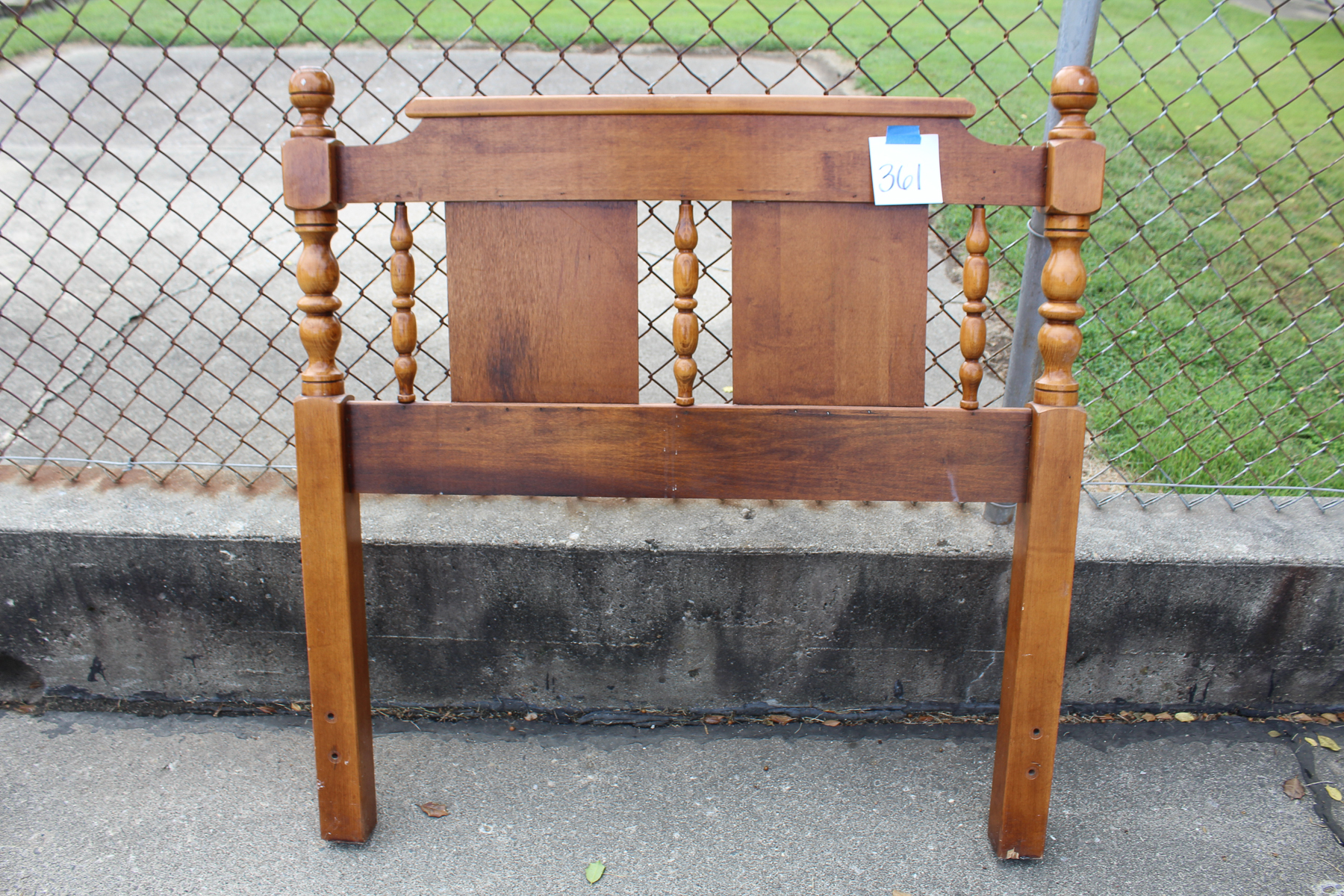
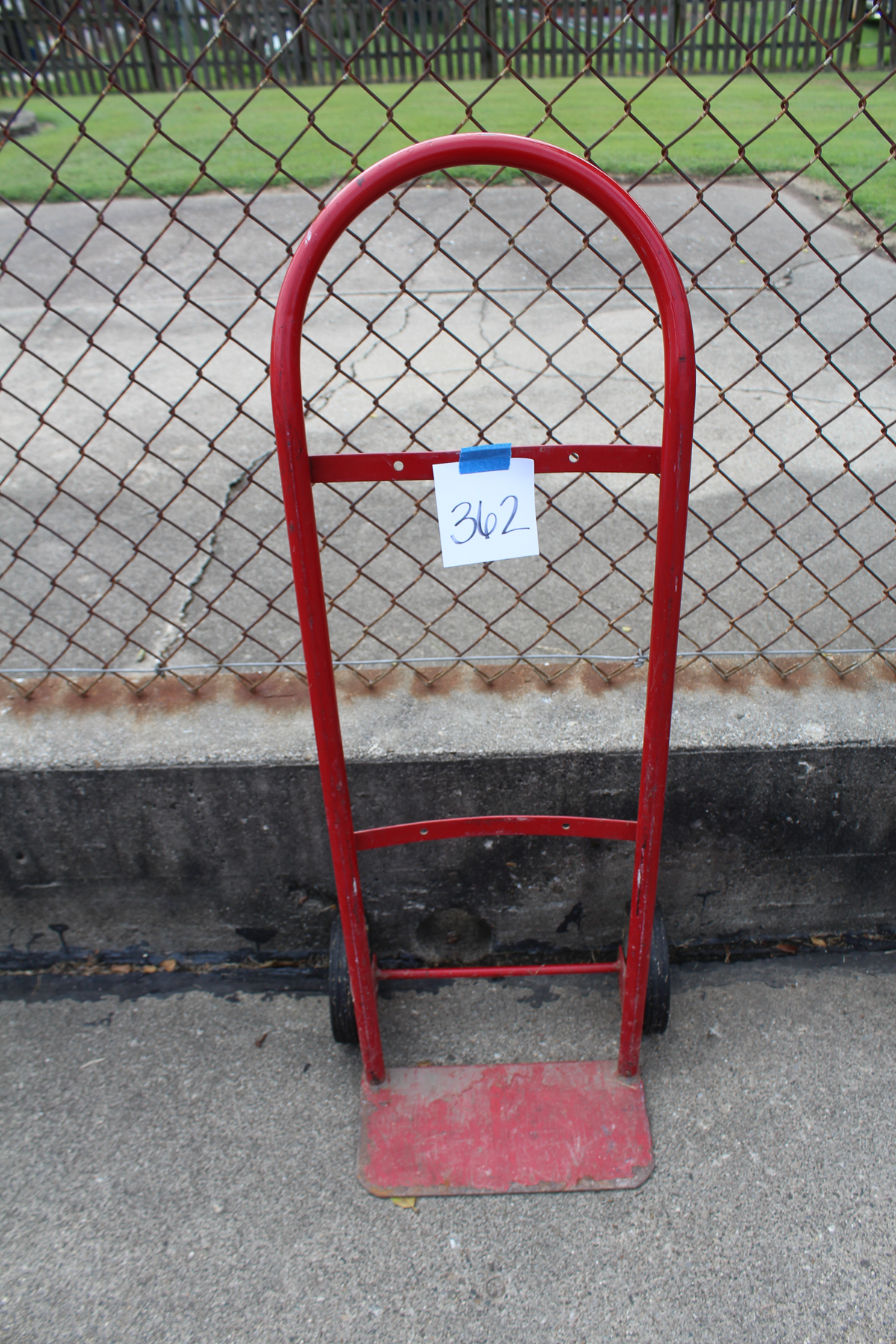
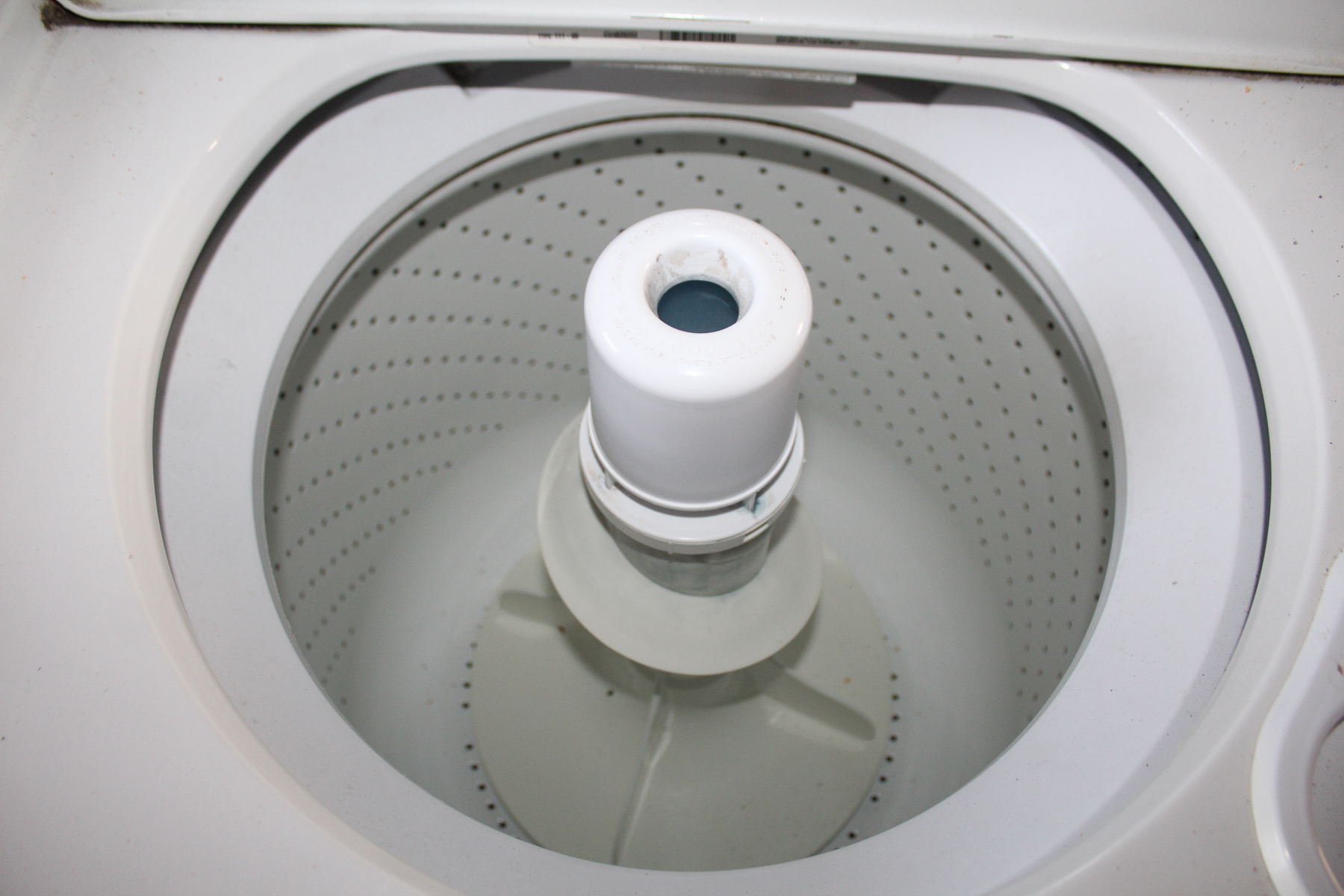
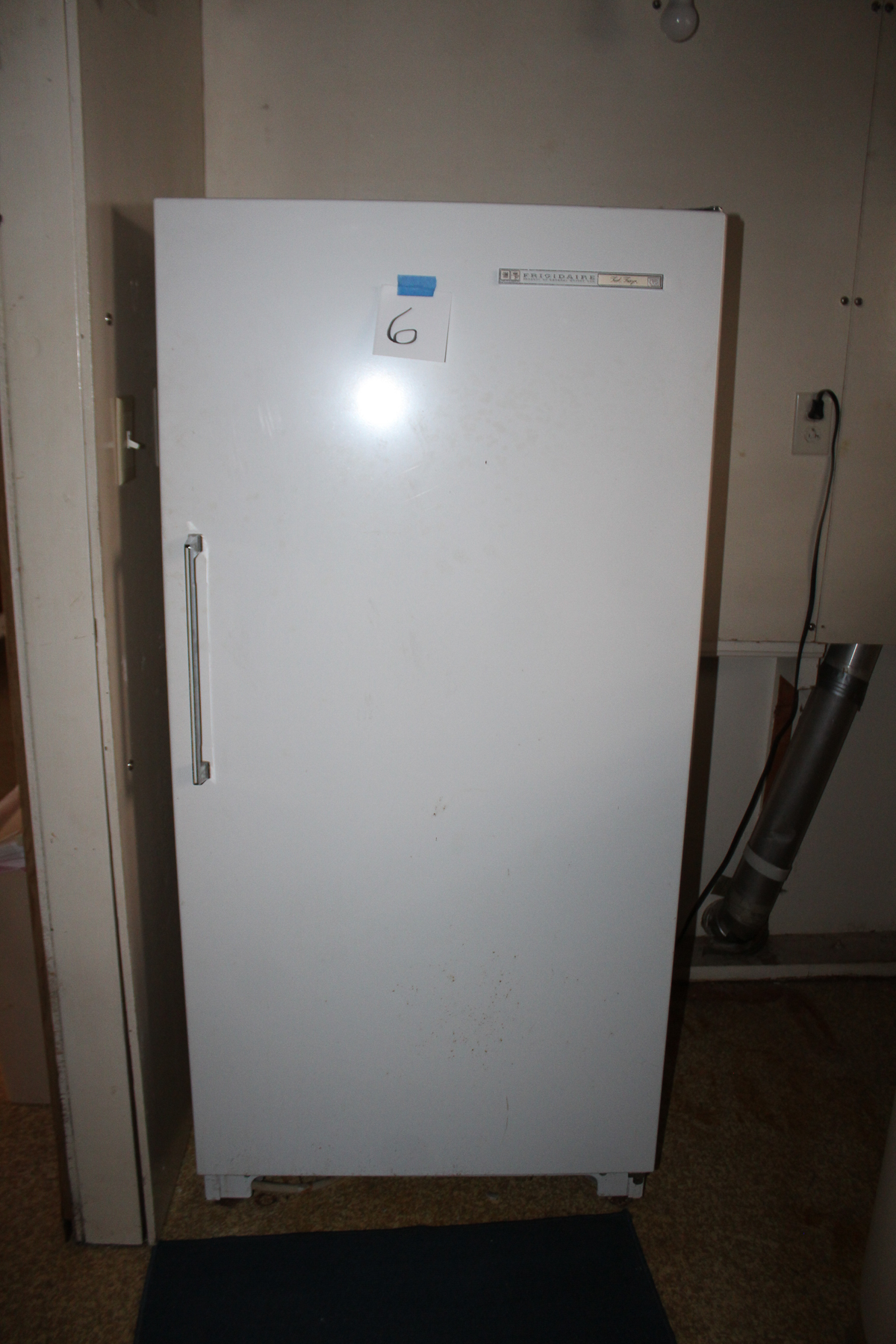
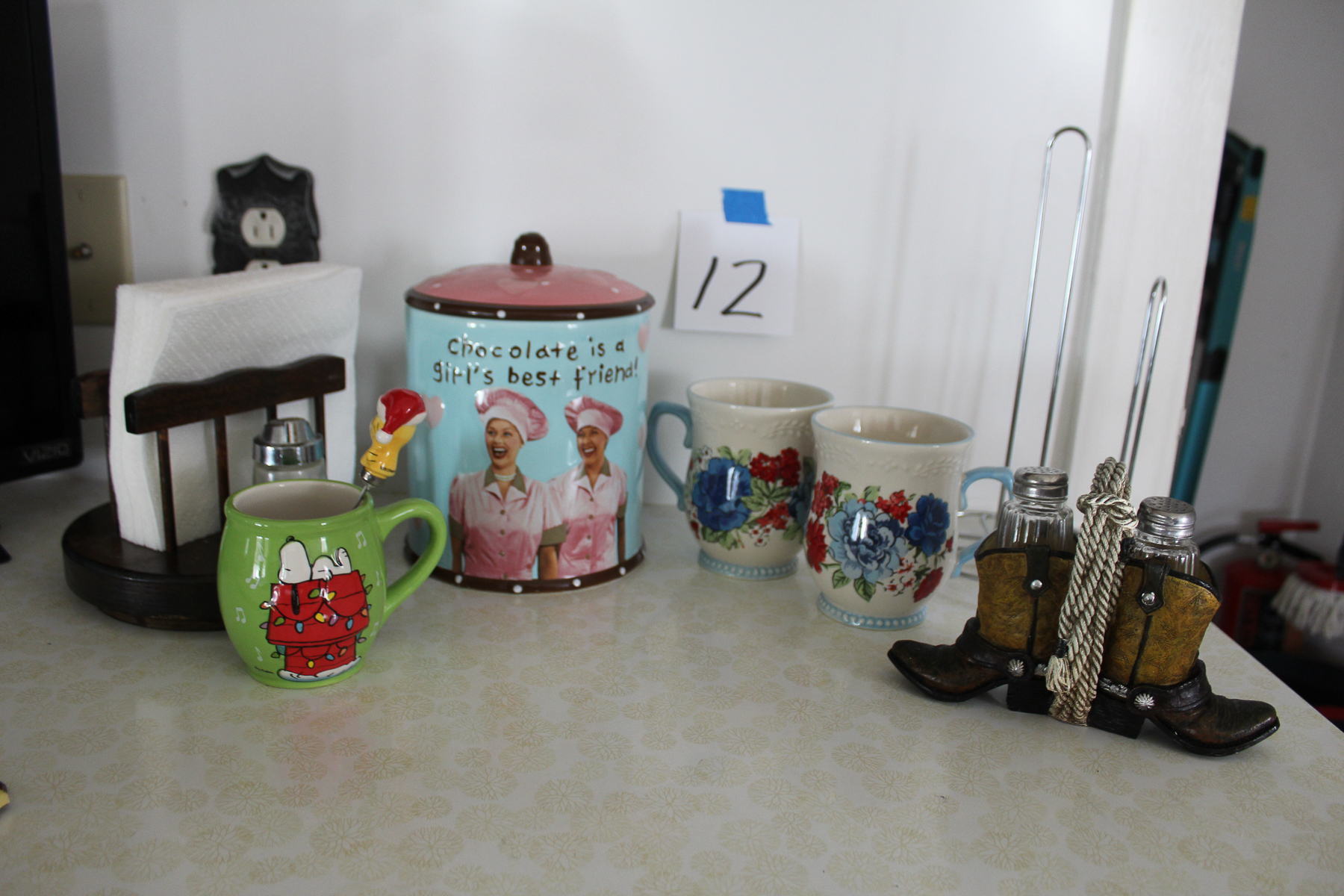
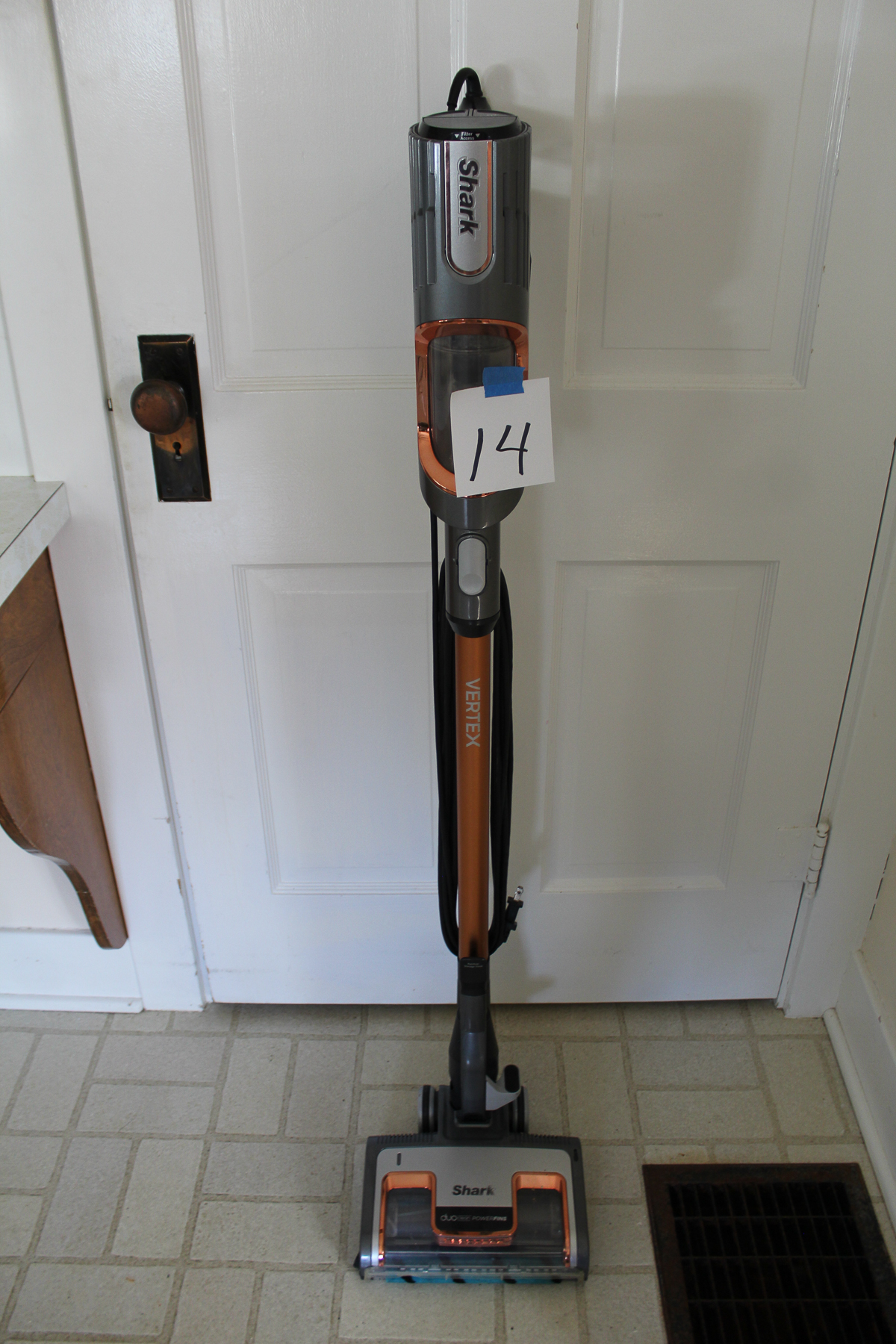
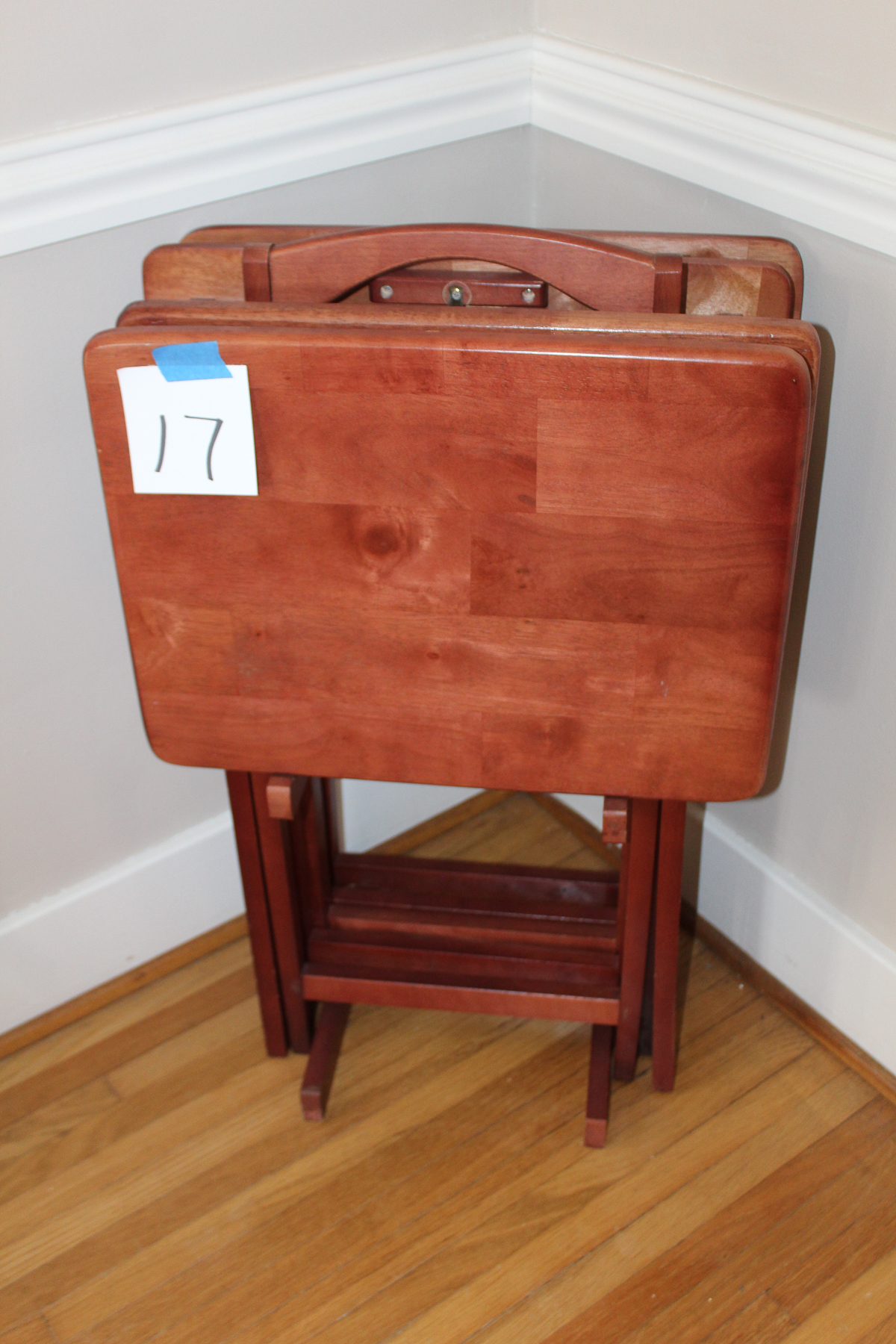
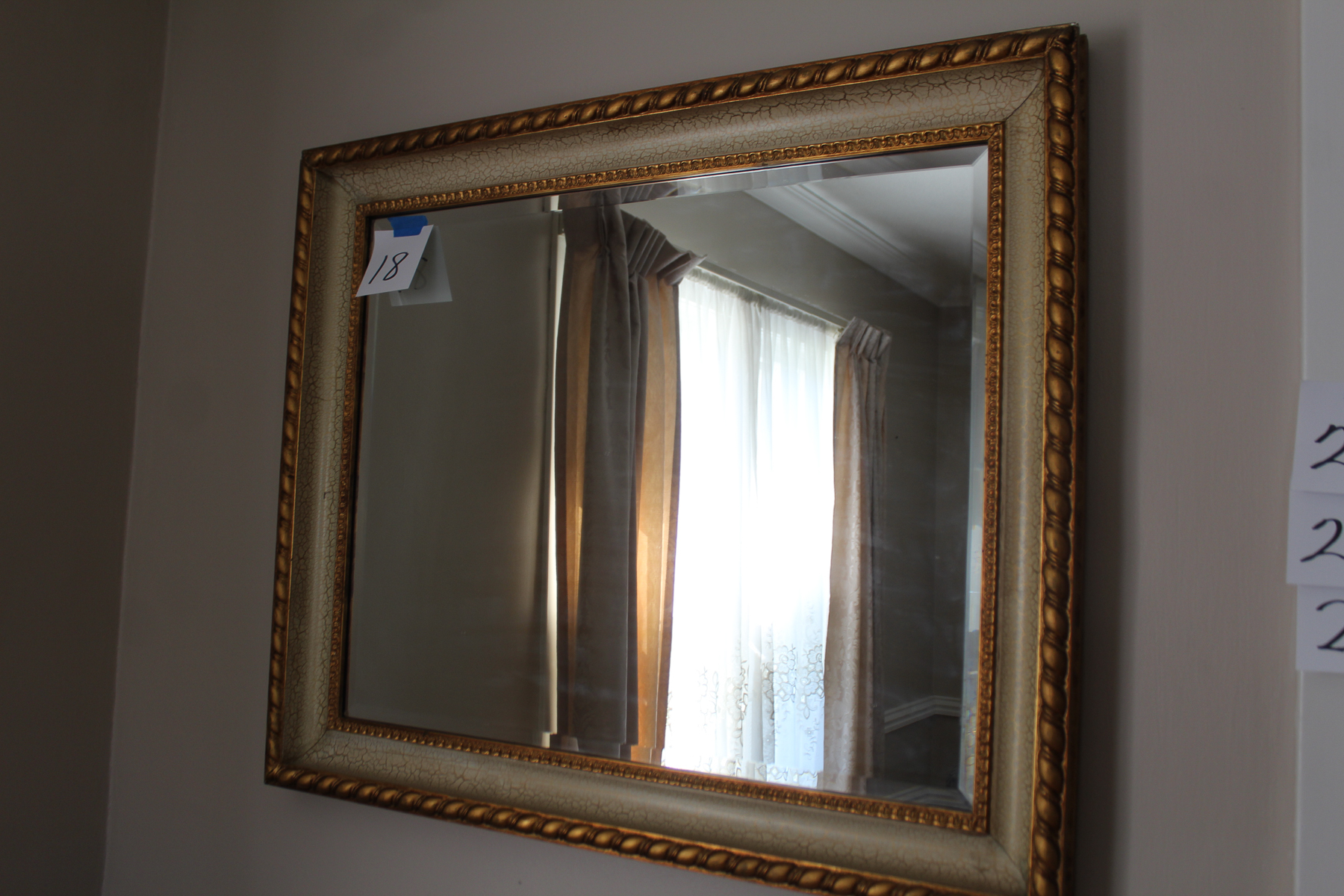
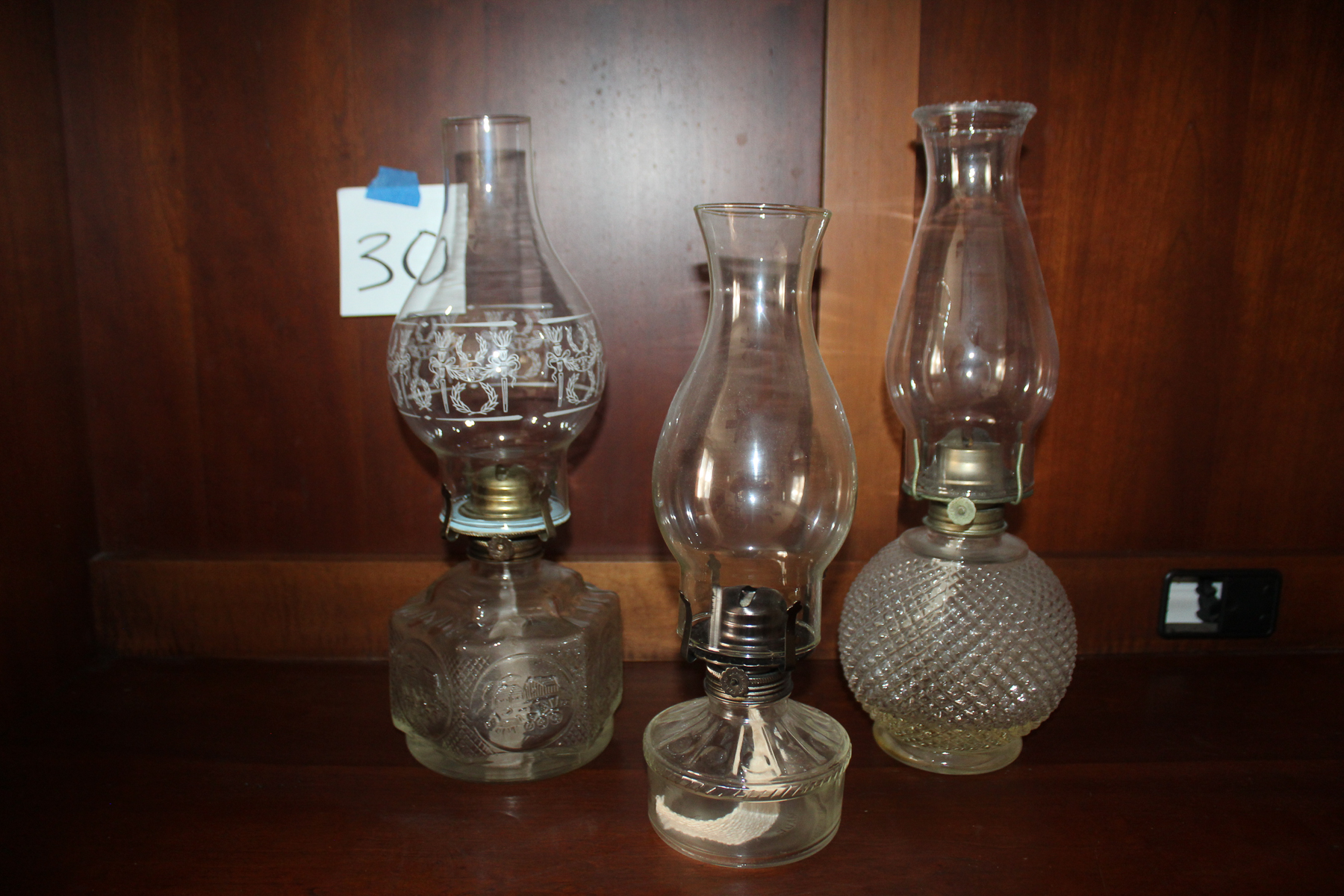
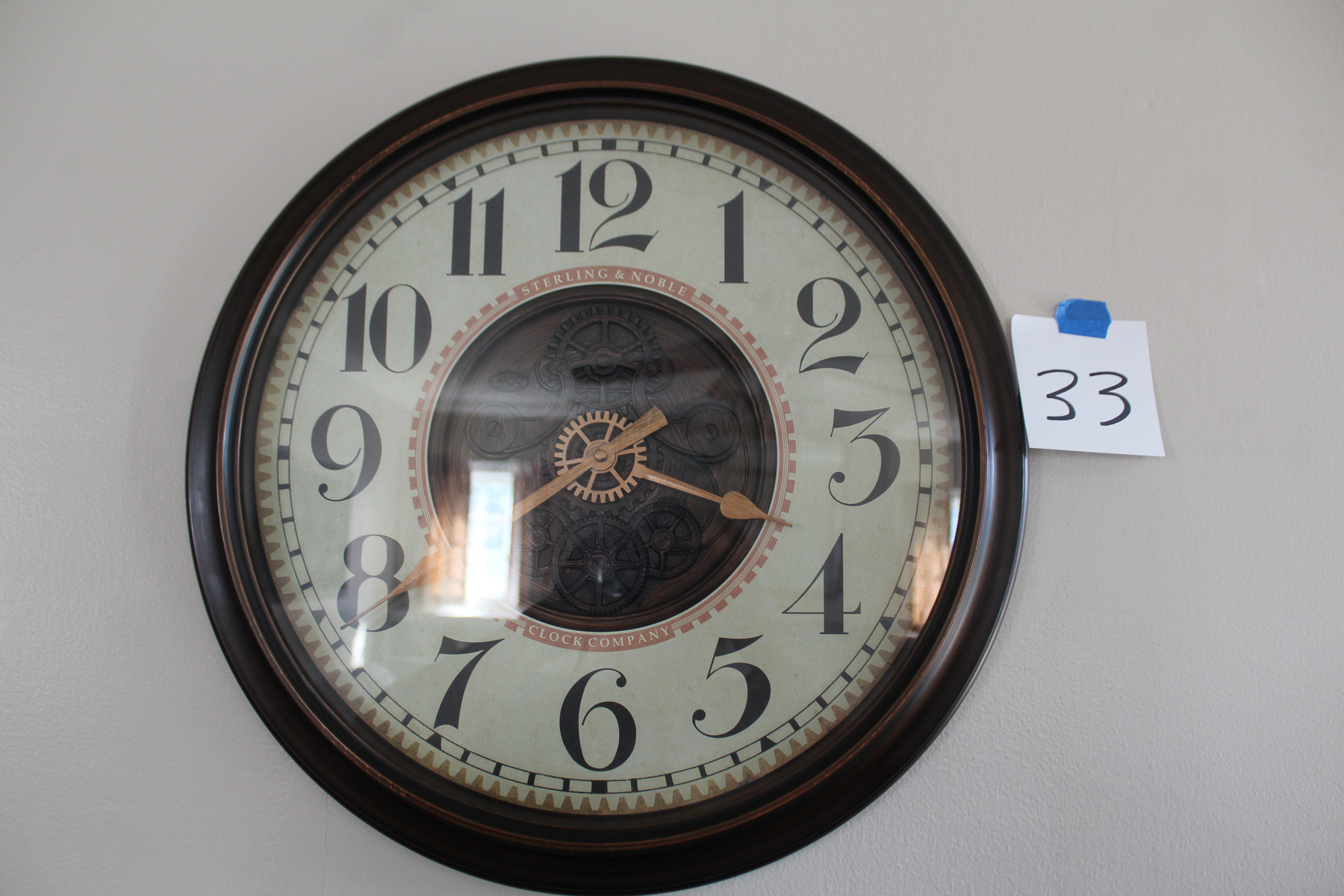
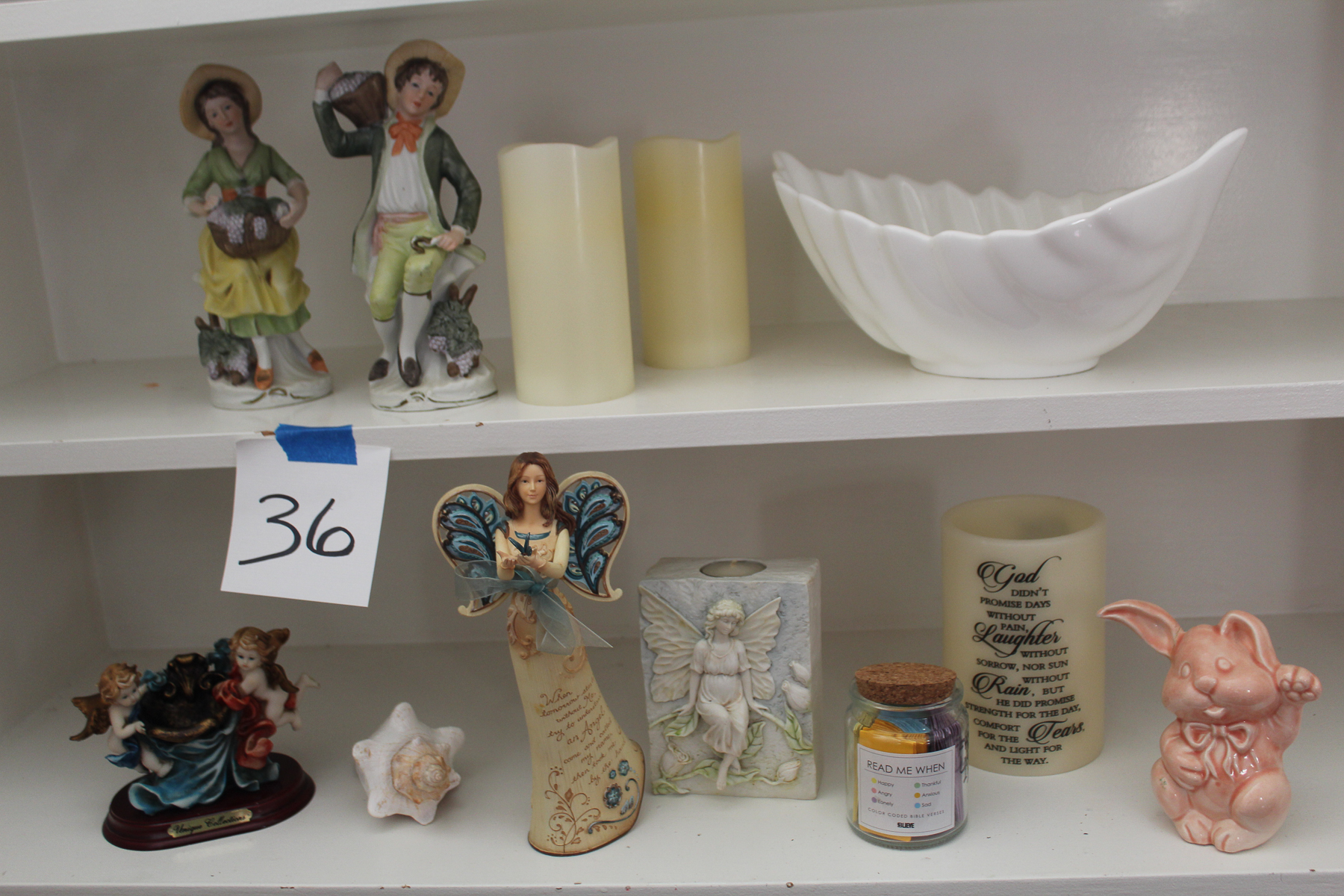
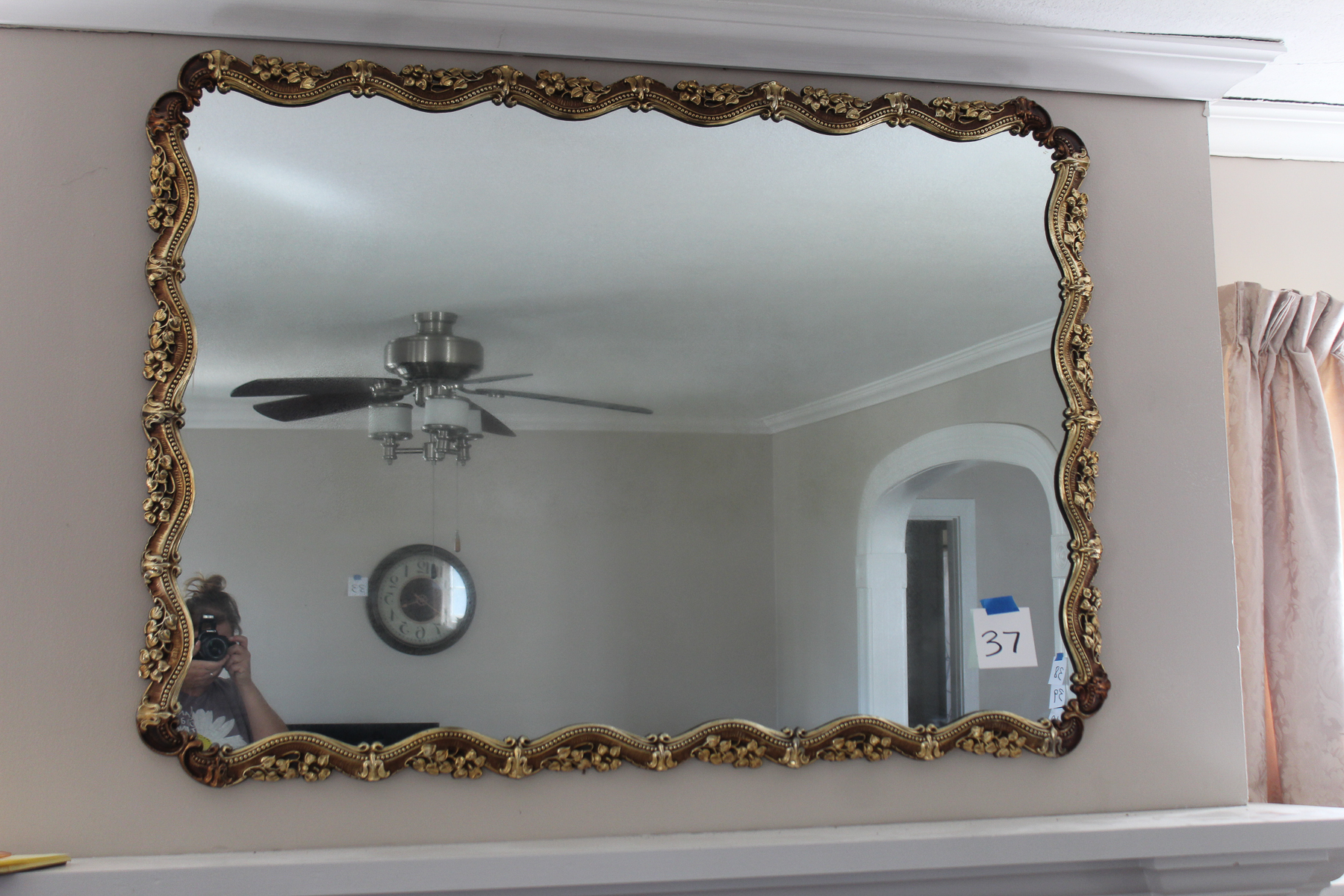
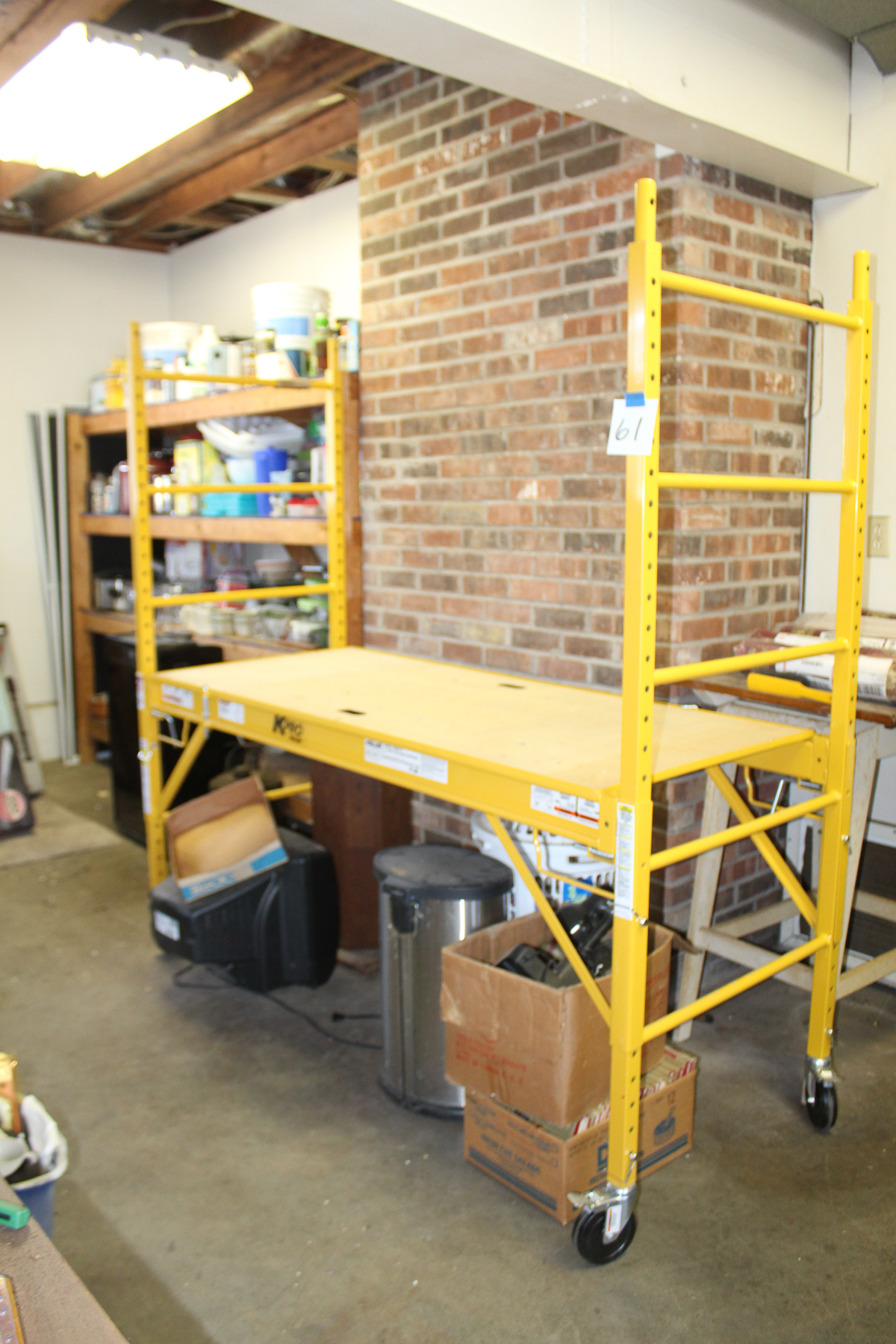
CARGO TRAILER – SCAFFOLDING – TOOLS – BASS PROWLER – LAZBOY FURNITURE – POST OFFICE COLLECTIBLES – DRYWALL LIFT – PADDLE BOAT – FUEL TANK – OVER 390 LOTS!
SELLER: McDaniels Family Estate
Auction Location: 126 N Walnut St., Mt. Carmel, IL
ONLINE BIDDING DATES: Starts: Oct 28, 2026 at 8 AM CDT • Closing NOV 1, 2026 at 7 PM CDT • (soft close)
AUCTION PICKUP: Tuesday, November 3rd, from Noon to 5pm at 126 N Walnut St., Mt. Carmel, IL
- AUCTIONEERS NOTE: A terrific estate auction with something for everyone. Super clean household, with well maintained items. Make sure to see our bidding platform to see all items being sold!
TERMS and HOW TO BID
8% Buyer Premium on all items sold. Items sold as is, where is with all faults, if any. Viewing can be done by calling and scheduling an appointment with the auction company (618-240-5797) Invoices will be sent out the next morning, after the auction’s completion. Bidders may pay onsite by cash, card, or check. Please do not pay invoice online as system will not accept payment. Card purchases carry an additional 3.75% charge on top of bid price and buyer premium. Items in this auction are represented to the best of auction company’s knowledge, and also by the assistance of the seller. It is your responsibility as a bidder to contact the auction company to set up an appointment to inspect the items and bid your judgement accordingly. Items being sold As Is, Where Is.
Guidelines for Signing Up for Mobley and Grant Auctioneers App or Website
APP
- For Android or iPhone (phones or tablets), visit the Google Play Store or Apple Store
- Search for “Mobley and Grant Auctioneers”
- Install or Download the app
- Once installed, click the Mobley and Grant icon on your homescreen
- Once opened, tap the 3 horizontal lines in the corner of your screen for the dropdown box. Tap “Login”
- Tap “Create Account”
- Fill in required info and create a password. Agree to Terms and Conditions and tap “Register”
- You are now a user of the app
Once a user, you now must register for the livestock auction itself. Tap into the livestock auction shown on the “Upcoming Auctions” page, and tap “Register to Bid.”
The system will ask for personal information, as well as a debit or credit card. PLEASE NOTE THAT WE DO NOT CHARGE YOUR CREDIT CARD! It is necessary to obtain this info in order to verify the card is authentic. The system pulls a refundable $1.00 fee to verify the card. The fee is refunded upon approval. You will not be able to bid without entering this info. Please agree to the terms and conditions of the auction, and verify being 18 or older. Once complete, and email is sent to Mobley and Grant for approval, and you may begin bidding once approved.
WEBSITE (www.mobleygrant.com)
- Go to mobleygrant.com
- Click on the heading “Bid Online”
- In the top right hand corner of your screen, click on “Sign Up”
- Fill in required info and create a password. Agree to Terms and Conditions and tap “Sign Up”
Once a user, you now must register for the livestock auction itself. Tap into the livestock auction shown on the “Upcoming Auctions” page, and tap “Register to Bid.”
The system will ask for personal information, as well as a debit or credit card. PLEASE NOTE THAT WE DO NOT CHARGE YOUR CREDIT CARD! It is necessary to obtain this info in order to verify the card is authentic. The system pulls a refundable $1.00 fee to verify the card. The fee is refunded upon approval. You will not be able to bid without entering this info. Please agree to the terms and conditions of the auction, and verify being 18 or older. Once complete, and email is sent to Mobley and Grant for approval, and you may begin bidding once approved.