Raber Farm and Tool Online Auction

5590 County Road 8, Mt. Carmel, IL - Just West of Keensburg off Hwy 8.
Monday August 17, 2026 7:00 pm
Description:
RABER FARM + TOOLS ONLINE AUCTION
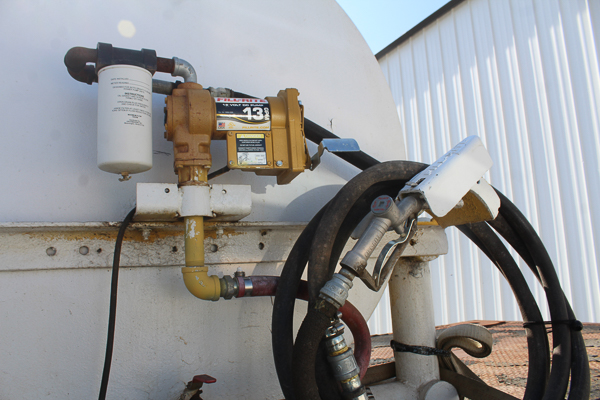
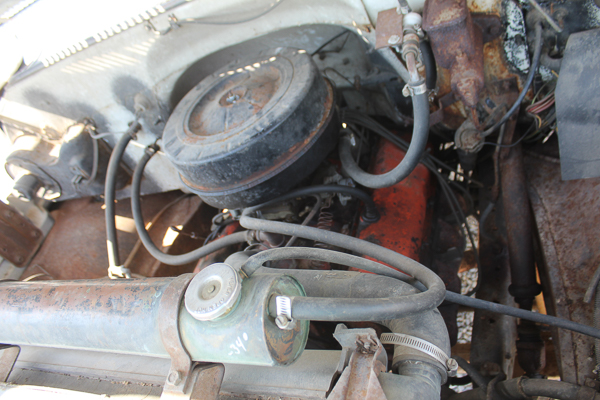
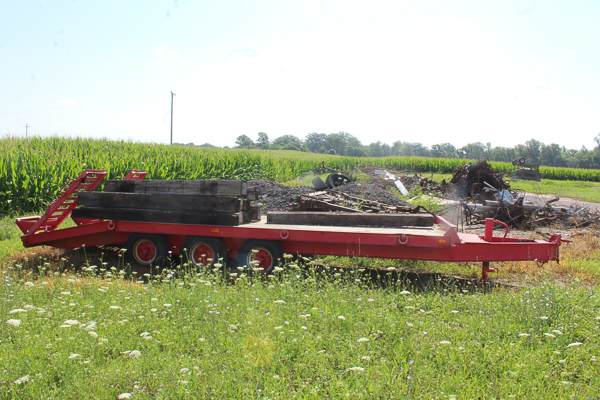
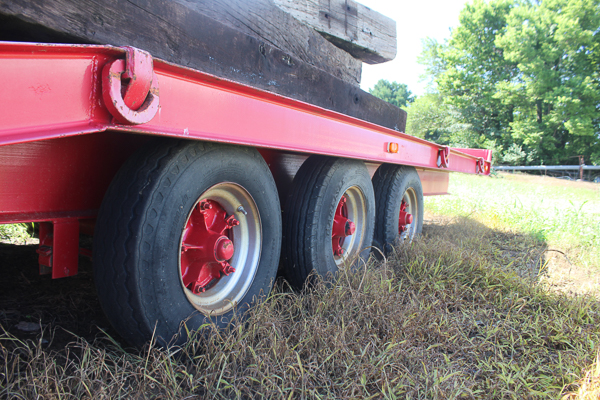
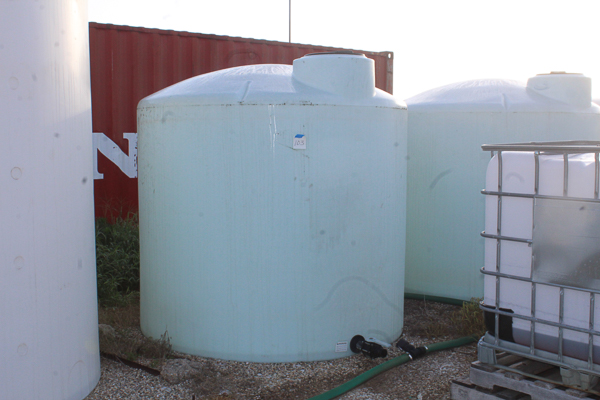
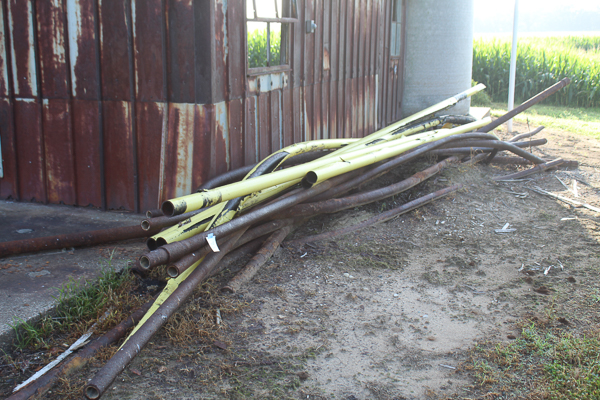
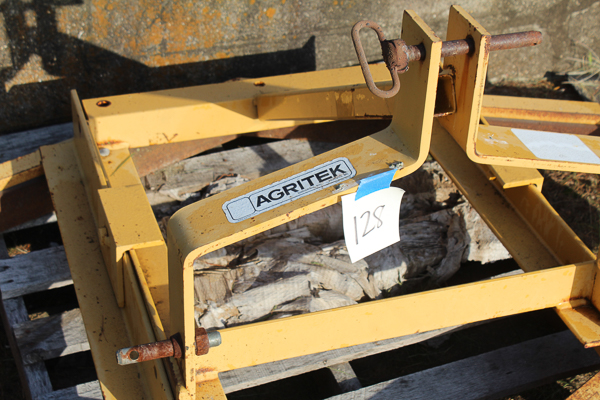
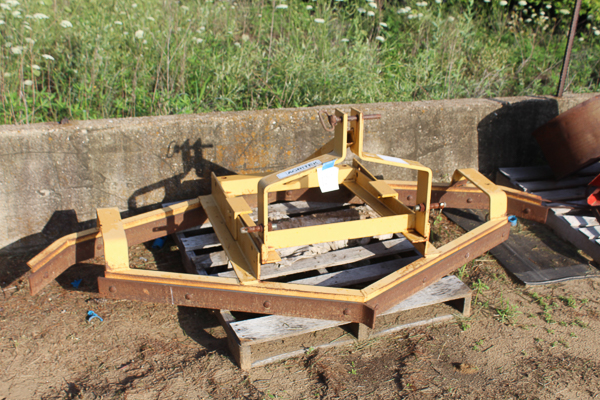
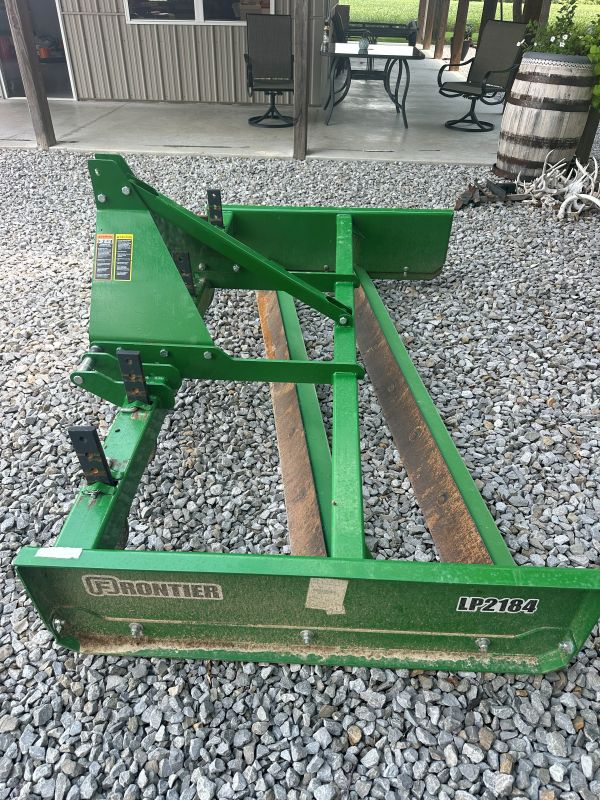
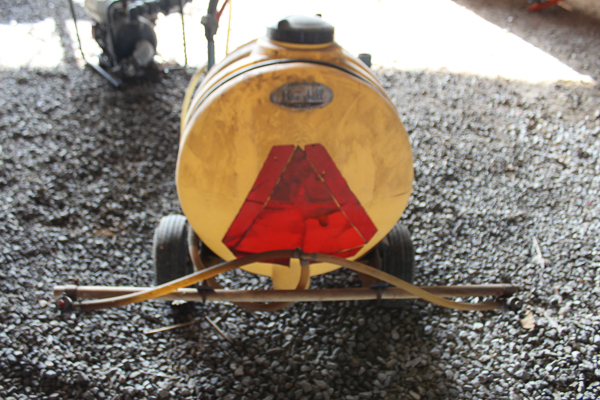
GMC 6500 – 2000 CHEVY 3500 – CLARK FORKLIFT – TRAILERS – TANKS – SNAP ON – TOOLS – FRONTIER LAND LEVEL – SCRAP IRON – AND MUCH MORE!
SELLER: Kevin Raber
SEE BELOW FOR DIRECTIONS ON HOW TO REGISTER
live.mobleygrant.com or by downloading our app on your Apple or Google Play Stores
Auction Location: 5590 County Road 8, Mt. Carmel, IL – Just West of Keensburg off Hwy 8
ONLINE BIDDING DATES: Monday, August 10th at 8AM thru Monday, August 17th at 7pm
AUCTION PICKUP: Wednesday, August 19th from 8:30AM – 1PM at 5590 County Road 8, Mt. Carmel, IL – Just West of Keensburg off Hwy 8
AUCTION HIGHLIGHTS
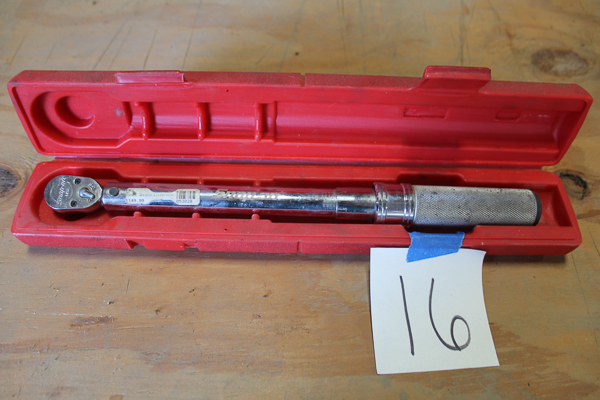
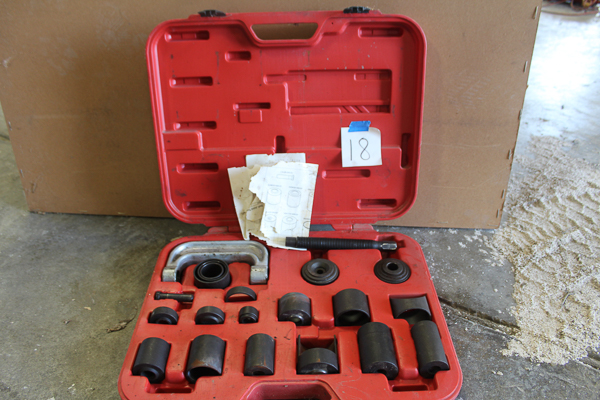
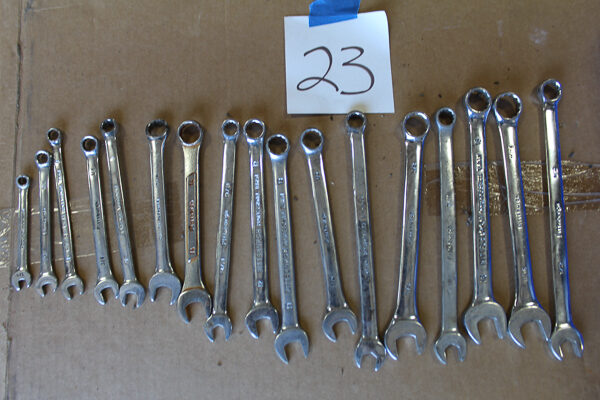
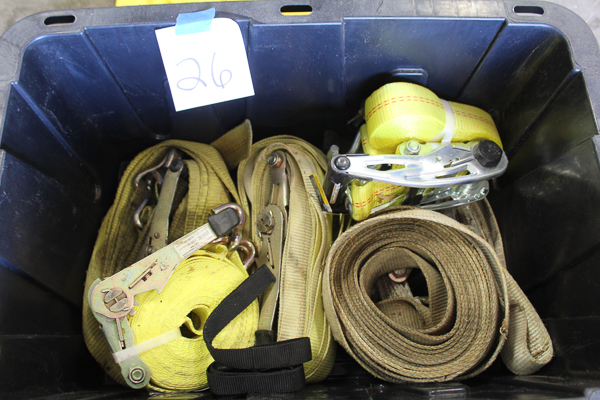
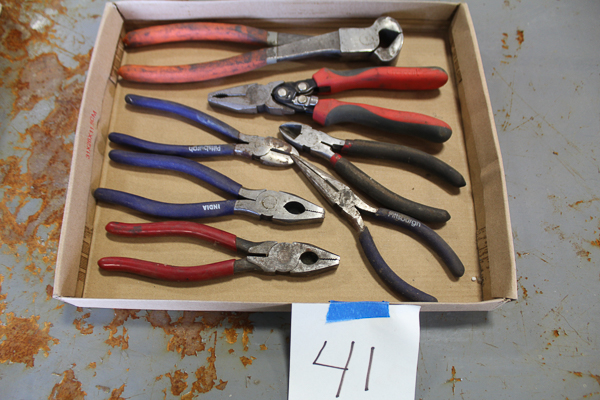
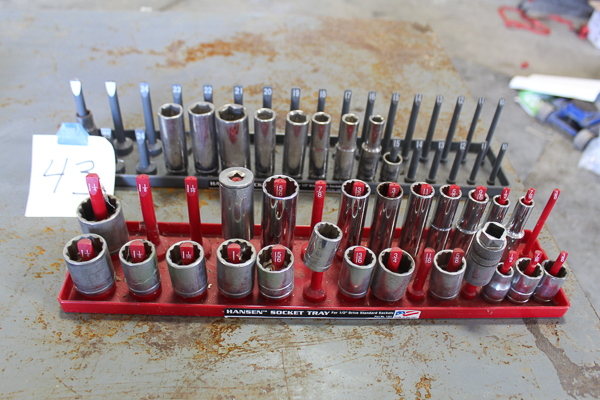
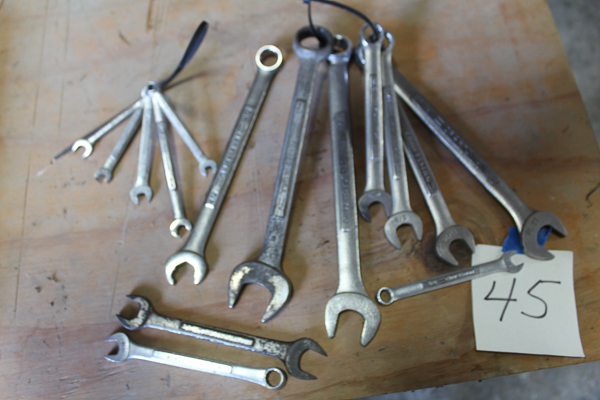
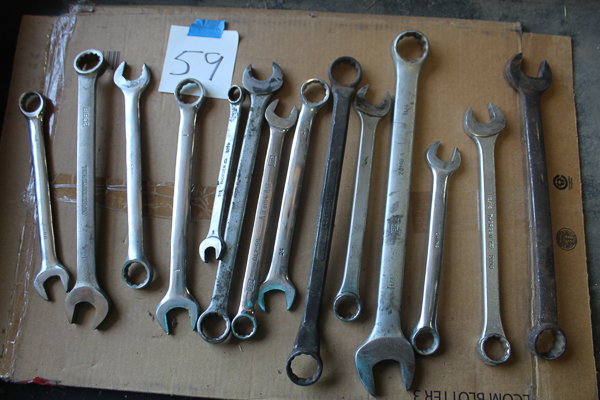
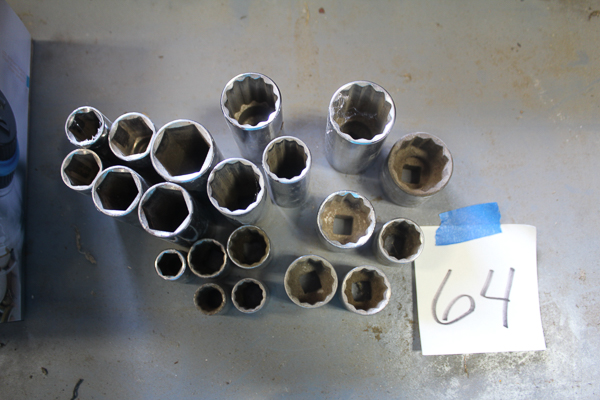
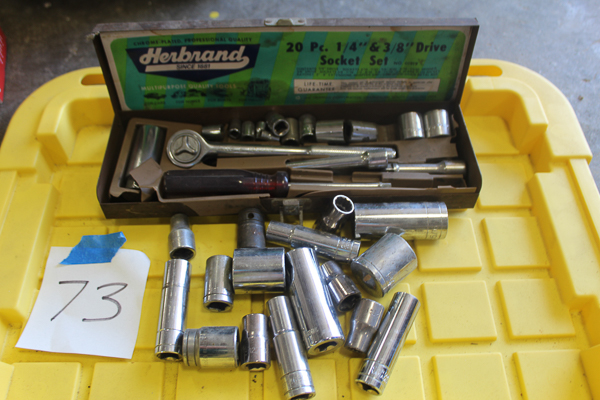
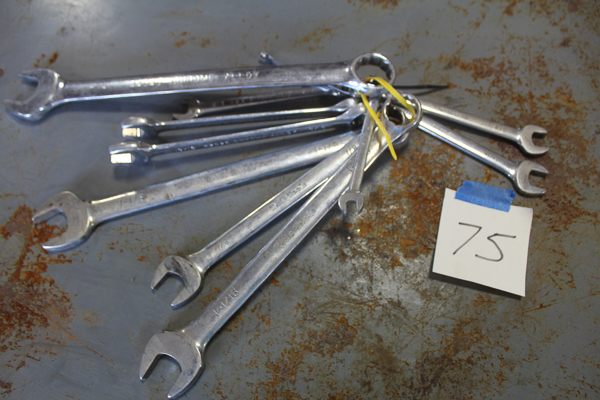
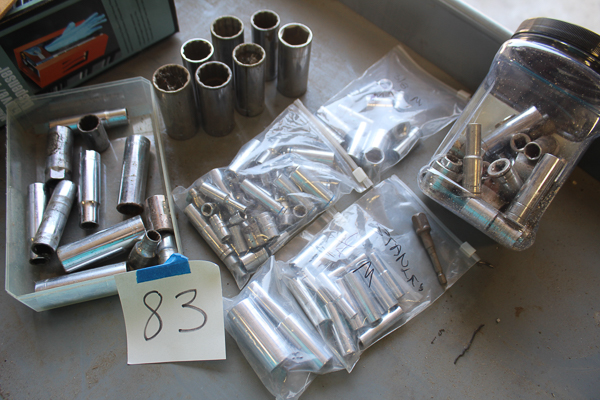
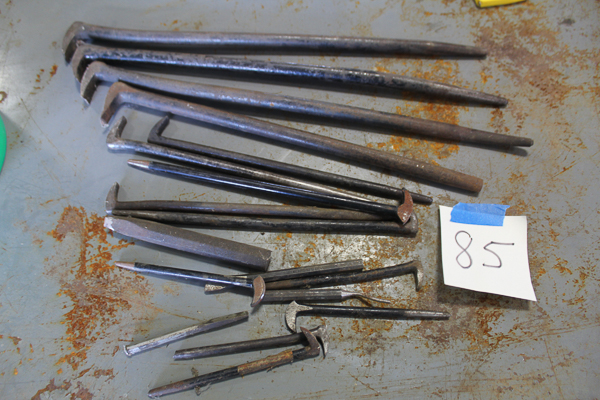
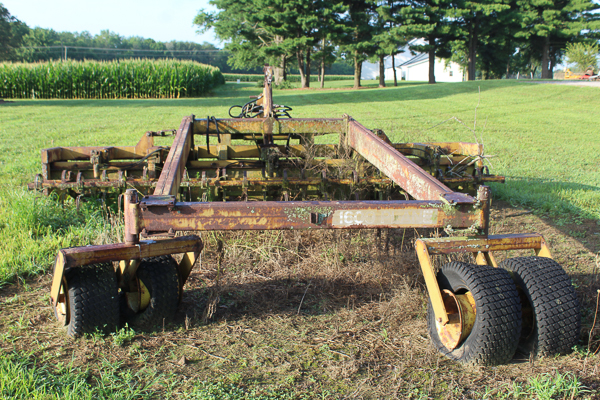
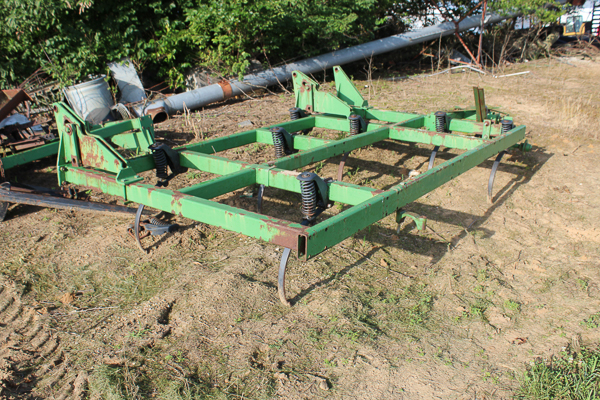
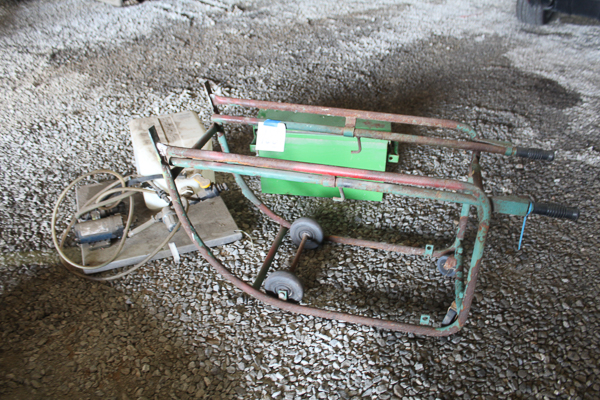
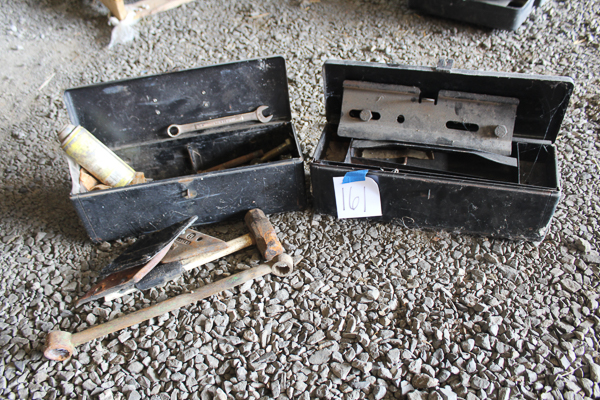
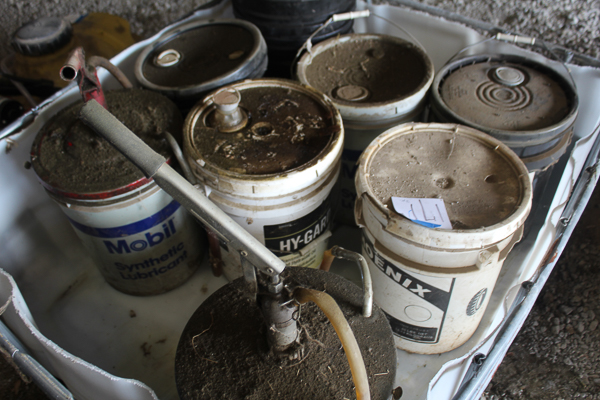
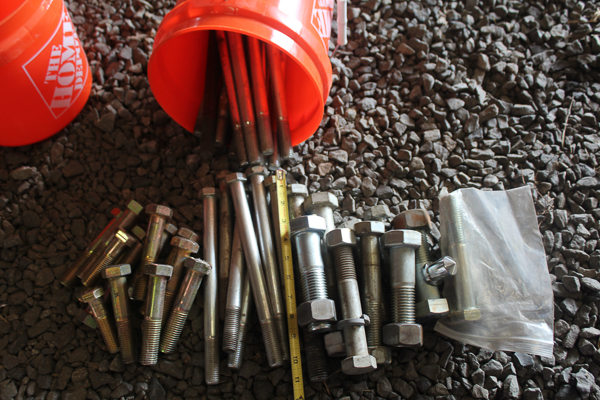
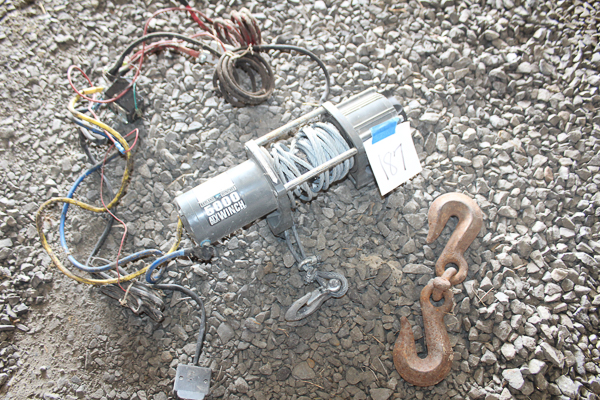
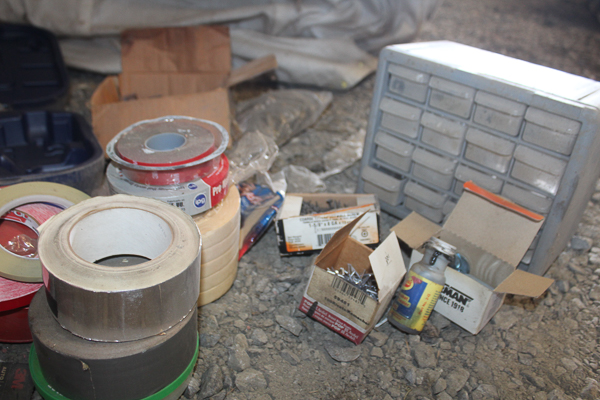
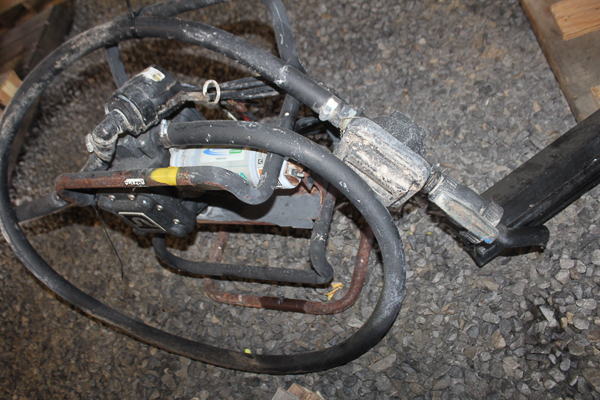
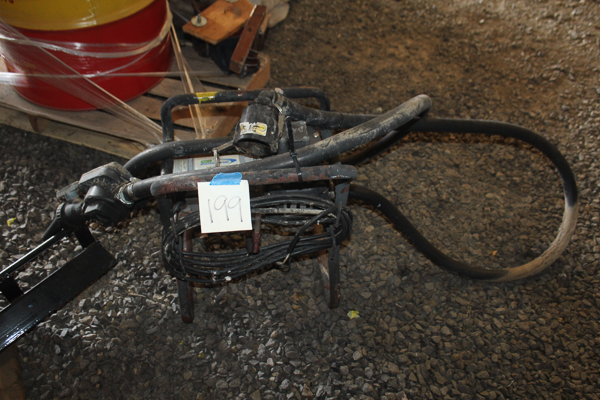
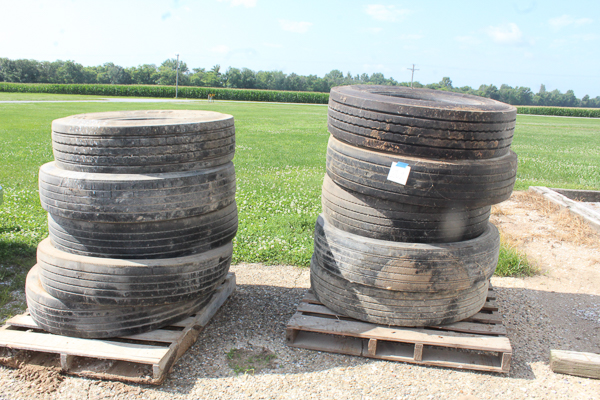
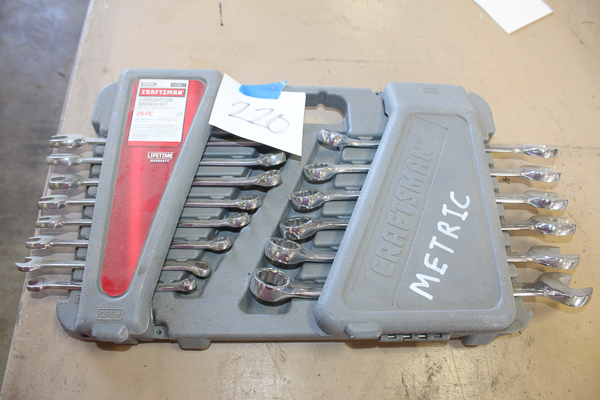
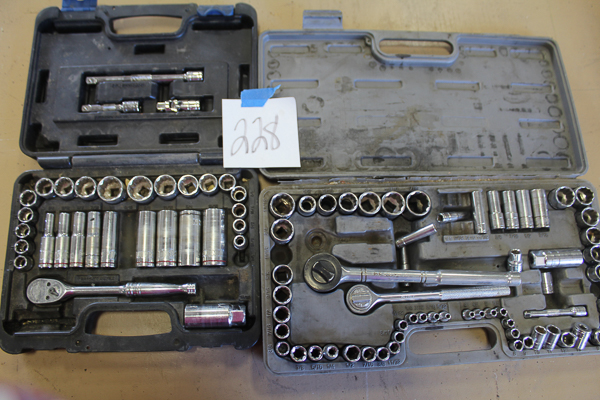
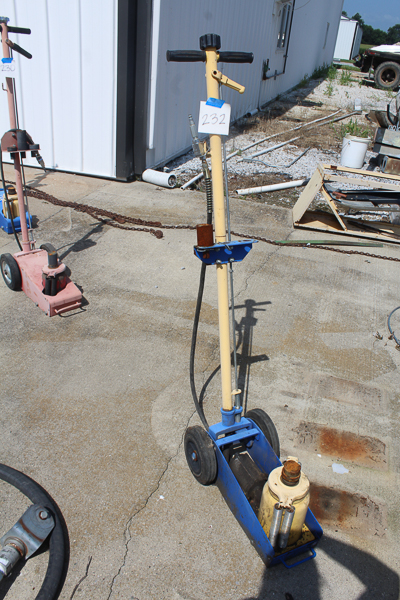
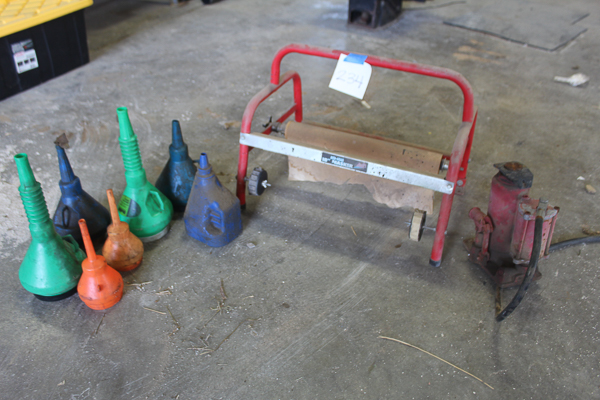
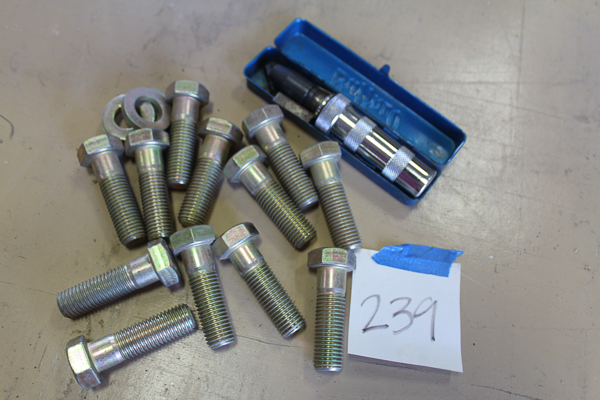
1970’s GMC 6500 – 2000 Chevy 3500 – Clark Forklift – Xtreme Power Children’s Dirtbike – (2) Trailers – Drill Press – Motor Hoist – Over 100 lots of tools including Snap On Torque wrenches, MAC, Dewalt, Craftsman, and more – Frontier Land Level, like new – Shop supplies and hardware – Loads of Scrap Iron – Scale Platforms and Digital – Multiple fuel and water tanks – Older farm implements – Bulk Bag handler – Water Pumps – Truck Tires – Tool Boxes – Chemical Pumps – Stihl Polesaw – Lincoln Welder – Heaters – Hoists – Jacks – Electric pallet jack – SUKUP Unloader – Over 240 Lots!!
TERMS and HOW TO BID
8% Buyer Premium on all items sold. Items sold as is, where is with all faults, if any. Viewing can be done by calling and scheduling an appointment with the auction company (618-240-5797). Some items are being sold subject to seller approval. Reserves will be lifted and the bidders will be informed when reserve has been met. Day of pickup will have onsite equipment for loading certain pieces in the auction. Invoices will be sent out the next morning, after the auction’s completion. Bidders may pay onsite by cash, card, or check. Please do not pay invoice online as system will not accept payment. Card purchases carry an additional 3.75% charge on top of bid price and buyer premium. Items in this auction are represented to the best of auction company’s knowledge, and also by the assistance of the seller. It is your responsibility as a bidder to contact the auction company to set up an appointment to inspect the items and bid your judgement accordingly. Items being sold As Is, Where Is.
Guidelines for Signing Up for Mobley and Grant Auctioneers App or Website
APP
- For Android or iPhone (phones or tablets), visit the Google Play Store or Apple Store
- Search for “Mobley and Grant Auctioneers”
- Install or Download the app
- Once installed, click the Mobley and Grant icon on your homescreen
- Once opened, tap the 3 horizontal lines in the corner of your screen for the dropdown box. Tap “Login”
- Tap “Create Account”
- Fill in required info and create a password. Agree to Terms and Conditions and tap “Register”
- You are now a user of the app
Once a user, you now must register for the livestock auction itself. Tap into the livestock auction shown on the “Upcoming Auctions” page, and tap “Register to Bid.”
The system will ask for personal information, as well as a debit or credit card. PLEASE NOTE THAT WE DO NOT CHARGE YOUR CREDIT CARD! It is necessary to obtain this info in order to verify the card is authentic. The system pulls a refundable $1.00 fee to verify the card. The fee is refunded upon approval. You will not be able to bid without entering this info. Please agree to the terms and conditions of the auction, and verify being 18 or older. Once complete, and email is sent to Mobley and Grant for approval, and you may begin bidding once approved.
WEBSITE (www.mobleygrant.com)
- Go to mobleygrant.com
- Click on the heading “Bid Online”
- In the top right hand corner of your screen, click on “Sign Up”
- Fill in required info and create a password. Agree to Terms and Conditions and tap “Sign Up”
Once a user, you now must register for the livestock auction itself. Tap into the livestock auction shown on the “Upcoming Auctions” page, and tap “Register to Bid.”
The system will ask for personal information, as well as a debit or credit card. PLEASE NOTE THAT WE DO NOT CHARGE YOUR CREDIT CARD! It is necessary to obtain this info in order to verify the card is authentic. The system pulls a refundable $1.00 fee to verify the card. The fee is refunded upon approval. You will not be able to bid without entering this info. Please agree to the terms and conditions of the auction, and verify being 18 or older. Once complete, and email is sent to Mobley and Grant for approval, and you may begin bidding once approved.